ASSIGNING ALARM GROUPS
VF6 Infinity Vista 5-11
Assigning Alarm Groups
If a monitor is part of the Infinity network, alarm messages from other networked
monitors appear in the message area at the bottom of the screen (i.e. BED 20: ECG
Leads Off). In order to limit the number of messages from remote bedside monitor,
you can group bedside monitors into separate alarm groups so that only messages
from monitors within the same alarm group are shared. If you do not want to display
any remote alarm message at a particular bedside monitor, place that monitor in its
own alarm group.
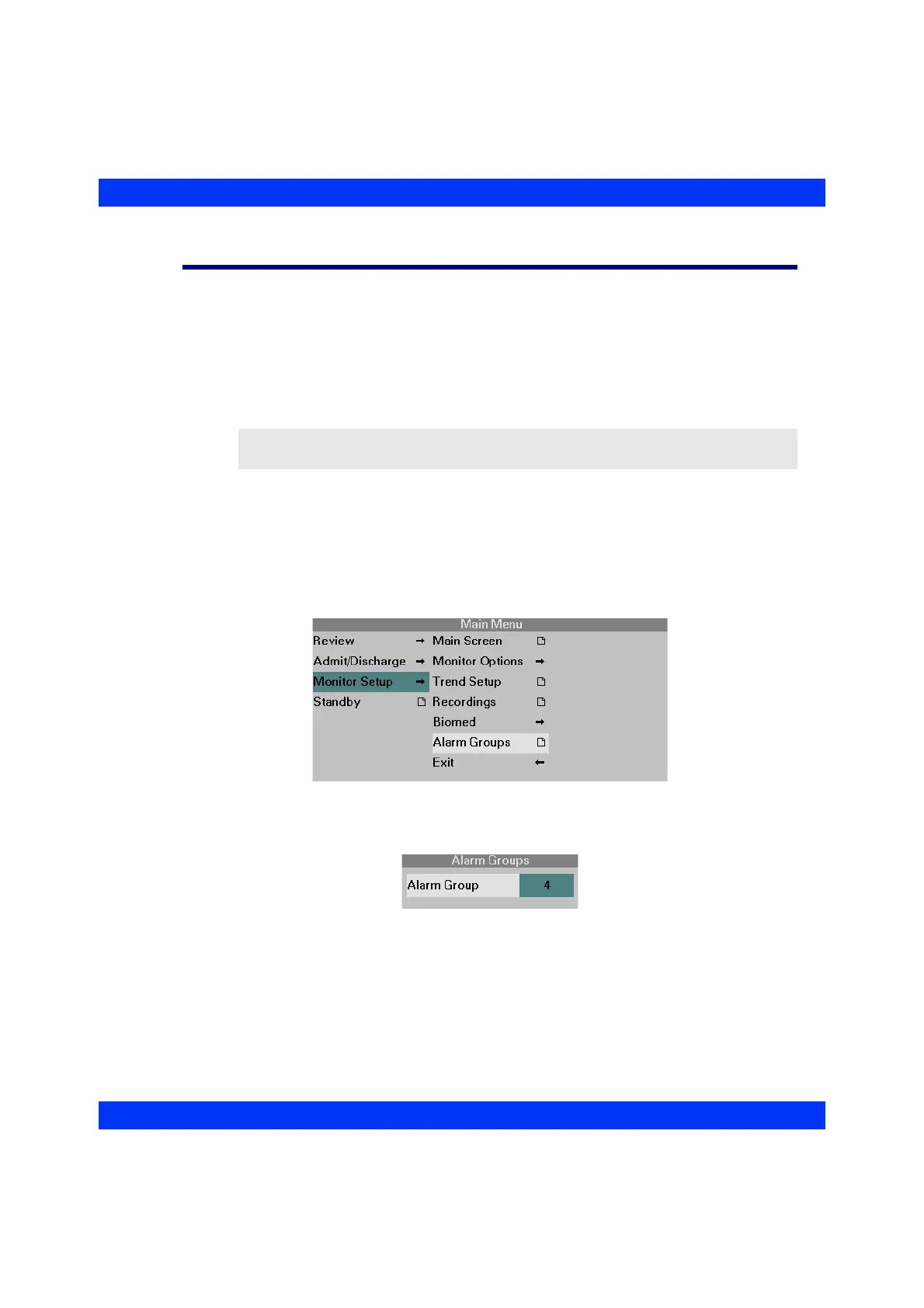
STEPS: Assigning Alarm Groups
1. Press the Menu fixed key.
2. Click on
Monitor Setup.
3. Click on
Alarm Groups.
4. Click the knob, dial in the number of the desired alarm group, and click the
knob again.
CAUTION: The user must confirm at each individual bedside that the monitor is
assigned to the desired alarm group.











 To Next Page