1-16 Infinity Vista VF6
1 OVERVIEW
Menus
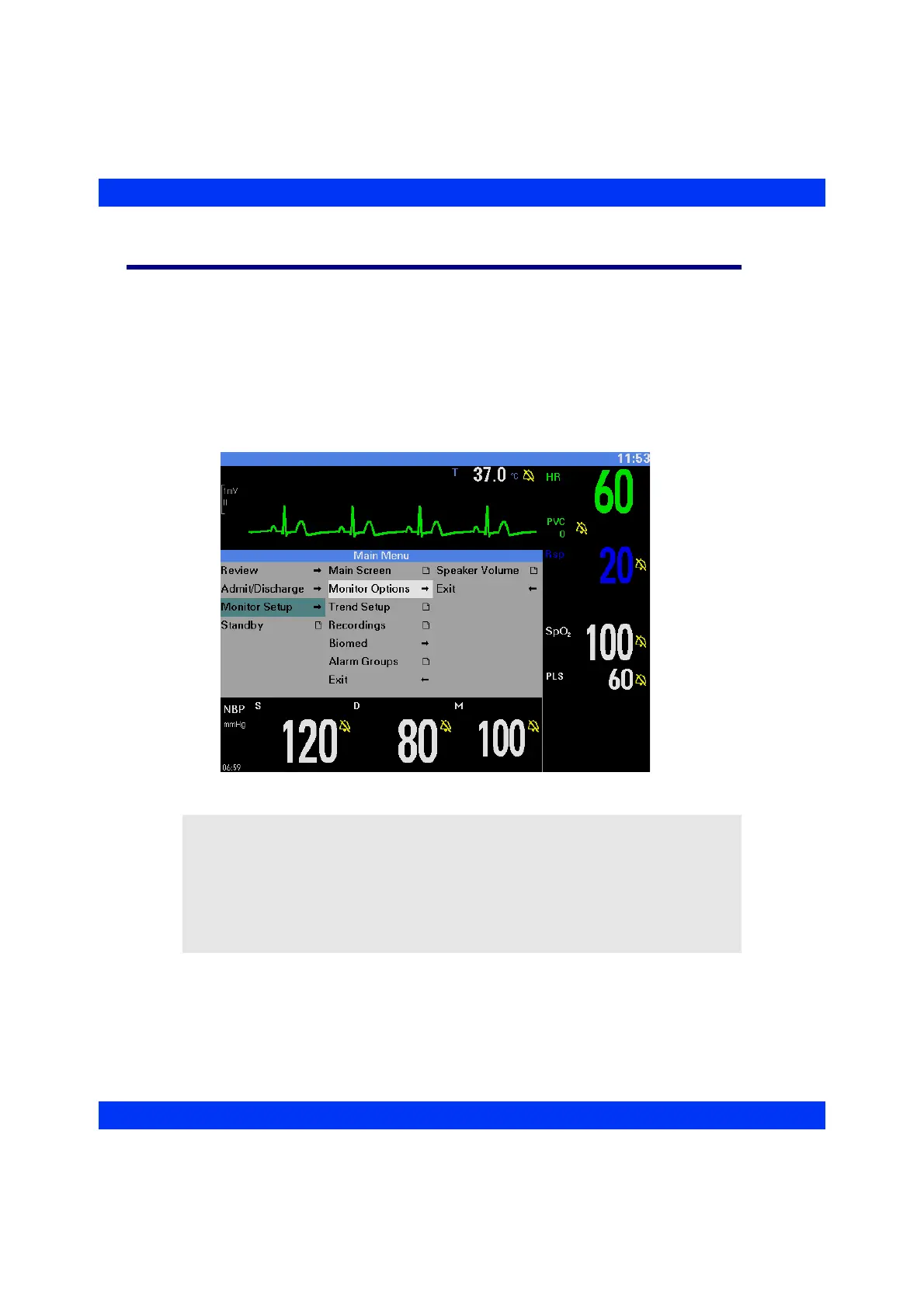
Menus provide easy access to monitoring functions, including:
z Initial monitor and system setup.
z The setting of alarm functions.
z The setting of monitoring options for each parameter.
Menus are displayed in the waveform area. Use the rotary knob or a fixed key to
access menus. A complete menu tree is shown at the end of this chapter.
NOTE:
z Some menu items are only available, if the corresponding monitoring function
has been enabled/selected (i.e. full arrhythmia monitoring, invasive blood
pressure monitoring).
z Parameter boxes for invasive blood pressure (IBP) show the labels ART, PA,
CVP, ICP or a generic pressure label (GP1 or GP2); see the chapter Invasive
Blood Pressure.











 To Next Page