CARE UNIT AND BED LABEL ASSIGNMENTS
VF6 Infinity Vista 3-5
Care Unit and Bed Label Assignments
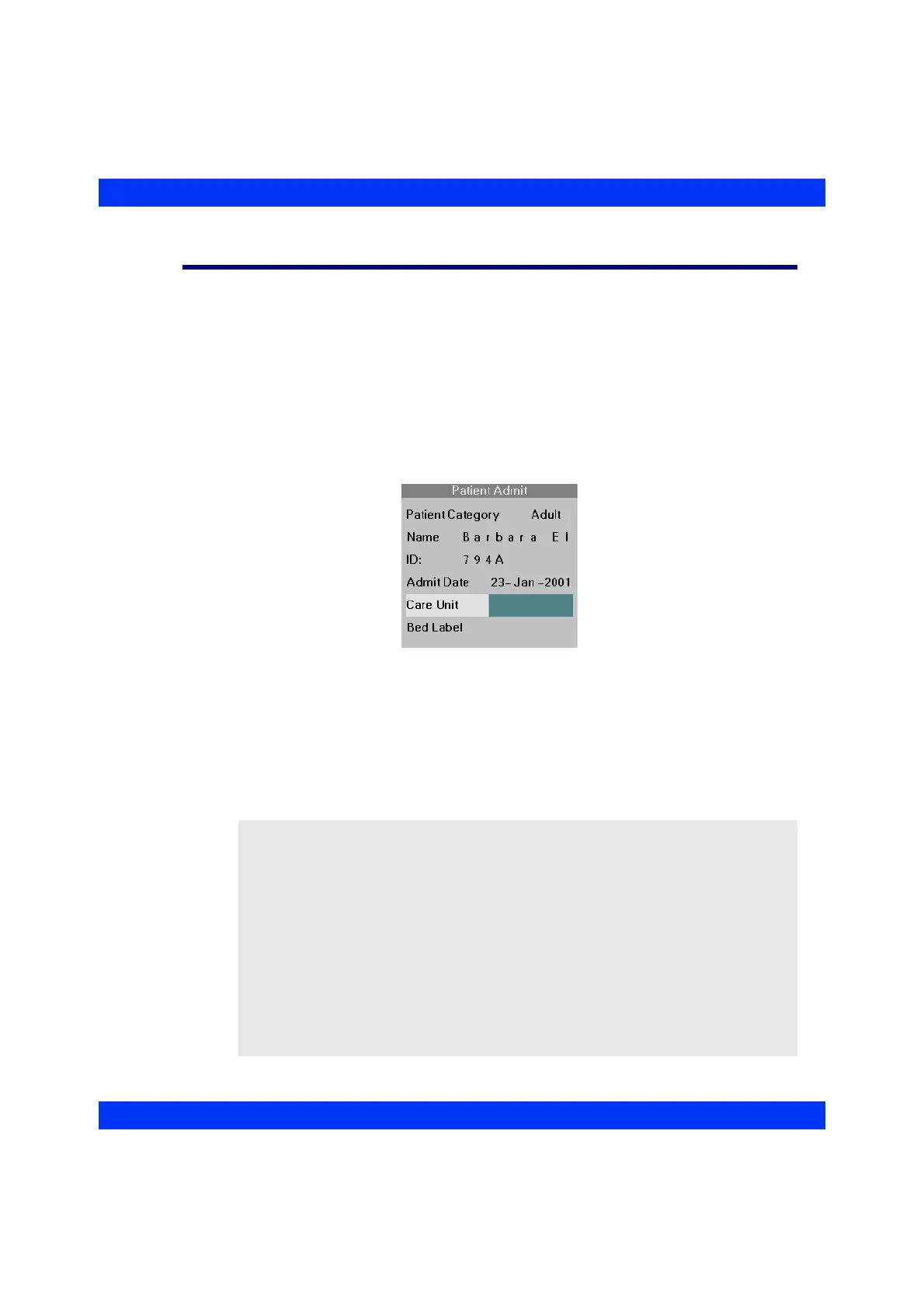
If the wireless network has a central station, you can enter the monitor’s Care Unit and
Bed Label assignments in the Patient Admit menu.
STEPS: Selecting Care Unit and Bed Label
1. Press the Menu fixed key.
2. Click on
Admit/Discharge.
3. Click on
Patient Admit.
4. Click on
Care Unit.
5. Dial in the desired care unit from the list of available choices and click the
knob.
6. Click on
Bed Label.
7. Dial in the desired bed label from the list of available choices and click the
knob.
NOTE:
z A Care Unit is a group of bedside monitors with the same hospital-assigned
identification (i.e. CCU, ICU). The name of a Care Unit must be unique within
the Infinity network configuration.
z Always select the care unit before selecting the bed label, because the Bed
Label menu only lists bedside monitors located in the selected care unit.
z After turning the monitor on, it receives a list of available care units and bed
labels from the central station. If this list is not immediately available in the
monitor’s Patient Admit menu, wait until the list has been fully transmitted.
z The overall list of available care units and bed labels is established during
network installation. If you cannot find the desired care unit or bed label as a
menu choice, contact your Biomed or DrägerService.











 To Next Page