3-4 Infinity Vista VF6
3 NETWORK APPLICATIONS
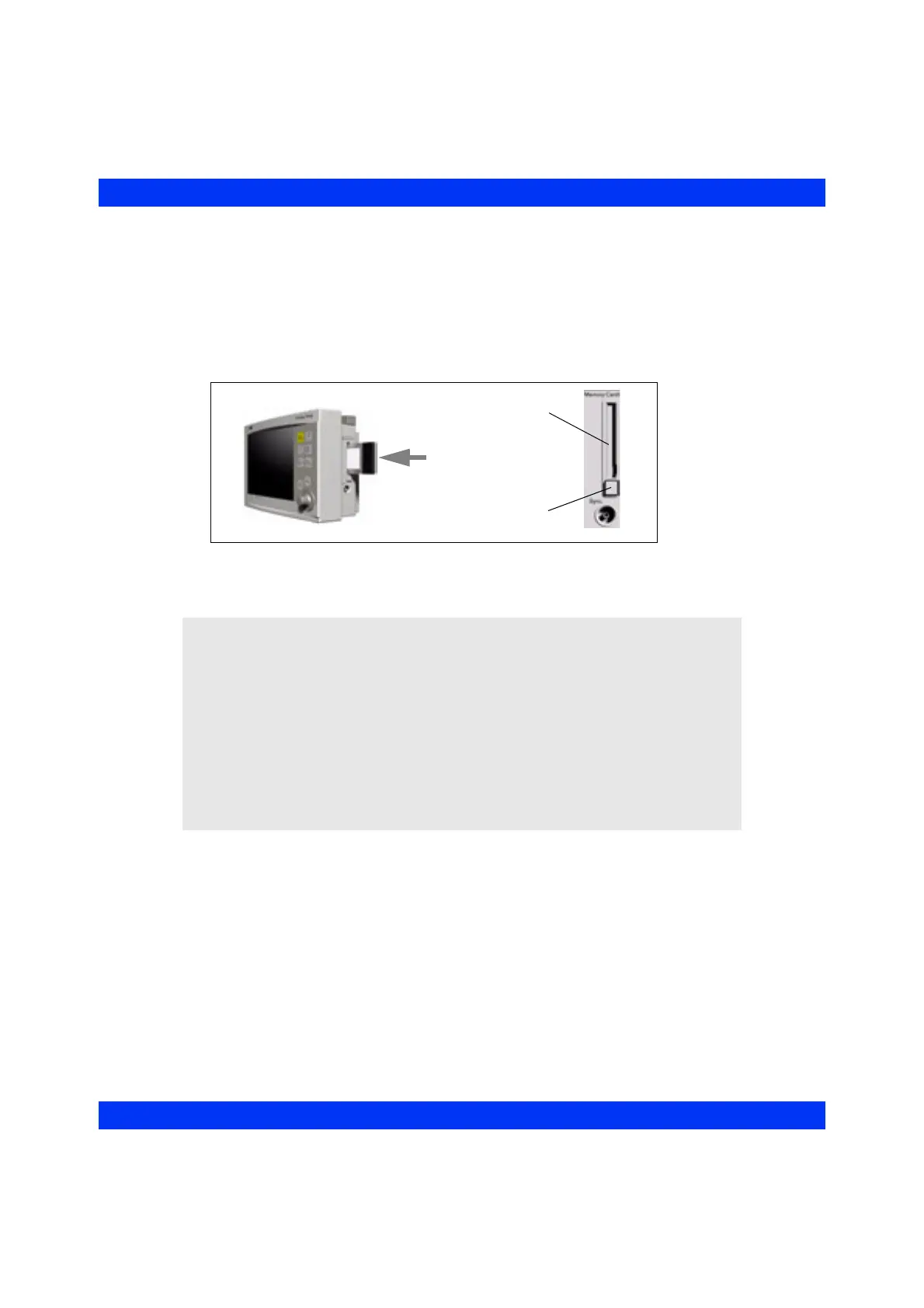
STEPS: Installing the Wireless Card
1. Turn the monitor off.
2. Facing the monitor, turn the card so that the flat side (back label) faces you.
3. Press the card firmly into the card slot until the slot’s release button protrudes.
4. To remove the card, turn the monitor off and press the release button.
NOTE:
z If a network connection cannot be established upon power-up, the monitor
displays the message Network Error.
z If a wireless monitor loses contact with all access points and wireless
transmission is interrupted (i.e. you remove the wireless card or the monitor is
out of range), the network generates an offline message and the monitor
operates as a standalone device.
z If the bedside monitor’s speaker volume had been set to OFF during network
operation, upon loss of communication with the network, it is automatically
reset to 50% (default stand-alone level), or to 100% in case of an active alarm
(network error message).
Card Slot
Release Button











 To Next Page