SAVING S ETUPS
VF6 Infinity Vista 2-15
Saving Setups
The current monitoring configuration can be saved and used again. A saved
configuration is specific to the selected patient category and is automatically restored
when a you admit a new patient of the same category (e.g., pediatric).
The following monitoring settings are saved: waveform channel assignments and
scales, alarm limits and on/off status, NBP interval mode, IBP pressure labels,
arrhythmia monitoring (adult or pediatric mode only), respiration mode and markers,
apnea time, coincidence alarm, pacemaker setting and detection, bottom channel
display selection, recording selections (on/off/store), and trend setup.
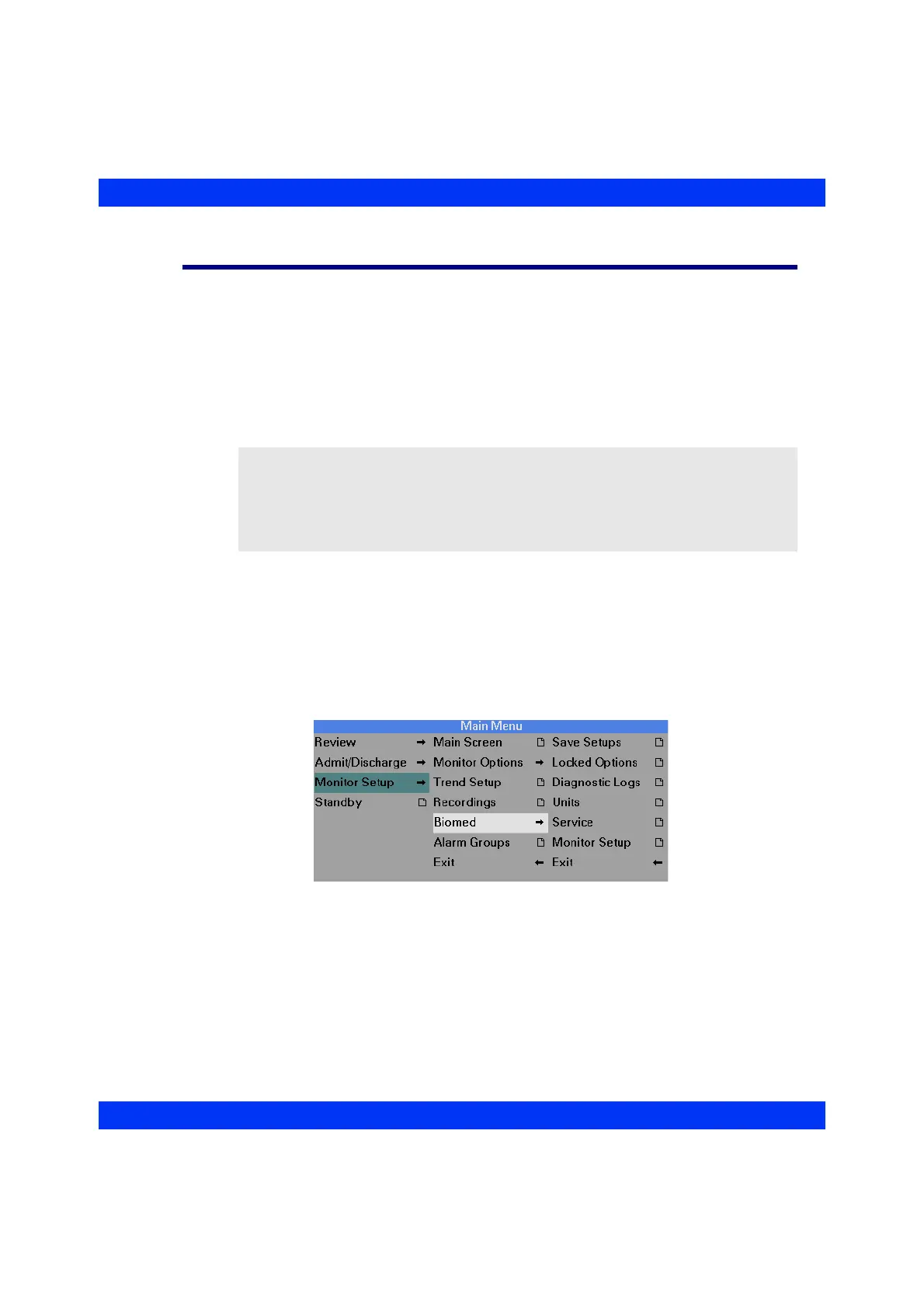
STEPS: Saving a Setup (password required)
1. Press the Menu fixed key.
2. Click on
Monitor Setup.
3. Click on
Biomed.
4. Dial in the Biomed password and click the knob.
5. Click on
Save Setups.
6. Click on
Save Setup, select Confirm (or Cancel) and click the knob.
The monitor saves the current monitoring setup for future use. The setup is available
even after the current patient has been discharged from this monitor.
NOTE:
z Saving setups is a password-protected function and can only be performed by
your Biomed.
z You cannot save a setup when an OCRG is displayed on the screen. Exit the
OCRG display before saving.











 To Next Page