ECG MONITORING SETTINGS
VF6 Infinity Vista 8-9
Cascade Display
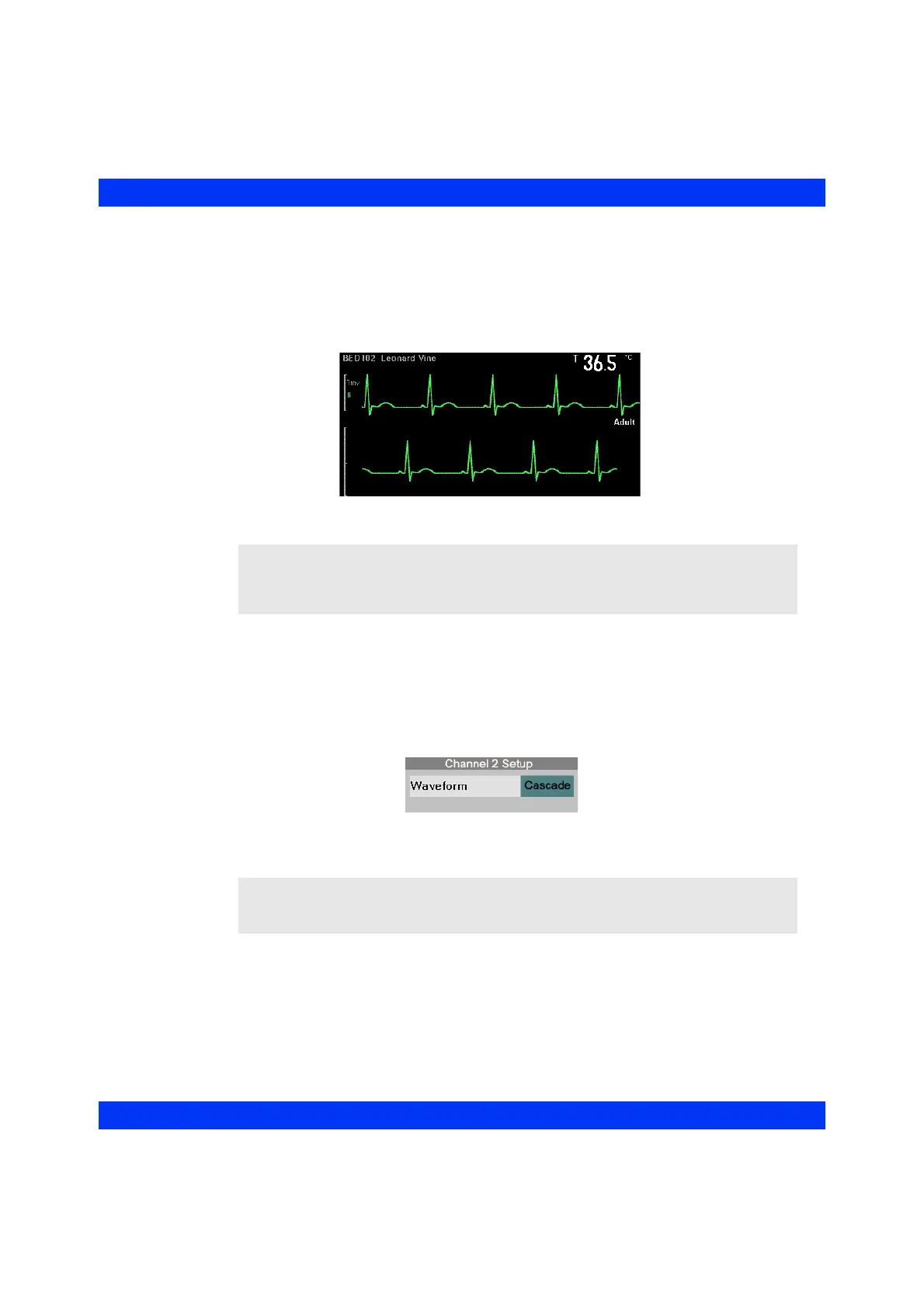
The electrocardiogram displayed in the first channel is about four seconds long. To
display eight seconds of the same waveform, select the cascade mode. Cascade mode
continues the display of the first waveform channel into the second channel.
STEPS: Selecting the Cascade Display
1. Click on the second waveform channel.
2. Click on
Waveform.
3. Select
Cascade and click the knob.
NOTE:
z The Cascade is only available in the second waveform channel.
z The second channel of a cascaded waveform cannot be printed on recordings.
NOTE: You cannot adjust the display amplitude (Size) for the second waveform
channel when Cascade is selected; the amplitude is the same as the one in the first
channel.











 To Next Page