9-4 Infinity Vista VF6
9 ARRHYTHMIA
Turning Arrhythmia Monitoring ON
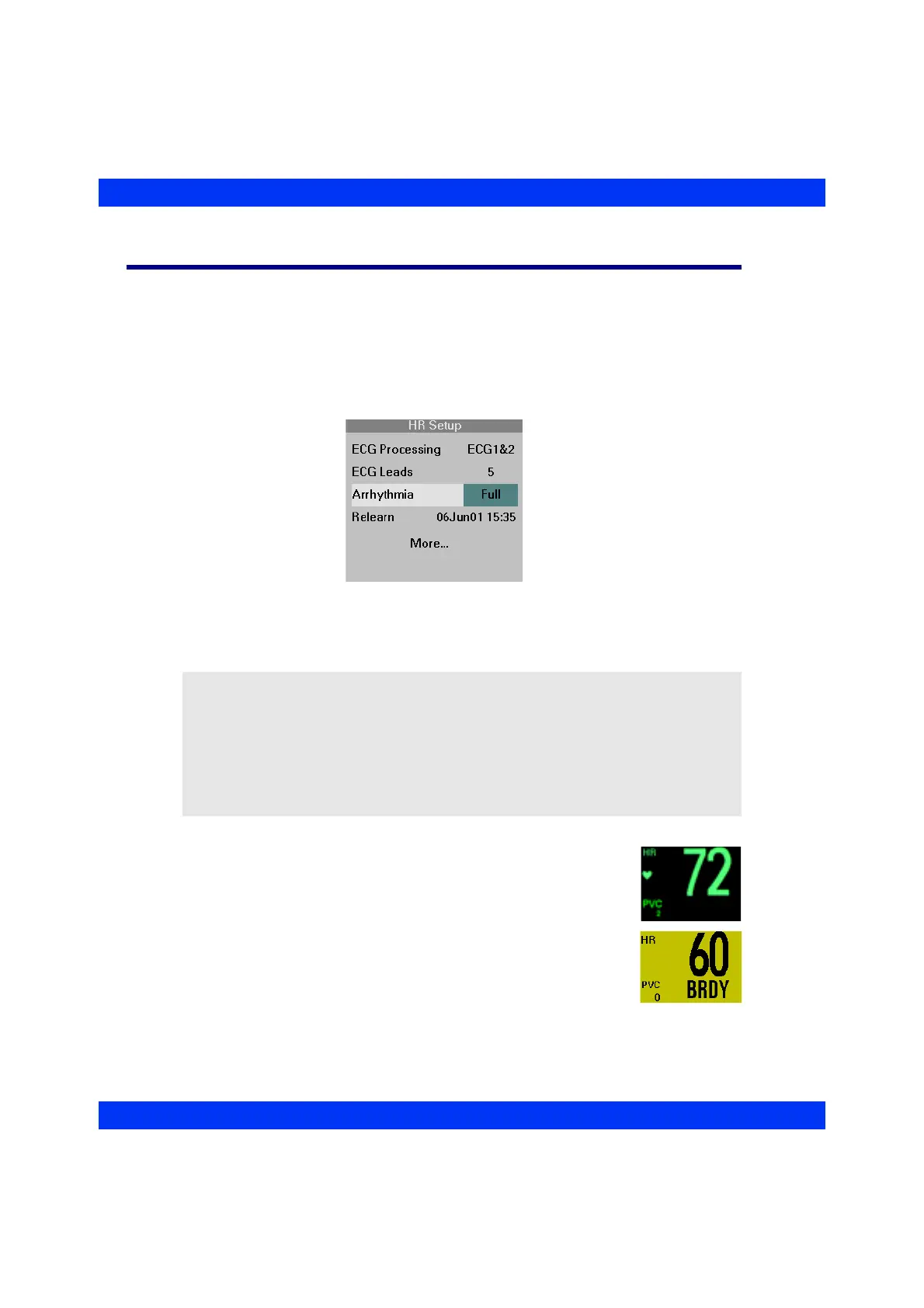
STEPS: Turning Arrhythmia Monitoring On/Off
1. Click on the HR parameter box.
2. Click on
More....
3. Click on
Arrhythmia.
4. Select the desired setting (
Basic, Full, OFF) and click the knob.
When you turn arrhythmia monitoring on, the monitor displays the
PVC rate in the HR parameter box. If the monitor detects an
arrhythmia event, it displays the label of the event and an alarm
message in the message area at the bottom of the screen.
NOTE:
z If arrhythmia detection is on, alarms for asystole (ASY) and ventricular
fibrillation (VF) are automatically on and cannot be turned off.
z If a continuous recording is in progress when you turn arrhythmia monitoring
on, printing stops and the recording is canceled.
z When the monitor detects a baseline shift, arrhythmia monitoring is suspended
temporarily and resumes 35 seconds after the last detection of the baseline shift.











 To Next Page