2-10 Infinity Vista VF6
2 MONITOR SETUP
Main Screen Configuration
The monitor has four display channels. The top three channels show waveforms and
their corresponding parameter boxes. The bottom channel shows either enlarged NBP
values or parameter boxes for NBP, ST and IBP (if available).
Waveform Selection
STEPS: Selecting Parameters for Waveform Channel Display
1. On the main screen, select a waveform channel with the rotary knob and click
the knob.
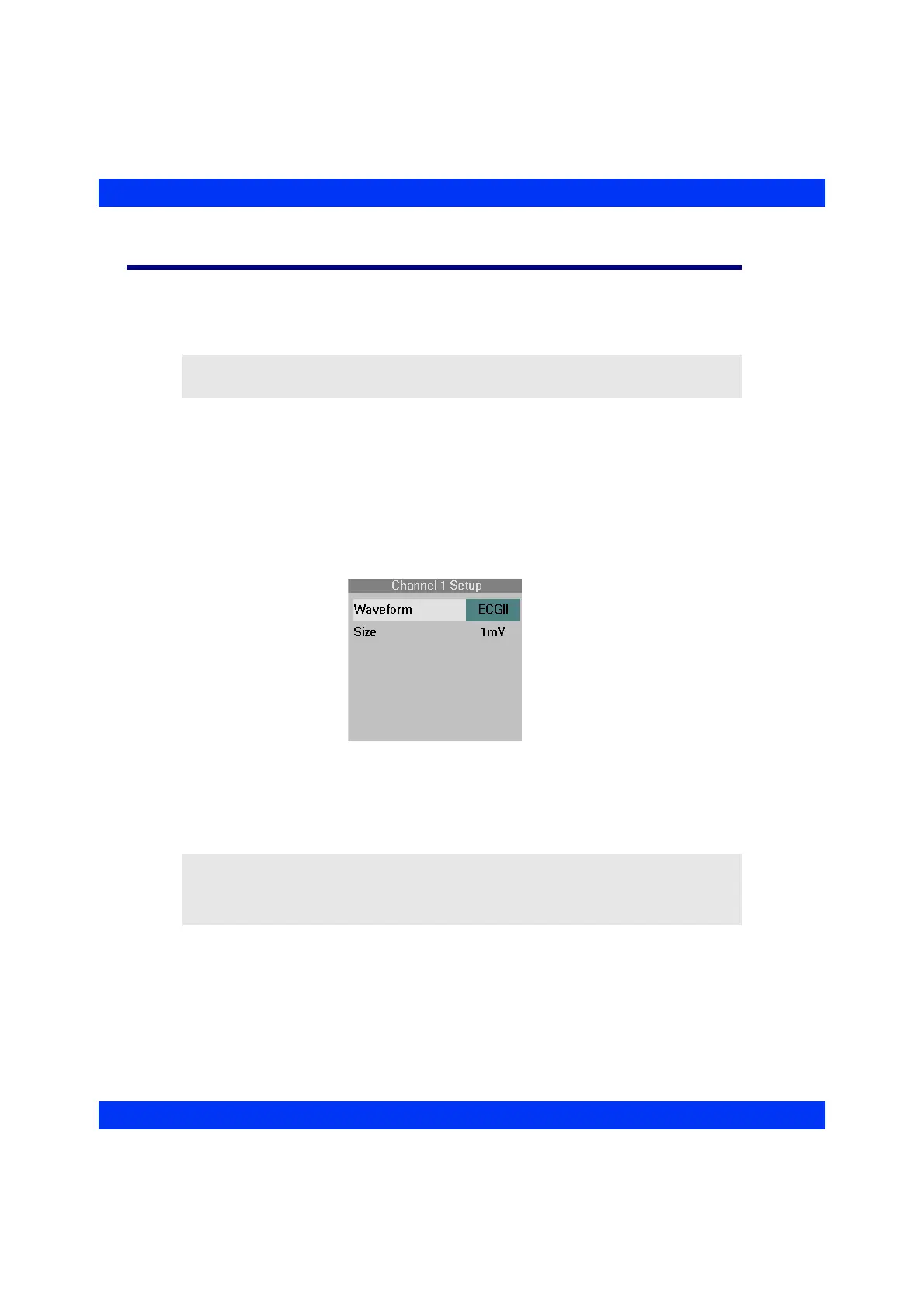
2. In the Channel Setup menu, click on
Waveform and select the desired
parameter or ECG lead for display. (For more information, including the ECG
cascaded display, see the chapter ECG and Heart Rate.)
NOTE: Settings for screen brightness are explained under Using the Battery, above.
NOTE: If you change the monitor’s parameter display and the central station is
storing waveforms selected manually (Auto Track OFF), you must also change the
parameters at the central station. For more information, see the Instructions for Use of
the central station.











 To Next Page