RESPIRATION MONITORING DISPLAY
VF6 Infinity Vista 11-5
Respiration Monitoring Display
You can display the respiration waveform in one of the bottom display channels.
The respiration rate appears in the
Rsp parameter box next to the Rsp waveform.
When you start monitoring, the rate value does not appear until the detection of six
valid breaths.
Rsp Display Channel
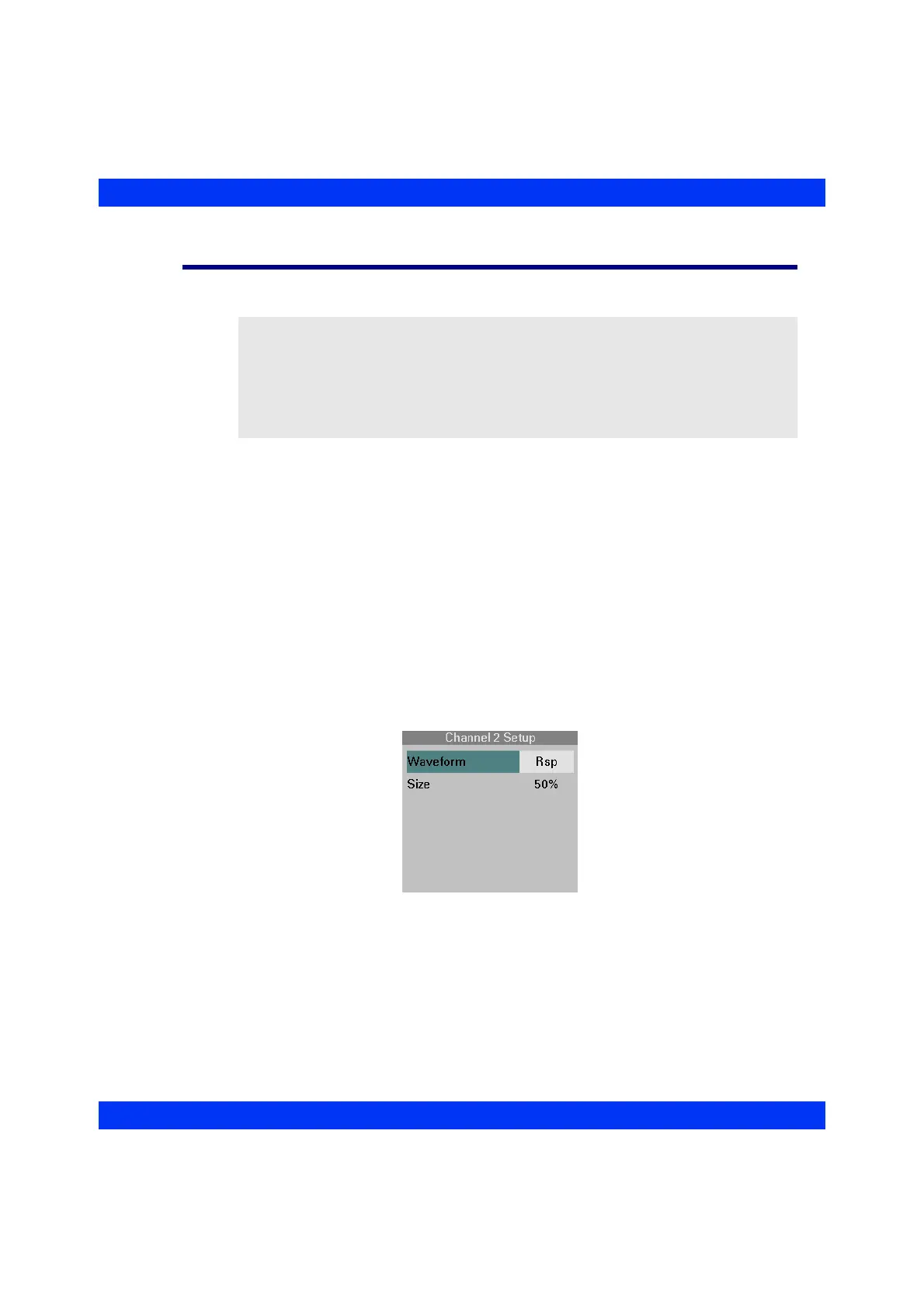
Display the Rsp Waveform in one of the bottom display channels as follows:
STEPS: Selecting the Rsp Display Channel
1. Click on the desired waveform channel.
2. Click on
Waveform.
3. Select
Rsp and click the knob.
NOTE:
z When using a 3-Lead ECG cable, you must display ECG lead II. If Lead I or III
is displayed instead, the monitor does not calculate a respiration rate and
requests that you select Lead II.
z The respiration waveform moves at 25% (~ 6.25mm/sec) of the rate of other
waveforms on the screen.











 To Next Page