ALARM S ETTINGS
VF6 Infinity Vista 5-7
Turning Alarm Recordings On/Off
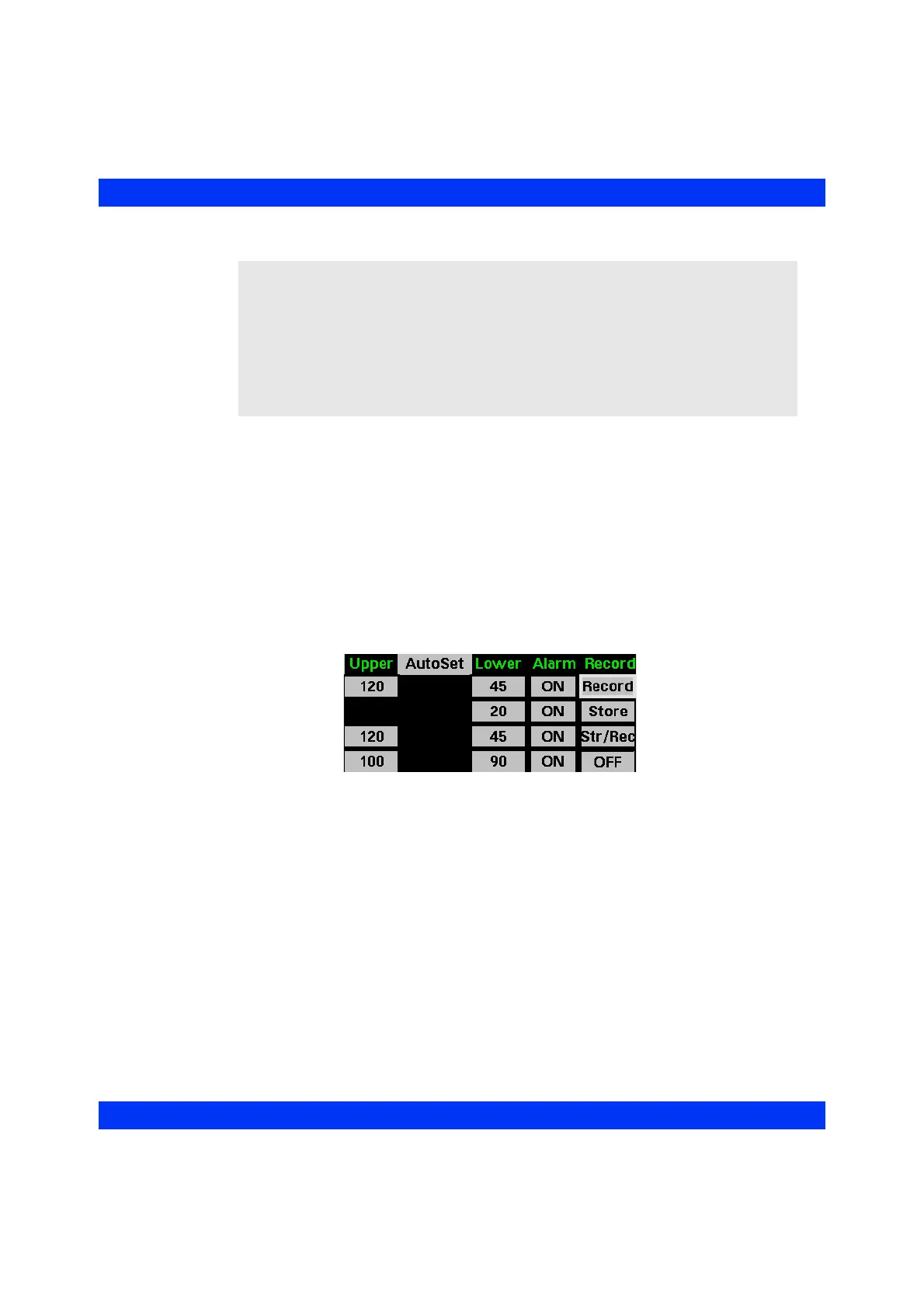
The monitor prints and/or stores alarm recordings automatically, if the Record and/or
Store function is enabled on the Alarm Limits table.
STEPS: Turning Alarm Recordings/Storage On or Off
1. Press the Alarm Limits fixed key.
2. Scroll to the Record column of the desired parameter and click the knob.
3. Dial in the desired recording/storage setting and click the knob.
See the Recordings chapter for a description of alarm recordings, stored recordings,
and the Event Recall screen.
NOTE:
z In French-NFC mode (a Service setting), either the HR or the SpO
2
alarm must
be on. If you turn one of these alarms off, the monitor automatically turns the
other alarm on.
z If the monitor is networked to a central station and the patient has been admitted
to the Event Disclosure application at the central station, the central station
documents any alarm that is turned on. For more information, refer to the
Instructions for Use of the central station.











 To Next Page