GETTING S TARTED
VF6 Infinity Vista 2-3
STEPS: Connecting the AC Adapter
1. Connect the AC adapter's cable to the DC input on the monitor’s back panel.
2. Connect the power cord to the AC adapter.
3. Plug the other end of the power cord into a hospital-grade outlet. The battery
charge indicator on the front panel lights up.
4. Press the
Power fixed key and wait until the display lights up and the monitor
completes its self-test.
If the monitor does not power on, verify the connections and retry. If it fails again,
take the unit out of operation and contact DrägerService.
Using the Battery
The battery powers the monitor when the monitor is not connected to line power via
the AC adapter. The battery fits into the battery compartment at the back of the
monitor.
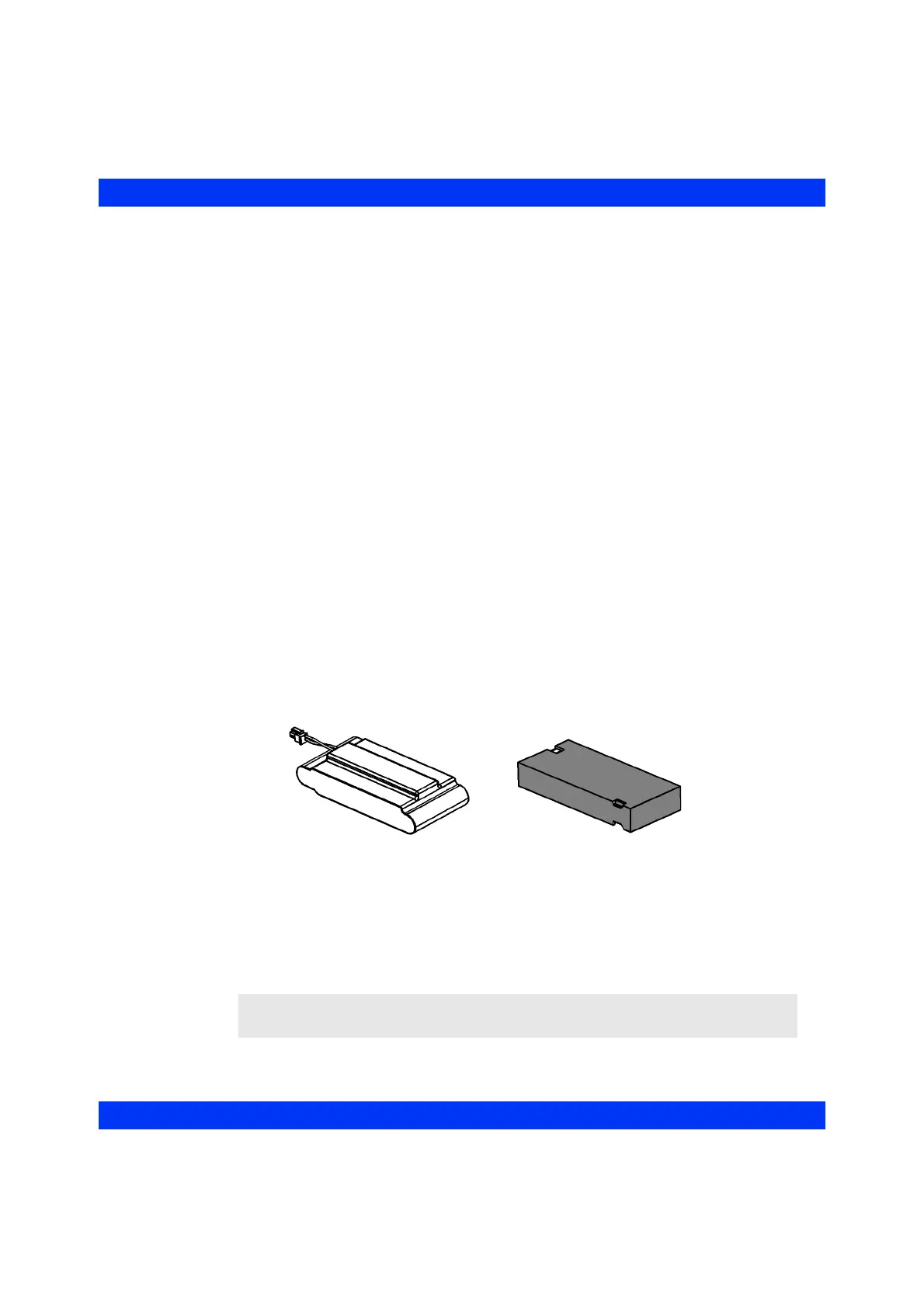
There are two types of batteries: lead acid, or lithium ion (shown below). Lead acid
batteries provide 75 minutes of continuous monitoring; lithium ion batteries provide
210 minutes of continuous monitoring in Bright Screen Mode and 240 minutes in Dim
Screen Mode.
Lead acid and lithium-ion batteries can be installed or removed by the user. The green
battery gauge displayed at the bottom left of the screen indicates the battery run time
remaining for uninterrupted monitoring.
NOTE: The battery gauge appears only when you operate the monitor on battery
power.
Lithium Ion Battery
Lead Acid Battery











 To Next Page