TREND T ABLE
VF6 Infinity Vista 6-5
Trend Table
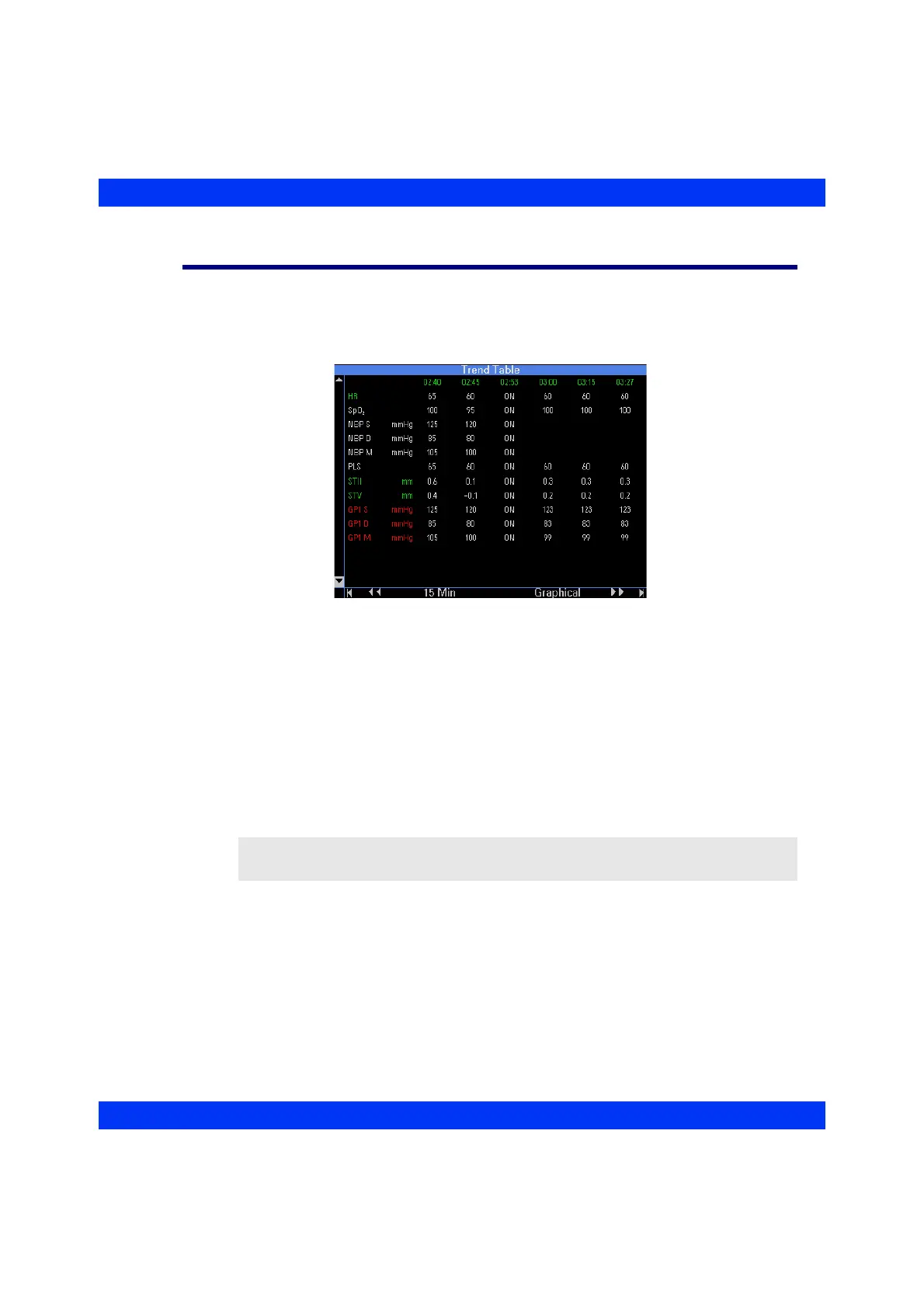
The trend table shows up to 5 hours of trended data at a time. When you first access
the trend table, the monitor shows the most recent trend values in the right column for
the parameters being monitored.
The monitor identifies parameter labels by their color. Trend values appear in white or
in the color of the alarm grade, if the parameter was in alarm during the one-minute
trend sampling interval.
STEPS: Calling up the Trend Table
1. Press the Menu fixed key.
2. Click on
Review.
3. Click on
Trend Tables.
NOTE: You can also call up the Trend Table by pressing the Fast Access fixed key.











 To Next Page