ST MONITORING DISPLAY
VF6 Infinity Vista 10-3
ST Monitoring Display
The monitor performs the ST segment analysis on the two leads
selected for ECG monitoring. If the ECG leads monitored are not
currently displayed, the monitor processes the signal on the last
ECG lead(s) selected. When the ST option is enabled, and the
monitor is set for adult or pediatric monitoring mode, the ST1 and
ST2 values are continuously displayed in the ST parameter box.
However, the number of ST leads displayed changes according to the ECG lead
configuration selected. With a 3-lead monitoring configuration, for example, the ST
parameter box shows only one ST value. Configurations with more than 3 leads
produce ST1 and ST2 values, even if only one ECG waveform is displayed on screen.
If the first and second waveform channels display ECG leads, the ST parameter box
appears next to the second waveform channel. If only the first waveform channel
displays an ECG lead, the ST parameter box appears at the bottom of the screen.
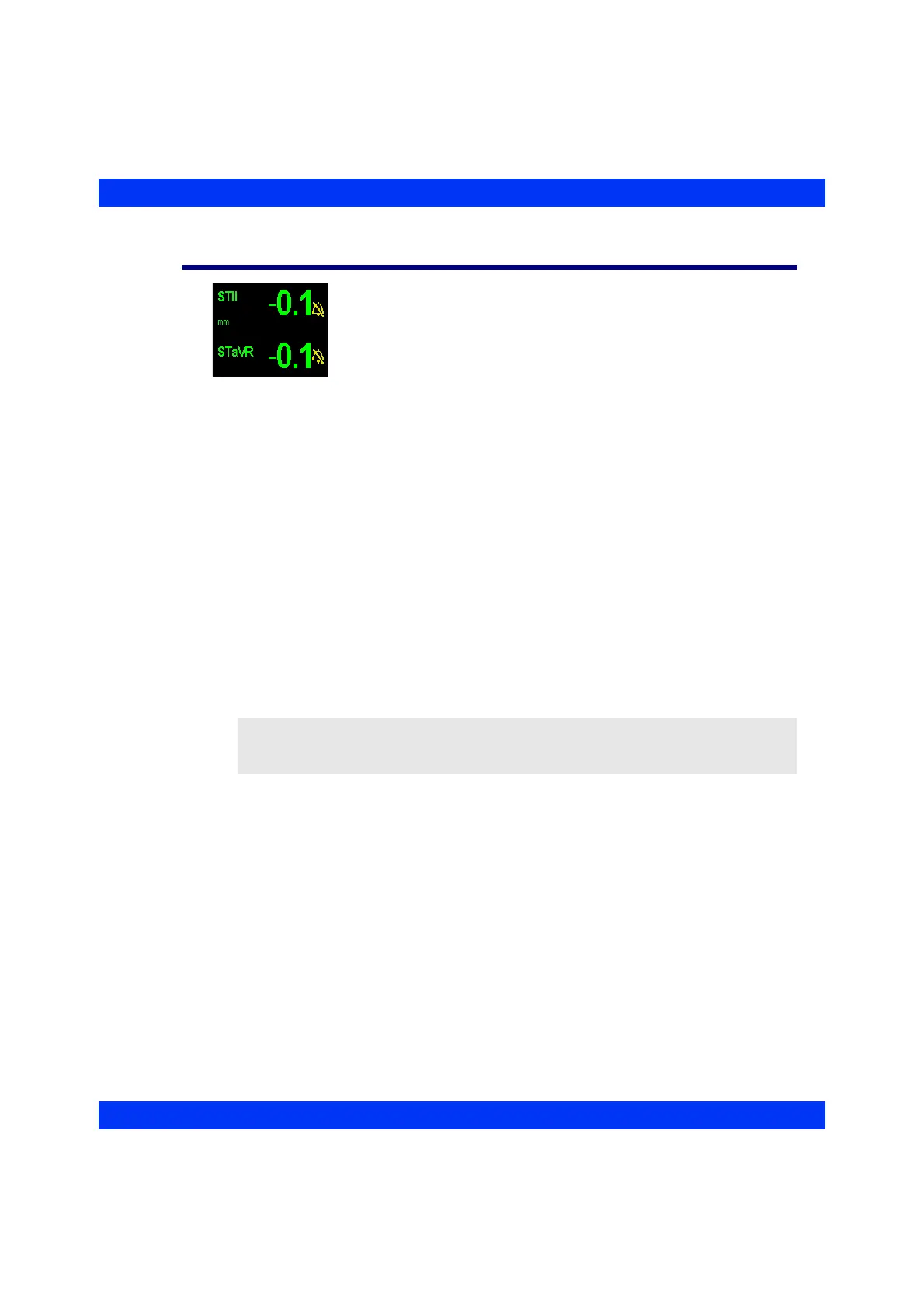
If ST1 or ST2 alarm limits are disabled, a crossed bell appears next to the
corresponding ST value. When ST alarms are on and an ST value goes above or below
the user-defined limits, the ST parameter box flashes and the alarm message appears
at the bottom of the display. If the monitor detects another alarm simultaneously (for
example, an ST and an SpO
2
alarm), it reports both events (see the chapter Alarms and
Messages for details).
When you change an ST lead and it is no longer displayed on screen, the trended
values for the old lead stay in the trend memory.
NOTE: When the monitor uses the Export Protocol to communicate with an external
device, ST values are rounded to the nearest millimeter (or millivolt) and transmitted as
whole numbers. For example, a value of 1.7 mm is transmitted as 2 mm.











 To Next Page