4-4 Infinity Vista VF6
4 ADMISSION/DISCHARGE/TRANSFER
Patient Category
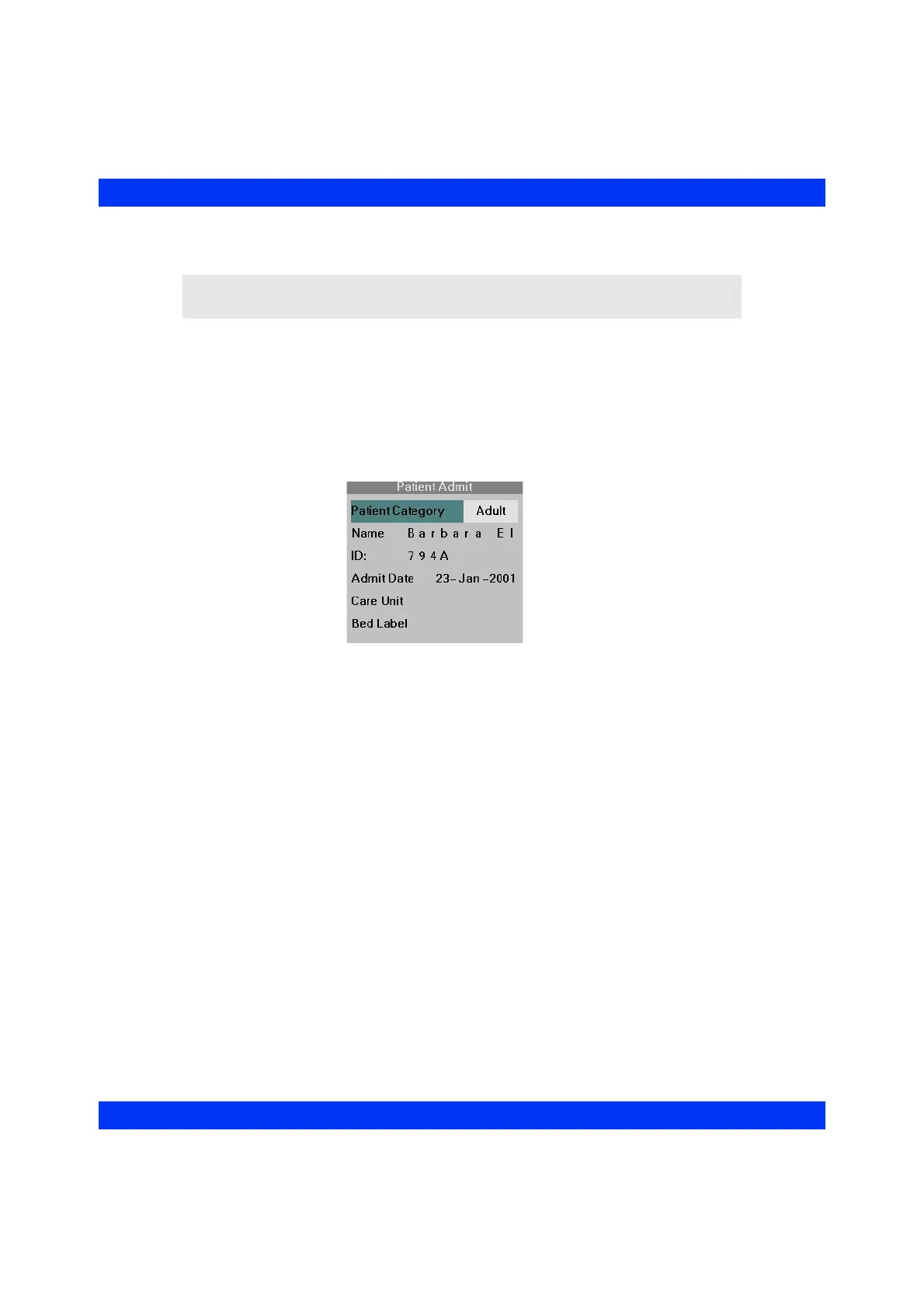
STEPS: Selecting the Patient Category
1. Call up the Patient Admit menu (Menu > Admit/Discharge > Patient Admit,
see above).
2. Click on
Patient Category.
3. Dial in the desired patient category (Adult, Pediatric, Neonate) and click the
knob.
When you change the patient category, the monitor:
z Clears all current alarms, including their messages.
z Stops any NBP measurement in progress.
z Deletes stored trend data, events, and recordings.
z Returns alarm limits to their category-specific default settings (see appendix
Default Settings and Biomedical Support).
z Returns waveform display scales (sizes) to their category-specific default
settings (see appendix Default Settings and Biomedical Support).
z Sets the display range for trend values according to the selected patient
category (see Trends chapter).
NOTE: The currently selected patient category is indicated between the first and
second waveform channels next to the parameter boxes.











 To Next Page