8-14 Infinity Vista VF6
8 ECG AND HEART RATE
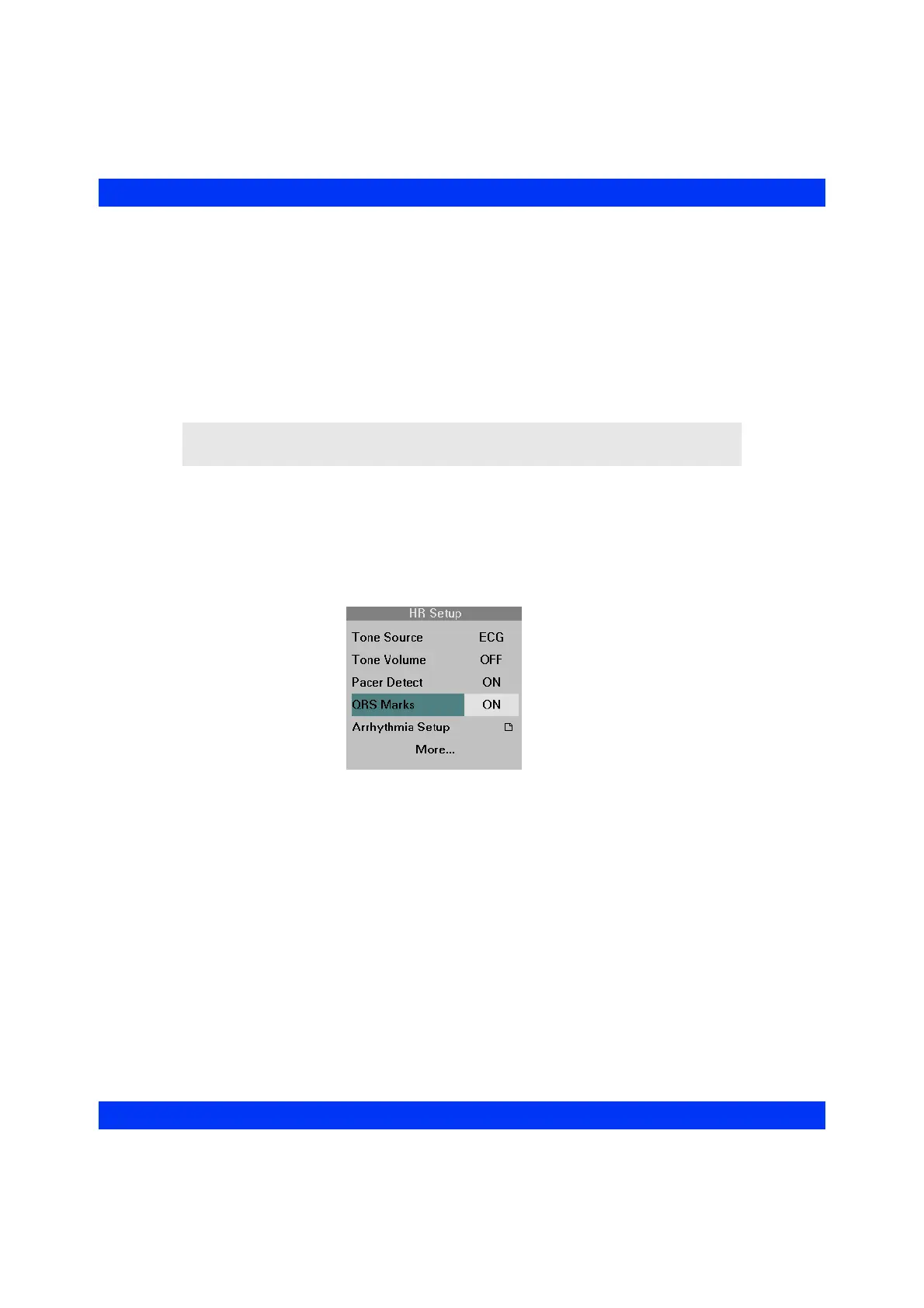
Displaying Sync Marks
The timing of the sync pulse triggered by the QRS complex can vary slightly. You can
display sync marks on the R-wave of the electrocardiogram to verify the timing of the
pulse.
The monitor displays sync marks as a white line during synchronization. For heart
rates between 30 and 250 beats per minute with QRS amplitudes greater than or equal
to 0.5 mV, the sync pulse occurs within 35 ms of the R-wave peak. See the section
ECG and HR Safety Considerations for details.
STEPS: Displaying QRS Sync Marks
1. Click on the HR parameter box.
2. Click on
QRS Marks.
3. Dial in the desired setting (
ON/OFF) and click the knob.
NOTE: If SpO
2
is displayed in the first channel and ECG in the second channel, no
QRS markers appear on the ECG.











 To Next Page