12-8 Infinity Vista VF6
12 PULSE OXIMETRY
Cascade Display
The pulse waveform is about four seconds long. To display eight seconds of the same
waveform, select the Cascade display mode.
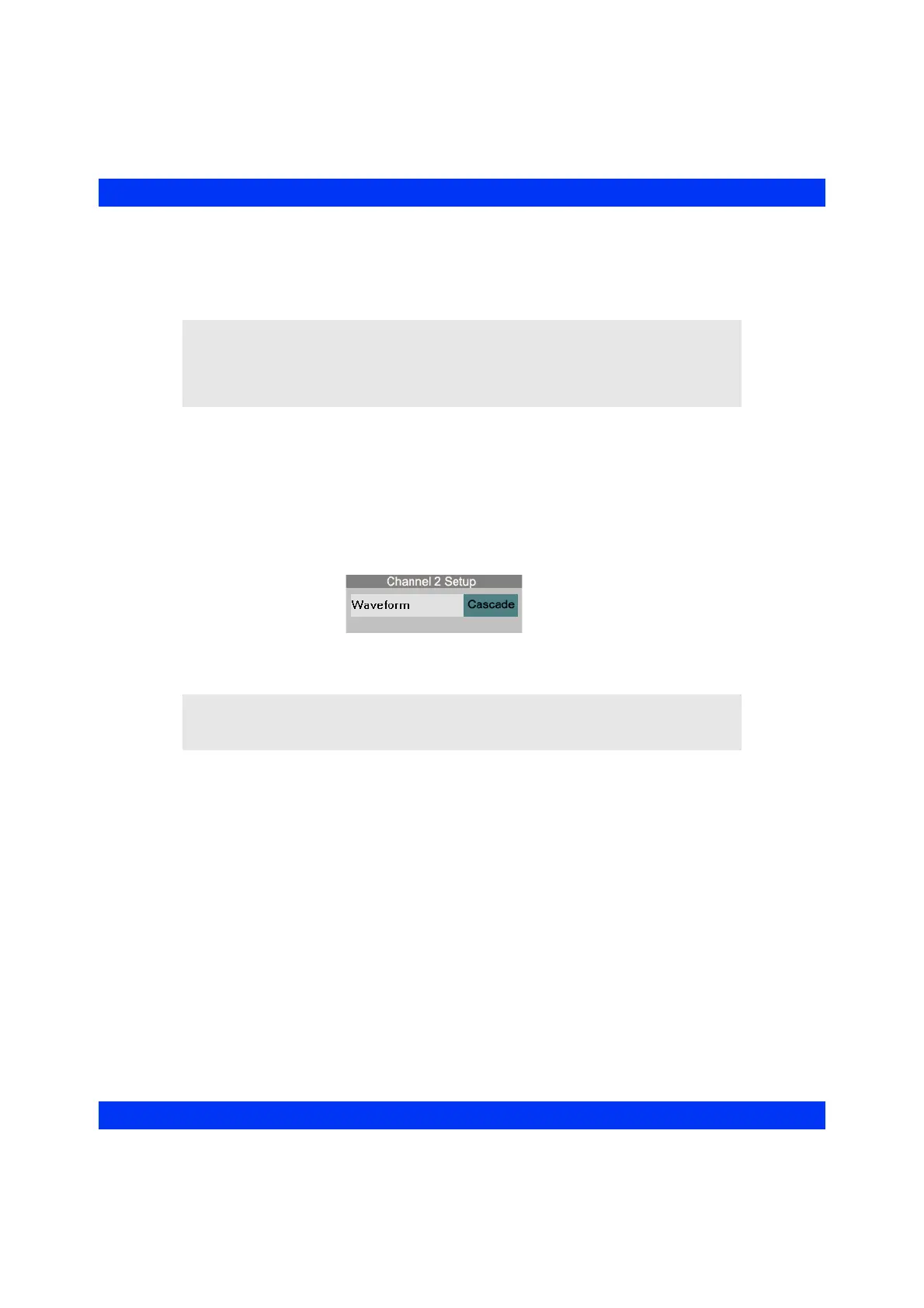
STEPS: Selecting the Cascade Display
1. Assign SpO
2
to the first display channel.
2. Select the
second waveform channel and click the knob.
3. Click on
Waveform.
4. Select
Cascade and click the knob.
NOTE:
z The second channel of a cascaded pulse waveform cannot be printed on
recordings.
z The Cascade display is only available in the second waveform channel.
NOTE: The cascade SpO
2
waveform disappears from the screen whenever you
choose to display the electrocardiogram again in the first channel. If you then want to
display the standard SpO
2
waveform, select the second or third channel.











 To Next Page