RESPIRATION MONITORING SETTINGS
VF6 Infinity Vista 11-9
Apnea Time
The monitor detects apnea in all monitoring modes provided an apnea time is selected
in the menu. Apnea times are:
z 10 to 30 seconds, in increments of 5.
Upon detection of an apnea event and after the selected apnea time has elapsed, the
monitor triggers a serious alarm.
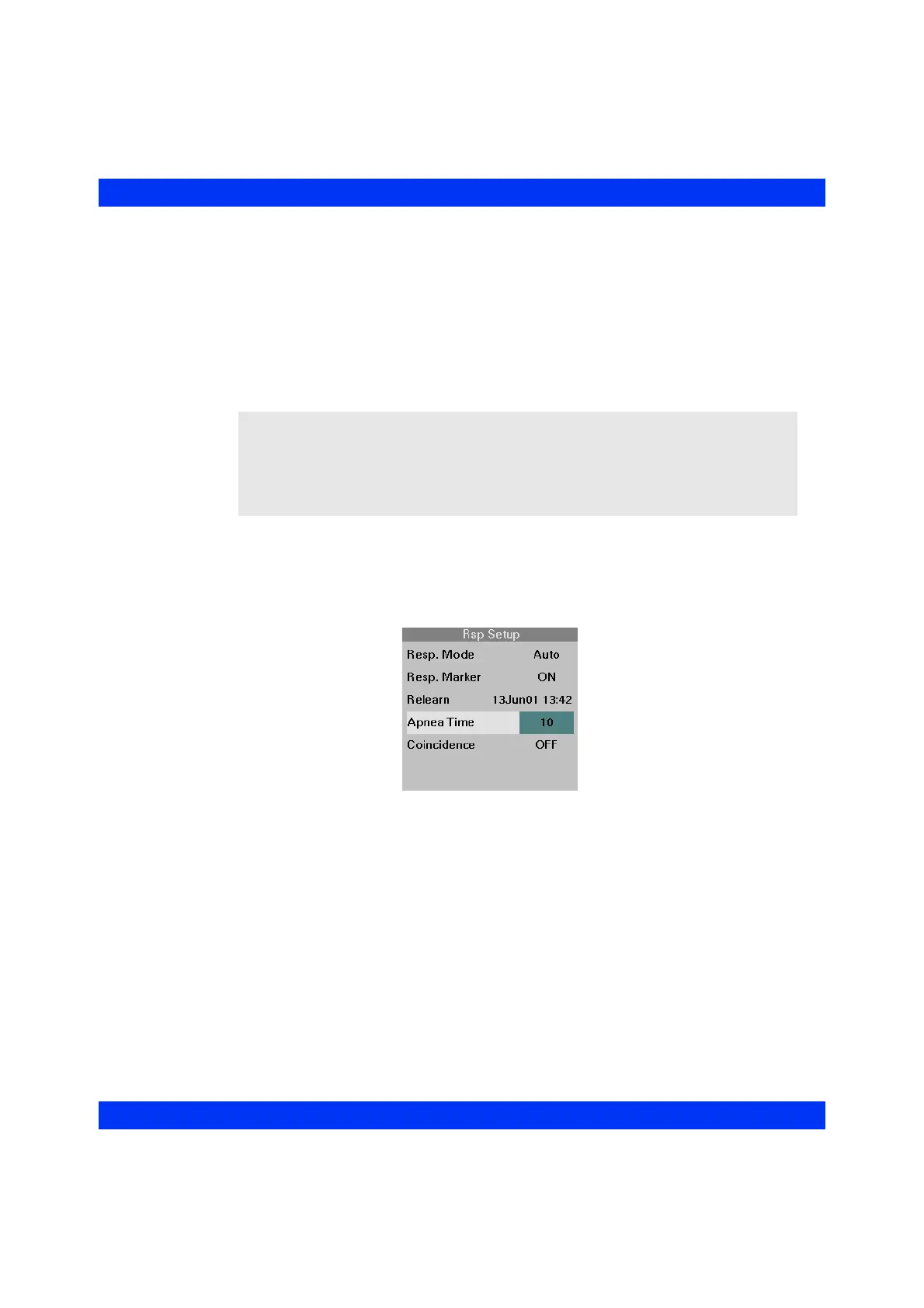
STEPS: Selecting the Apnea Time
1. Click on the Rsp parameter box.
2. Click on
Apnea Time.
3. Select the desired setting and click the knob.
NOTE:
z Regardless of the apnea time setting, the monitor continues to alarm for
respiration rate, artifact, and lead-off conditions if the respiration alarm is On.
z The detection of central apnea is accomplished through impedance
plethysmography.











 To Next Page