14-4 Infinity Vista VF6
14 INVASIVE BLOOD PRESSURE
Display Channel and Waveform Amplitude
The monitor displays pressure waveforms in the lower display channels. Depending
on the pressure label, you can select waveform amplitudes within the following
ranges:
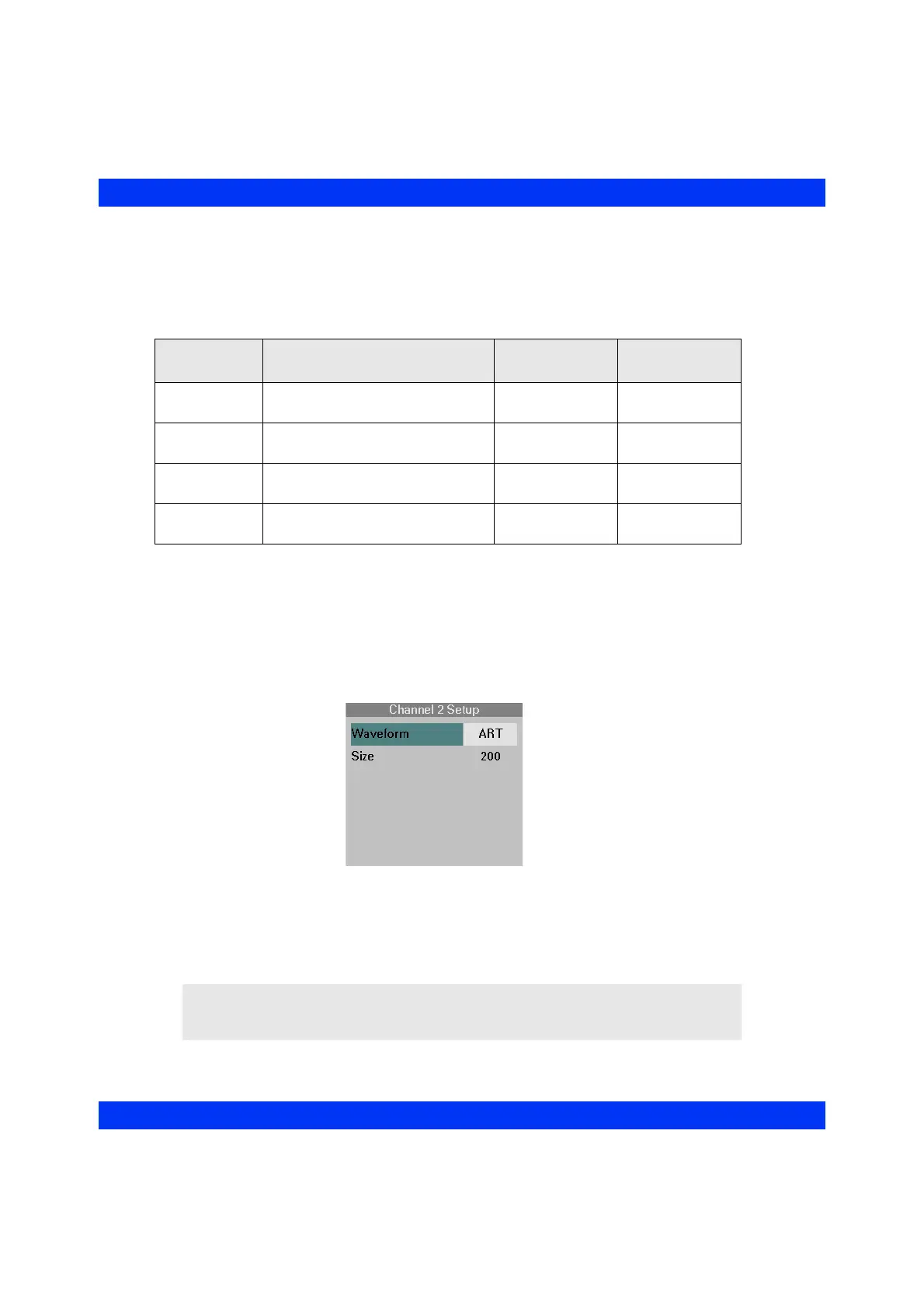
STEPS: Selecting the IBP Display Channel and Waveform
Amplitude
1. Click on the desired waveform channel.
2. Click on
Waveform.
3. Select the desired pressure parameter and click the knob.
4. Click on
Size.
5. Select the desired display amplitude and click the knob.
Pressure
Label
Possible Size Settings
Adult/Pediatric
Default Setting
Neonatal Default
Setting
ART, GP1, GP2 50, 75, 100,...300 mmHg
(8, 12, 16,...40 kPa)
200 mmHg
(24 kPa)
100 mmHg
(16 kPa)
PA 20, 40, 50, 75, 100, 150 mmHg
(4, 6, 8, 12, 16, 20 kPa)
50 mmHg
(8 kPa)
50 mmHg
(8 kPa)
CVP -5, 10, 20, 30, 40, 50 mmHg
(-1.0, 2, 4, 5, 6, 8 kPa)
20 mmHg
(4 kPa)
20 mmHg
(4 kPa)
ICP 0, 5, 10, 15, 20, 50, 100 mmHg
(1, 2, 3, 4, 8, 16 kPa)
20 mmHg
(4 kPa)
10 mmHg
(2 kPa)
NOTE: The Channel setup menu makes only those pressure labels available which
have been selected for the monitoring session in the IBP setup menu (or the default GP1/
GP2).











 To Next Page