BIOMEDICAL S UPPORT
VF6 Infinity Vista C-9
Checking the NBP Calibration
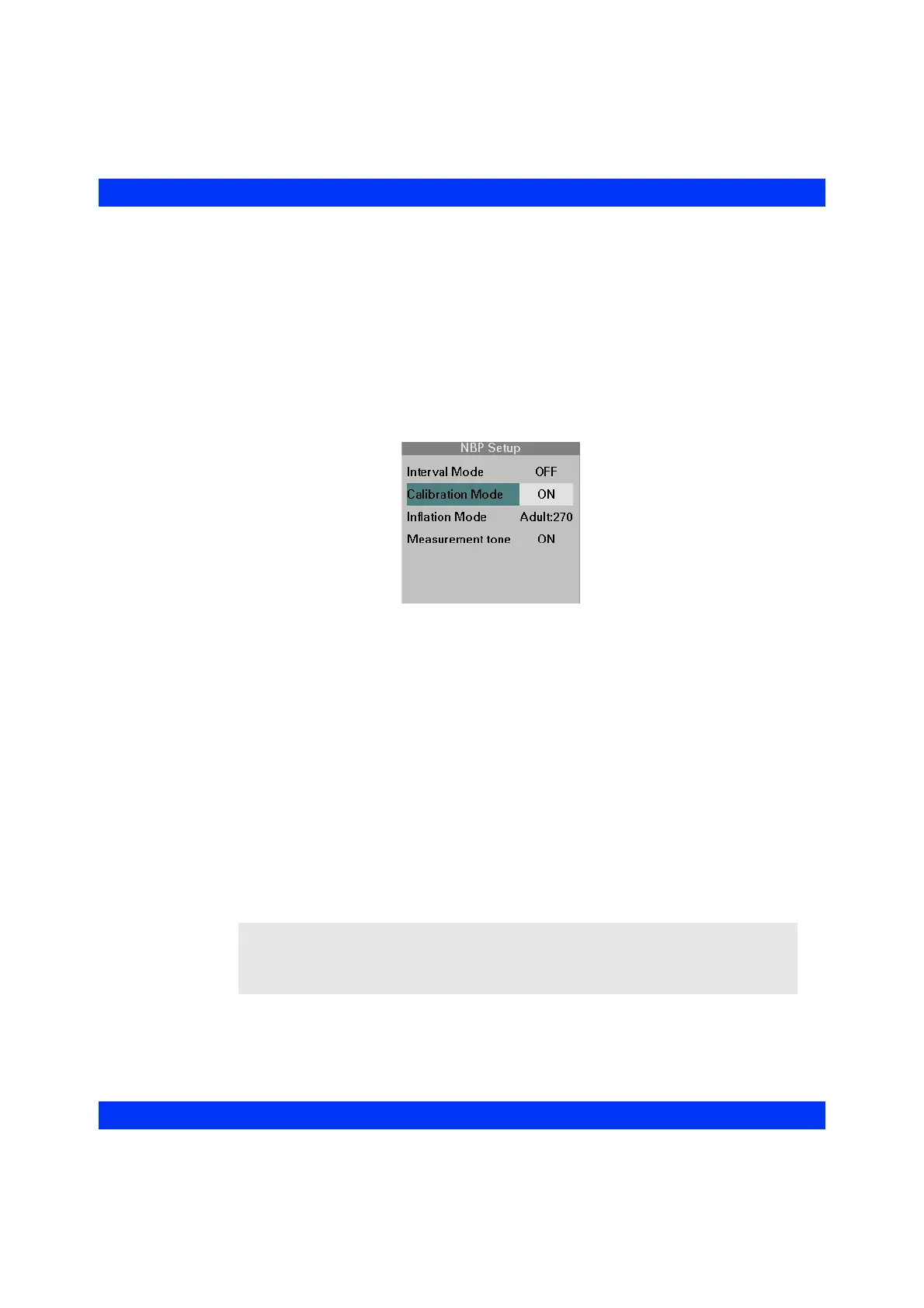
The NBP parameter box gives you access to the NBP Calibration mode. These checks
must be performed in Adult Mode only.
STEPS: NBP Calibration
1. Click on the NBP parameter box.
2. Click on
Calibration Mode.
3. Select
ON and click the knob.
4. Replace the cuff with a mercury manometer.
5. Pump the manometer until the mercury column reads 260 mmHg. Verify the
displayed value on the monitor.
6. Release the pressure and read the pressure value at three different points on
the mercury column: the displayed values on the monitor should be within ±3
mmHg of the manometer readings.
7. Close the release valve on the bulb and pump the manometer until the
overpressure release valve opens. This should happen at 300 mmHg ±30
mmHg and the mercury column should fall rapidly to zero. If the release valve
does not open or if it opens at a value lower than 300 mmHg ±30 mmHg, the
overpressure system may be faulty. Remove the monitor from service and
contact DrägerService.
NOTE: If the monitor is left in the calibration mode for more than 128 seconds after a
first measurement has been started, an NBP Fault condition is reported. This message
does not indicate a hardware failure but the activation of the safety timer of the monitor.
To clear the message, turn the monitor off, then on again.











 To Next Page