2-14 Infinity Vista VF6
2 MONITOR SETUP
Standby
The standby function lets you interrupt and then resume monitoring. When you put the
monitor into standby, all patient data and monitoring setups are saved in memory until
you resume monitoring. During standby, the monitor displays a Standby banner. If the
monitor is part of the Infinity network and its monitoring data is displayed on the
central station, the Standby banner appears also on the central display.
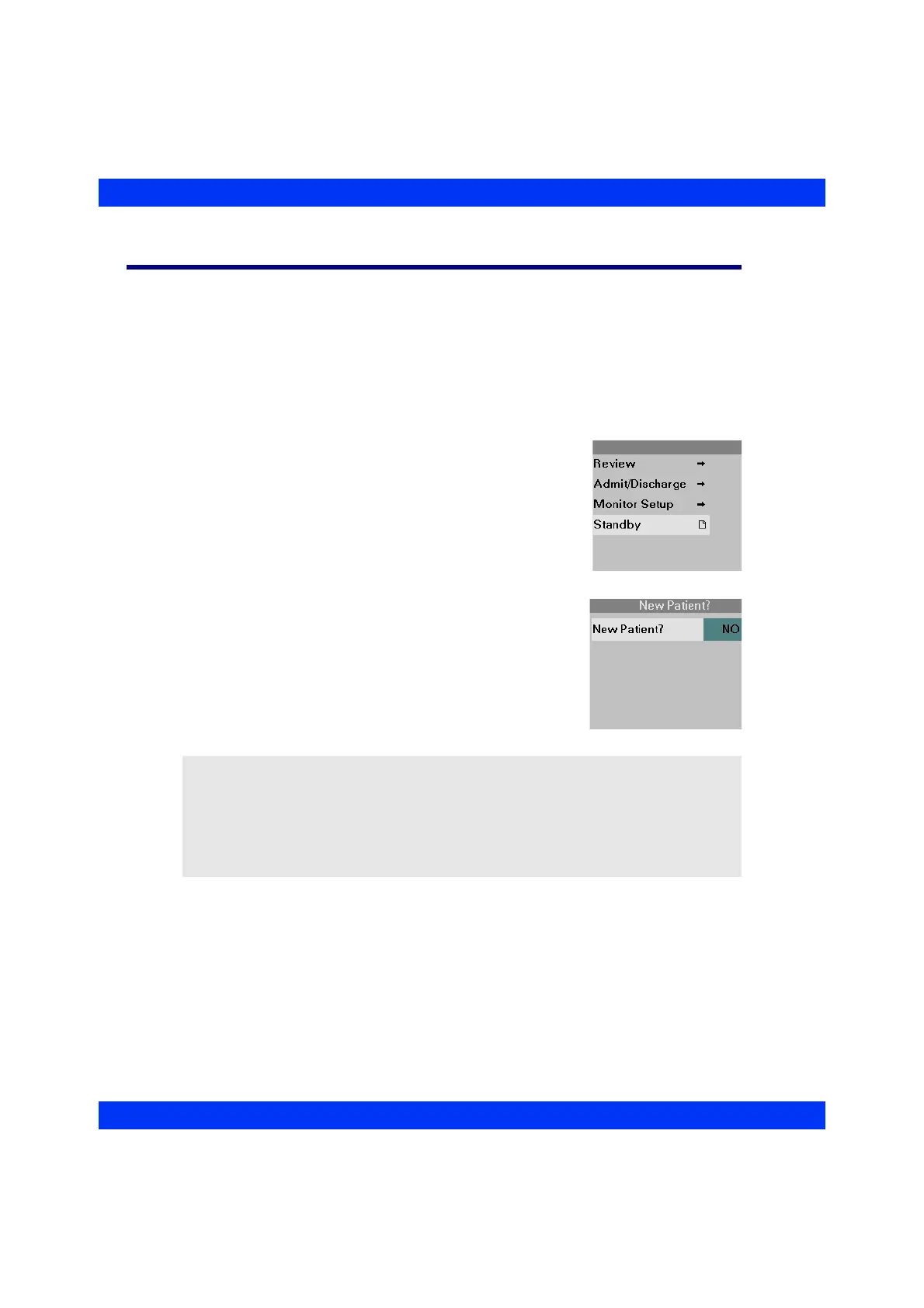
STEPS: Placing the Monitor into Standby
1. Press the Menu fixed key.
2. Click on
Standby.
STEPS: Exiting Standby
1. To resume monitoring, press the Main Screen fixed
key. The New Patient? prompt appears.
2. Select New Patient
No, if you want to resume
monitoring the same patient. Select New Patient
Yes,
if you want to start monitoring a new patient. If
admitting a new patient, the monitor erases all
previously stored patient data (see the chapter
Admission, Transfer, Discharge).
NOTE:
z Upon startup, coming out of standby, or admitting a new patient, alarms are
disabled for 3 minutes or until you press the All Alarms OFF fixed key.
z During standby, you can modify patient demographic data at the central station
at any time. The new data is transferred to the monitor and available when
monitoring resumes.











 To Next Page