11-12 Infinity Vista VF6
11 RESPIRATION MONITORING
OxyCRG Monitoring (Neonatal Option)
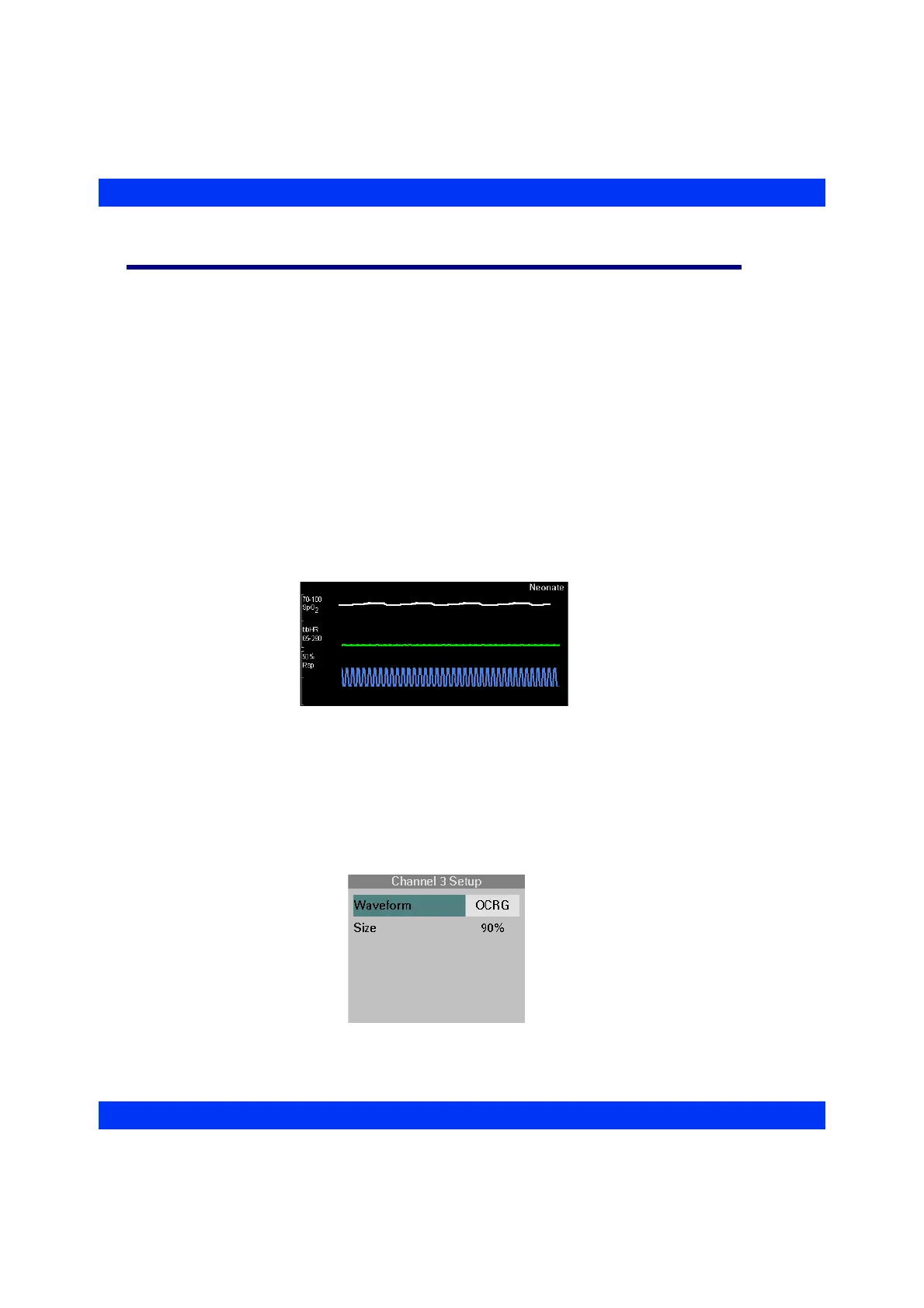
The monitor offers a neonatal Oxycardiorespirogram (OCRG or OxyCRG) provided
the option is enabled on your monitor (for more information, see your Dräger
representative). Neonatal OxyCRG is a non-invasive procedure to display a beat-to-
beat heart rate (bbHR) trend, an SpO
2
trend, and a respiration waveform
simultaneously on a dynamically updated display. (OCRG monitoring requires that
sensors and electrodes for SpO
2
, HR, and respiration are attached to the patient.)
Displaying OCRG Waveforms
The OxyCRG waveforms are displayed in the second and third waveform channels.
The second waveform channel shows the beat-to-beat Heart Rate (bbHR) trend and
the SpO
2
trend waveforms. The bbHR trend has a range of 65 to 290. The SpO
2
trend
has a range from 70% to 100%. The third waveform channel shows a time-
compressed respiration waveform.
STEPS: Displaying the OCRG Waveforms
1. Make sure the Neonatal monitoring mode is selected.
2. Click on the
second or third waveform channel.
3. Click on
Waveform.
4. Select
OCRG and click the knob.











 To Next Page