RESPIRATION MONITORING SETTINGS
VF6 Infinity Vista 11-7
Respiration Monitoring Settings
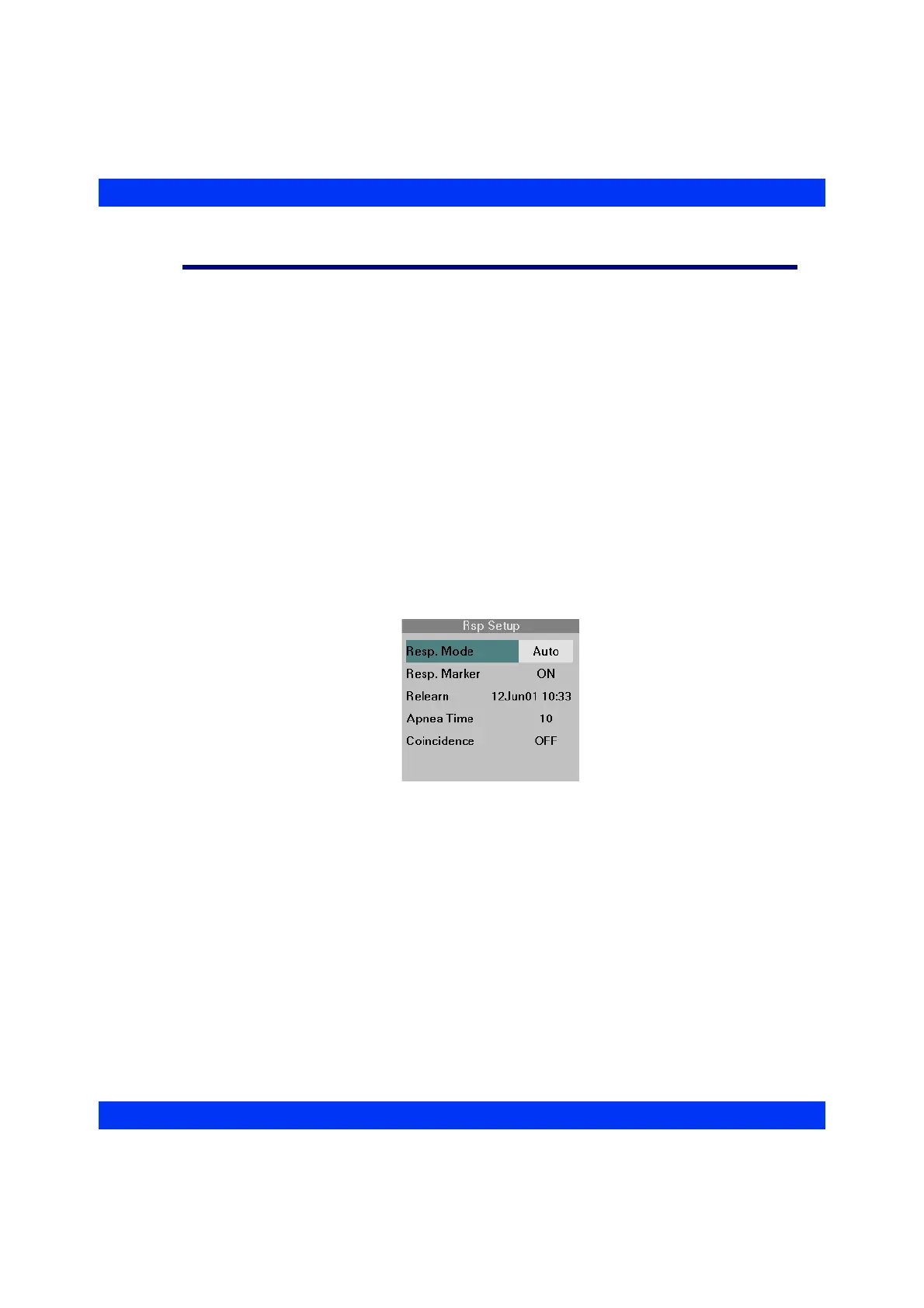
Rsp Mode
To enable respiration monitoring, select the Auto or Manual Respiration Monitoring
Mode.
In Auto mode, the monitor adjusts the breath detection sensitivity to the strength of the
respiration signal, adjusting it over several minutes. It also adjusts the sensitivity for
large baseline drifts and lead-off conditions.
In Manual mode, you adjust the sensitivity by increasing or decreasing the waveform
display amplitude (see the section Selecting the Rsp Display Amplitude).
STEPS: Selecting the Respiration Mode
1. Click on the Rsp parameter box.
2. Click on
Resp. Mode.
3. Select the desired monitoring mode (
Auto or Manual) or turn respiration
monitoring off (
OFF).











 To Next Page