11-6 Infinity Vista VF6
11 RESPIRATION MONITORING
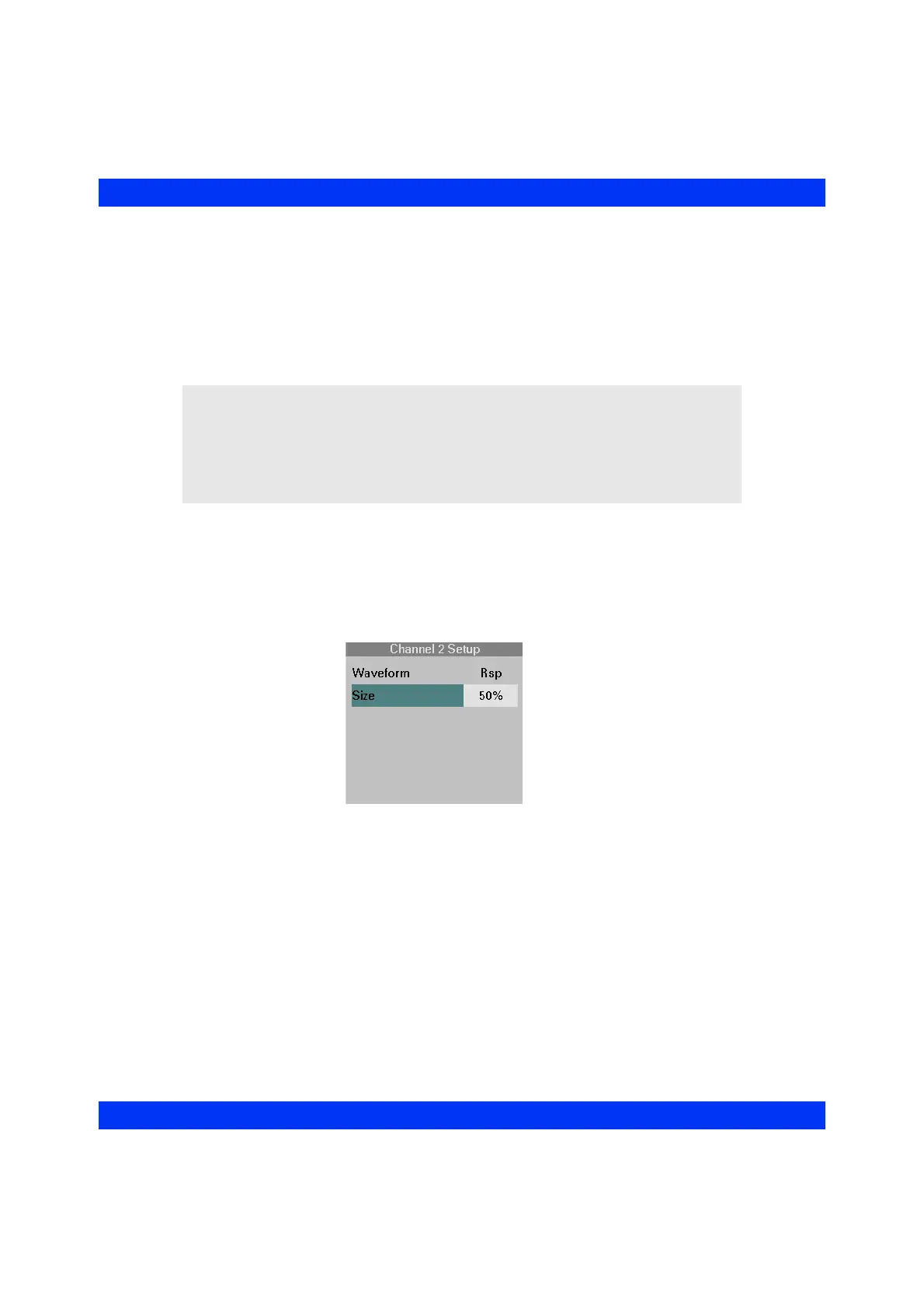
Resp Display Amplitude
The Size option lets you increase or decrease the amplitude of the respiration
waveform. In manual breath detection sensitivity mode (see the section Selecting the
Rsp Mode, below), the detection sensitivity is based on the selected waveform
amplitude. Available amplitude settings are:
z 10% to 100%, in increments of 10% (default 50%)
STEPS: Selecting the Rsp Display Amplitude
1. Click on the Rsp waveform channel.
2. Click on
Size.
3. Select the desired display amplitude and click the knob.
WARNING: In Manual Mode, if you set the size of the
respiration waveform too low, shallow breaths may not be
counted. If set too high, cardiac artifact might be counted as
breaths. Therefore, always turn respiration markers on in
manual mode to help you select an appropriate waveform
amplitude/detection sensitivity (see the section Displaying
Rsp Markers).











 To Next Page