NBP MEASUREMENTS
VF6 Infinity Vista 13-7
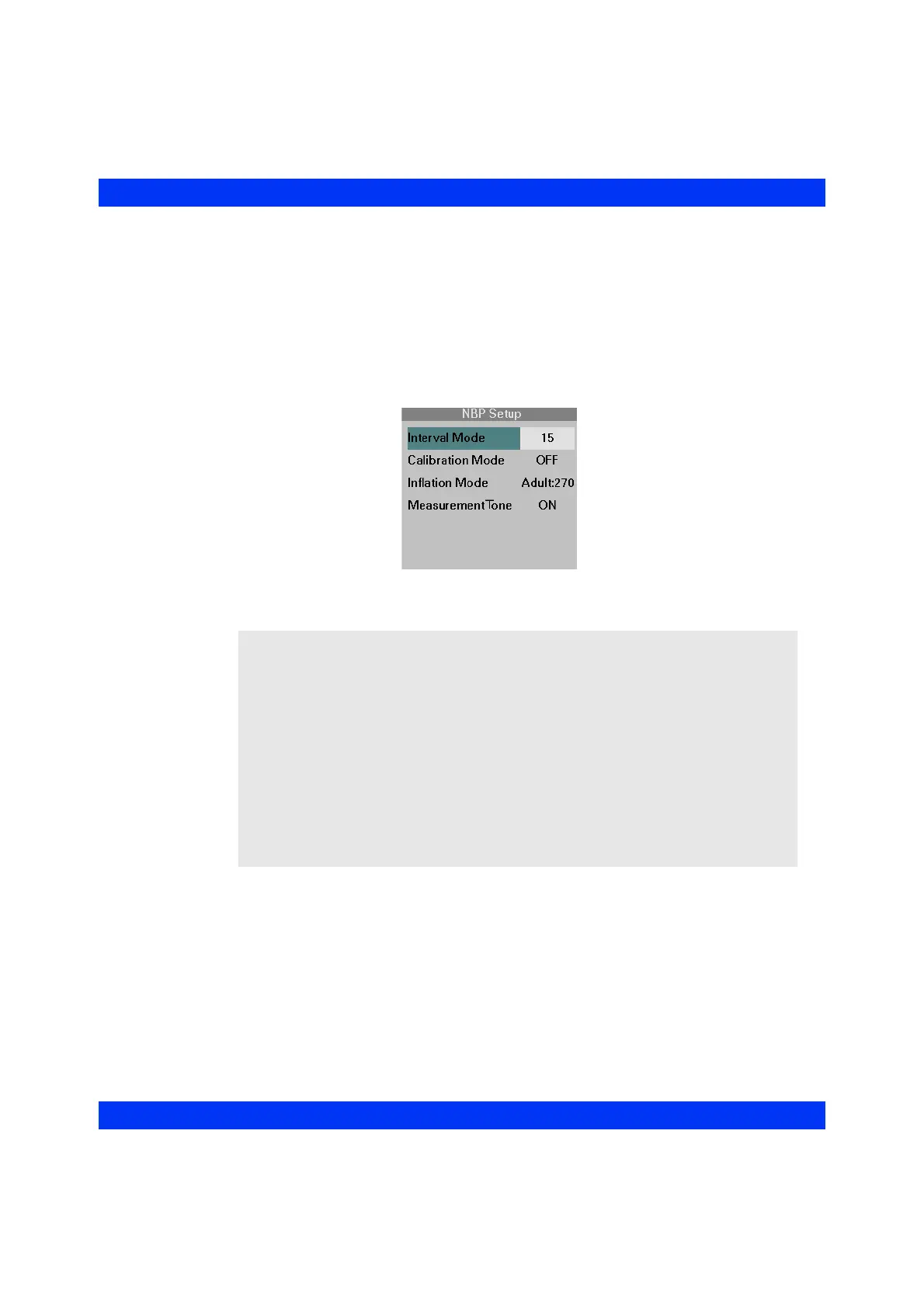
STEPS: Taking NBP Interval Measurements
1. Press and hold the NBP Start/Stop key,
or
1. Click on the NBP parameter box.
2. Click on
Interval Mode.
3. Select the desired interval and click the knob.
To end interval measurements, press and hold the
NBP Start/Stop key or turn the
Interval Mode
OFF in the NBP menu.
NOTE:
z When you press and hold the NBP Start/Stop key to turn the Interval Mode on,
the interval time is the one that was previously selected.
z If the Interval Mode is active before you power cycle the monitor, the Interval
Mode setting is retained through a power cycle. If the Interval Mode is turned
off before you power cycle the monitor, you have to reselect an interval time in
the NBP menu, before interval measurements can be started with the NBP Start/
Stop key.
z After exiting Standby, you have to restart NBP measurement cycles by pressing
the NBP Start/Stop key.
z During an active single NBP measurement, you cannot turn the Interval Mode
on or off.











 To Next Page