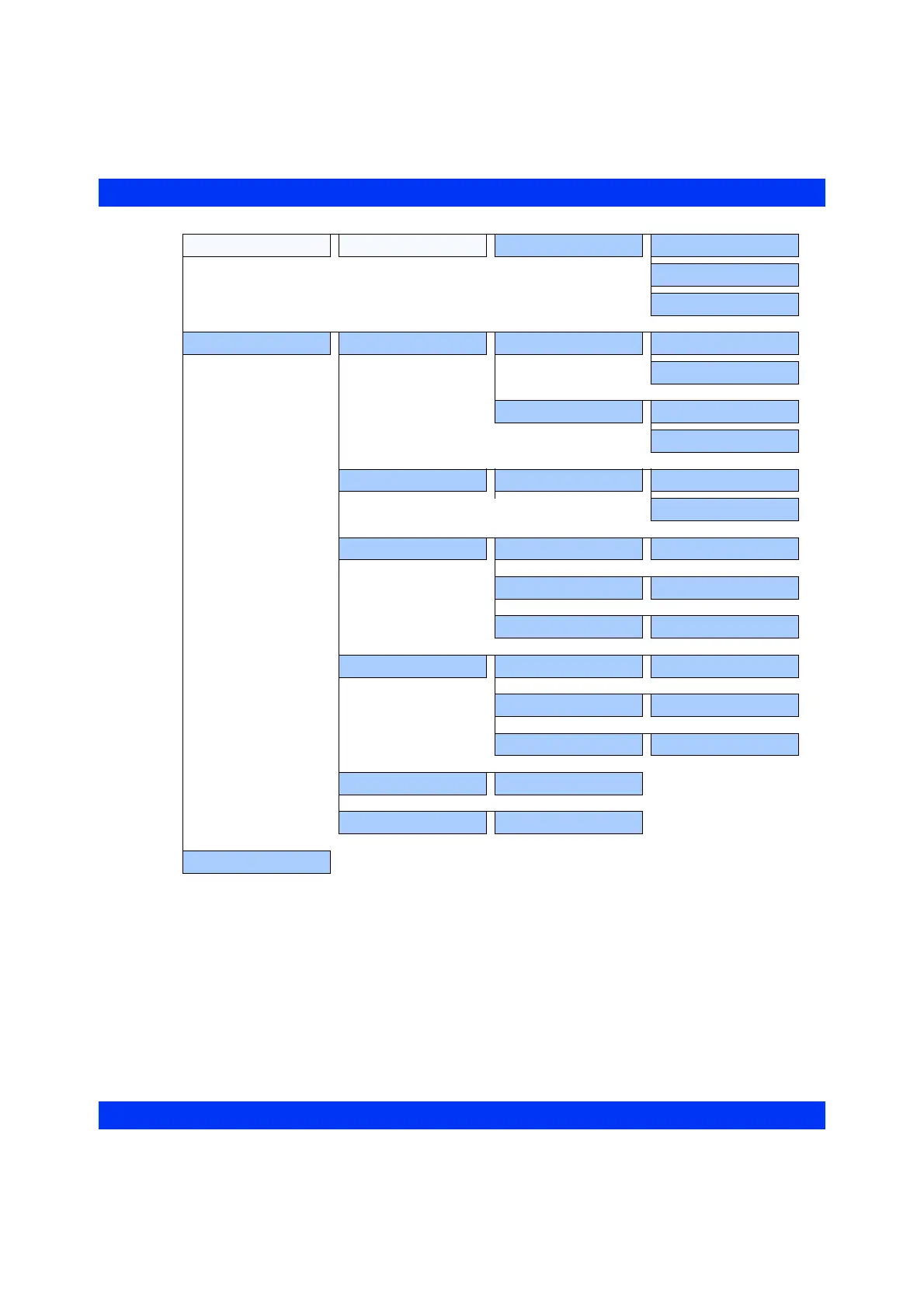
COMPLETE MENU STRUCTURE
VF6 Infinity Vista 1-21
Admit/Discharge Copy Data Copy to Monitor Name
ID
Start Transfer
Monitor Setup Main Screen Bottom Channel All
NBP
(with Lithium-Ion battery)
Screen Brightness Dim
Bright
Monitor Options Speaker Volume 10, 20...100%
OFF
Trend Setup Channel 1 (select parameter)
Channel 2 (select parameter)
Channel 3 (select parameter)
Recordings Primary Recorder (select)
Secondary Recorder (select)
Review Event Recall
Biomed (password)
Alarm Groups 1 - 255
Standby











 To Next Page