Working with a Cue List 223
Example:
You want the time for cue 1 to be 10 minutes and 15 seconds.
[Cue] [1] [Time] [1][0][1][5] [Enter]
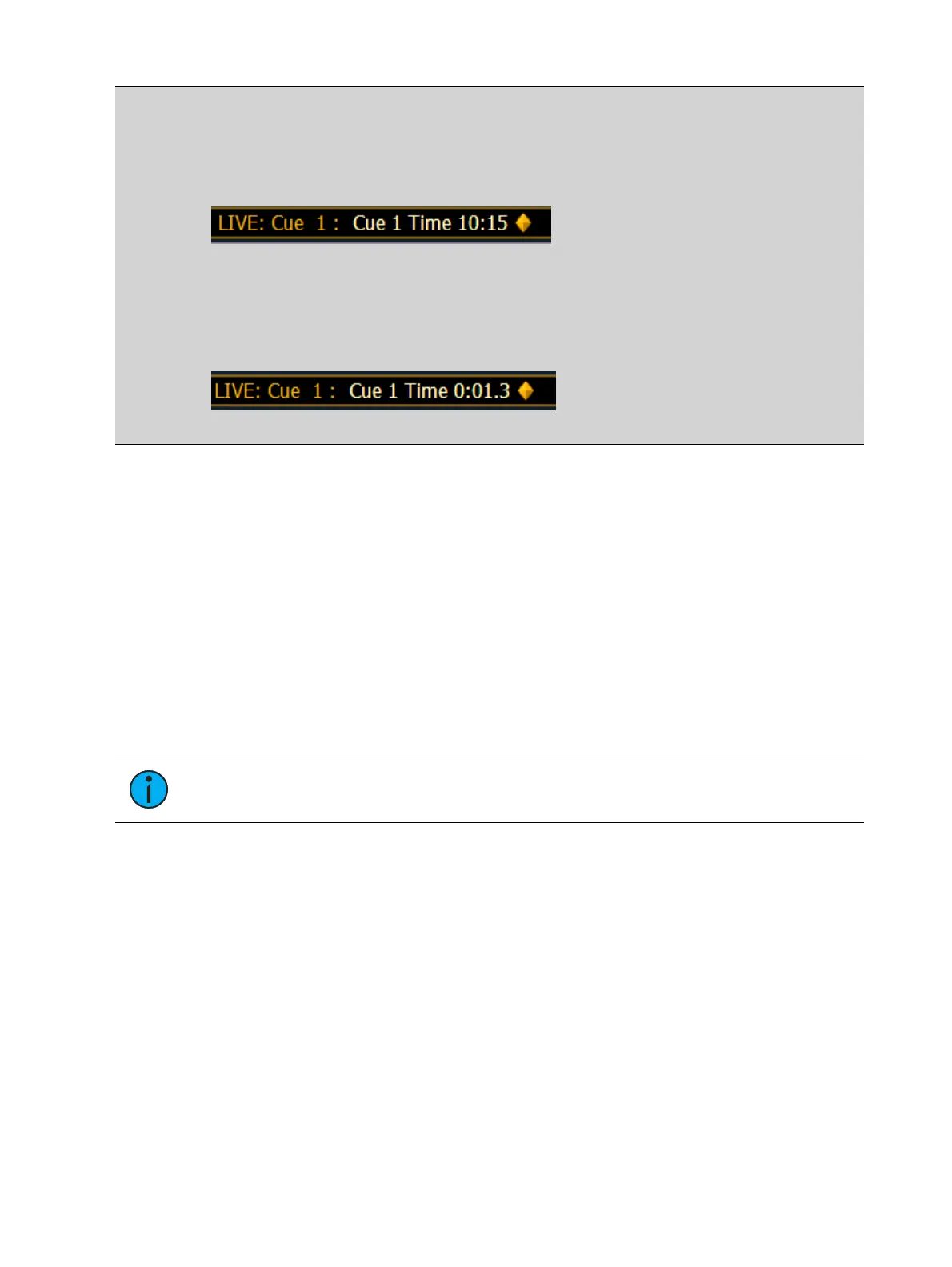
The command line will show the time as:
If you want the time for cue 1 to be in seconds and tenths of a second, like 1.3 seconds,
you will type using a decimal.
[Cue] [1] [Time] [1][.][3] [Enter]
The command line will show the time as:
Setting Cue Level Timing
Unless you specify otherwise, Element assigns default fade times to any cue you record. Default
timing is designated in Setup (
Cue Settings (on page133)
). Cue level timing can be applied
when a cue is recorded or can be added or modified later.
Following are some examples of record commands with cue level timing:
[Record] <Cue> [5] [Time] [9] [Enter] - puts a time of 9 seconds on all parameter timing
categories.
[Record] <Cue> [6] [Time] [3] [Time] [9] [Enter] -specifies the intensity up, focus, color,
and beam times at 3 seconds and the down time at 9 seconds. The first instance of [Time]
is used for intensity up fade (meaning intensity value is fading to a higher level than
previously set) and the second instance of [Time] is used for intensity down fade time
(intensity values fading to a lower level than previously set).
[Record] <Cue> [2] [Time] [Enter] - resets time to default value defined in Setup.
Note: Unless FCB timing is specifically set, it always defaults to the up fade time
value.
Manual Timing at a Cue Level
It is possible to assign a time of manual, for manual parameter transition through the associated
fader. See
Manual Timing Control (on page270)
for more information. Manual times are
assigned by using the {Manual} softkey that displays after [Time] is pressed when recording a
cue.
[Record] <Cue> [4] [Time] {Manual} [Enter] - applies a manual time. If the cue had
previously been given split times, would apply a manual to the up fade, focus, color, and
beam times. If the cue had a single time, all of the timing would be manual and controlled
by the fader.
[Record] <Cue> [4] [Time] [Time] {Manual} [Enter] - applies a manual intensity time to the
down fade.
[Record] <Cue> [4] {Color} [Time] {Manual} [Enter] - applies a manual time to any color
data changes in cue 4.



 To Next Page