Creating and Using Effects 291
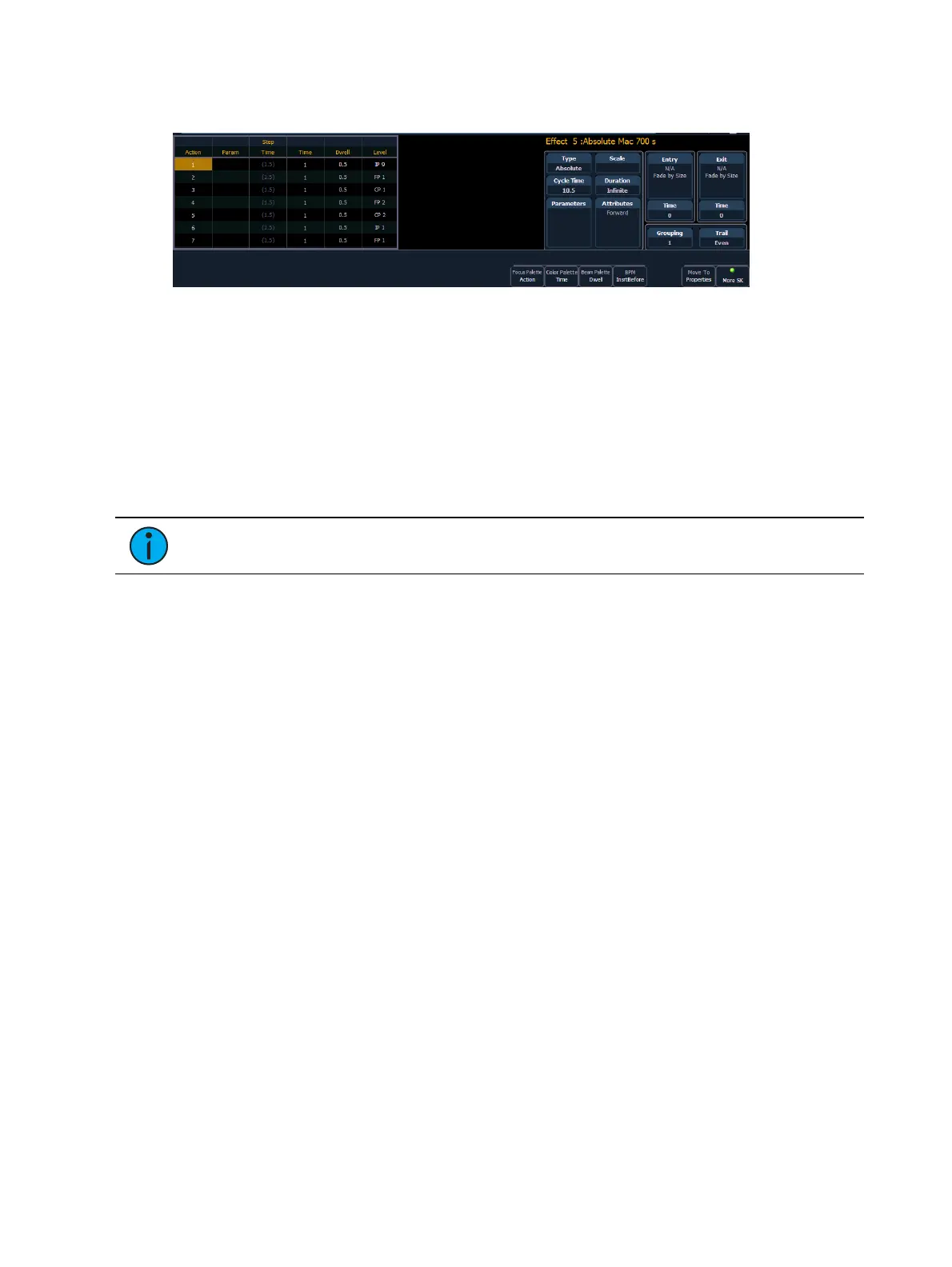
Level - indicates either the level of the parameter specified in the effect, or the referenced
value for the channel(s) to perform (Palette or preset as defined in the command line).
In the above image, actions 1 through 7 indicate referenced values in the “Level” column
(palettes or presets), though these values can be absolute data as well.
If an effect action is on the command line or indicated in the blue text to the left of the
command line, entering a number on the command line will default to selecting a action for the
previous selected effect.
If no action is displayed, the command line will default to an effect number.
Default step times will display in gray and in parentheses, and assigned step times will display in
white without parentheses.
Note: The default step time is the time value plus the dwell value.
If no step time has been assigned, the action will begin once the fade and dwell times for the
previous action have completed. If a step time has been assigned, the next action will begin
after that set amount of time has elapsed.
You can also define specific parameters for Absolute effect actions. To apply a parameter to a
specific action, click in the Param column and select the desired parameter.
Programming an Absolute Effect
Below is the process used to program an absolute effect.



 To Next Page