360 Eos Family v2.9.0 Operations Manual
Magic Sheet Objects
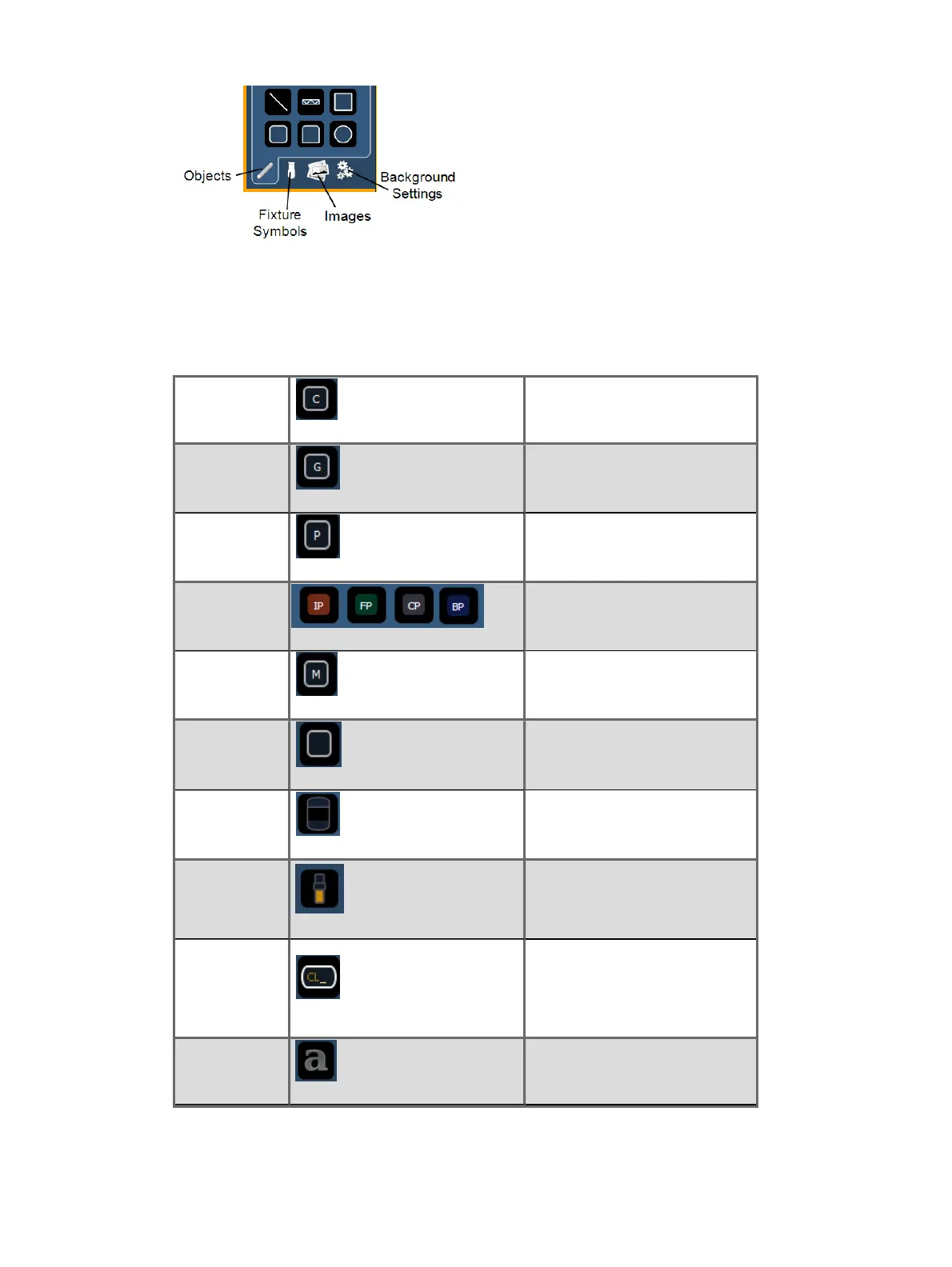
The following table contains the various magic sheet objects located in the first tab, and a brief
description of what they do. Settings for objects can be adjusted in the
MS Object Properties (on
page366)
area.
Channel
acts as a direct select for a
channel.
Group
acts as a direct select for a
group.
Preset
acts as a direct select for a
preset.
Palettes
acts as a direct select for a
palette.
Macro
acts as a direct select for a
macro.
Blank can be assigned a target.
Tombstone
mirrors the channel indicators
from the live/blind summary
view.
Fader
assigns a virtual fader. If the
virtual fader is assigned to an
existing one, their settings will
be the same.
Command
Line
mirrors the command line. Can
be assigned to mirror the
command line for any user.
Multiple command lines for
different users can be used.
Text
places descriptive text on the
sheet. The text can also be
assigned a target.



 To Next Page