Virtual Media Server 379
Server Channel Controls
When working with the Server Channel, the following controls will be available:
{Intensity}
{Pan} and {Tilt} - used to adjust layers within the frame.
{Color} - filters color for all layers.
{FoView} - field of view, or perspective.
{Crossfade} - used to adjust the priority when devices in the pixel map are also used as
desk channels. -100 gives the pixel map priority, and +100 give the desk channel priority.
At 0 (the default) the output is calculated HTP for intensity and LTP for NPs.
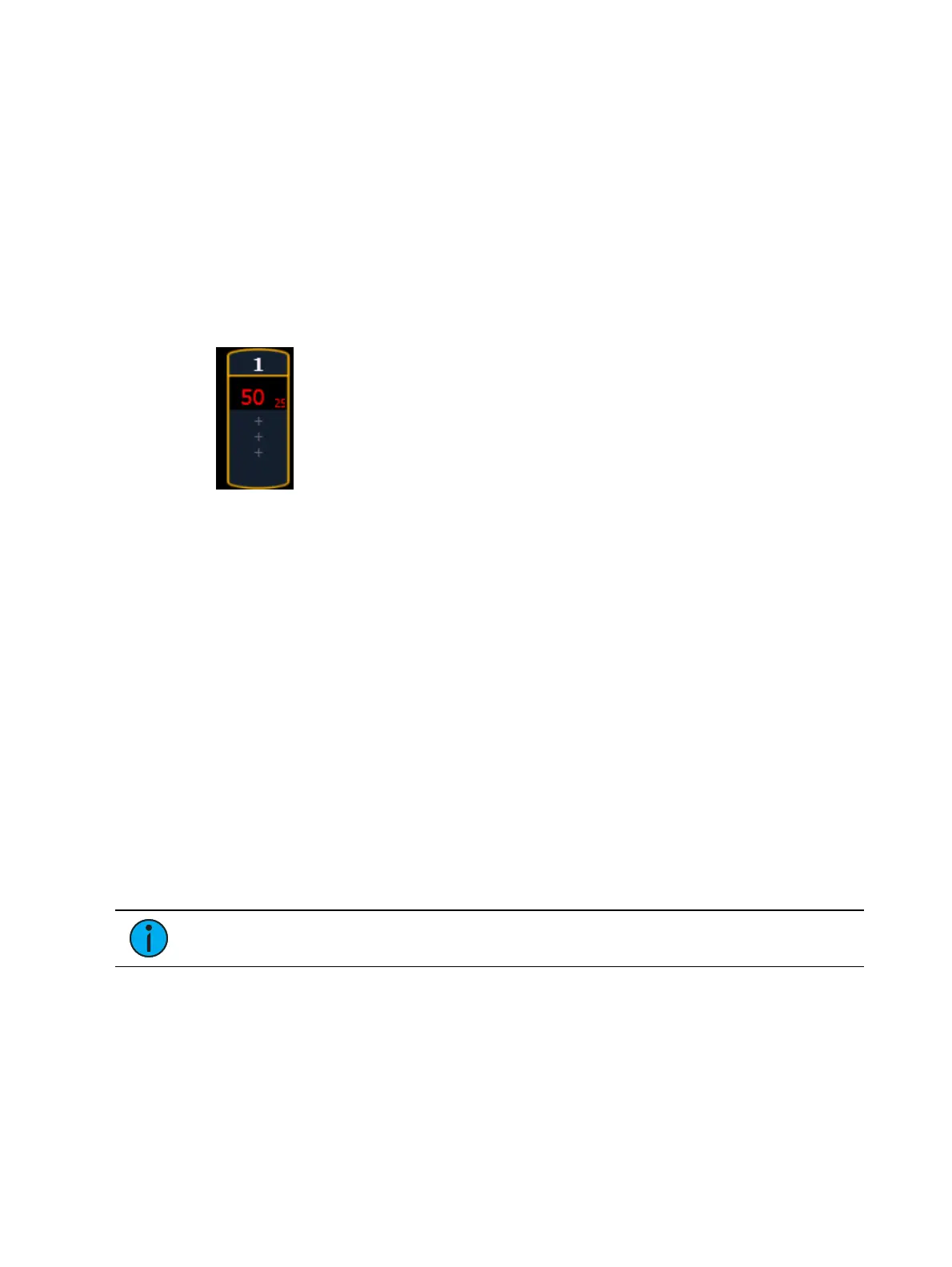
The Virtual Media Server crossfade parameter level will display in subscript beside the
intensity.
{Blend} - is a smoothing function for crossfades. It is a linear parameter that defaults to
zero.
{Scale} - adjusts Scale of all layers.
{Aspect Ratio} - adjusts aspect ratio of all layers.
{XYZ Rotation Controls} - rotation control for all layers
Layer Channel Controls
When working with the Layer Channels, the following controls will be available:
{Intensity}
{Pan} and {Tilt} - used to adjust the image of the individual layer within the frame.
{Color} - filters the color of the content. For example, if all the colors are set to full, the
content will play all colors normally. However if blue is at 0, then only the red and green
pixels of the content will play. The color and gel pickers can be used to select color
filtering quickly.
{Negative On/Off} - with negative on, the output is the negative of the content. With it
off, the content plays back normally.
{Image Brightness} - this varies from intensity. The following images illustrates the
differences between image brightness and intensity.
Note: All Virtual Media Layers operate in 16-bit color mode.



 To Next Page