380 Eos Family v2.9.0 Operations Manual
{Playback Mode 1}:
{Display Centered}
{Display In Frame}
{Display Out Frame}
{Play Loop Forward}
{Play Loop Reverse}
{Play Once Forward}
{Play Once Reverse}
{Stop}
{Playback Speed}
{In Point} - determines where in the clip (frame number) you want to enter in.
{Out Point} - determines where in the clip (frame number) you want to exit.
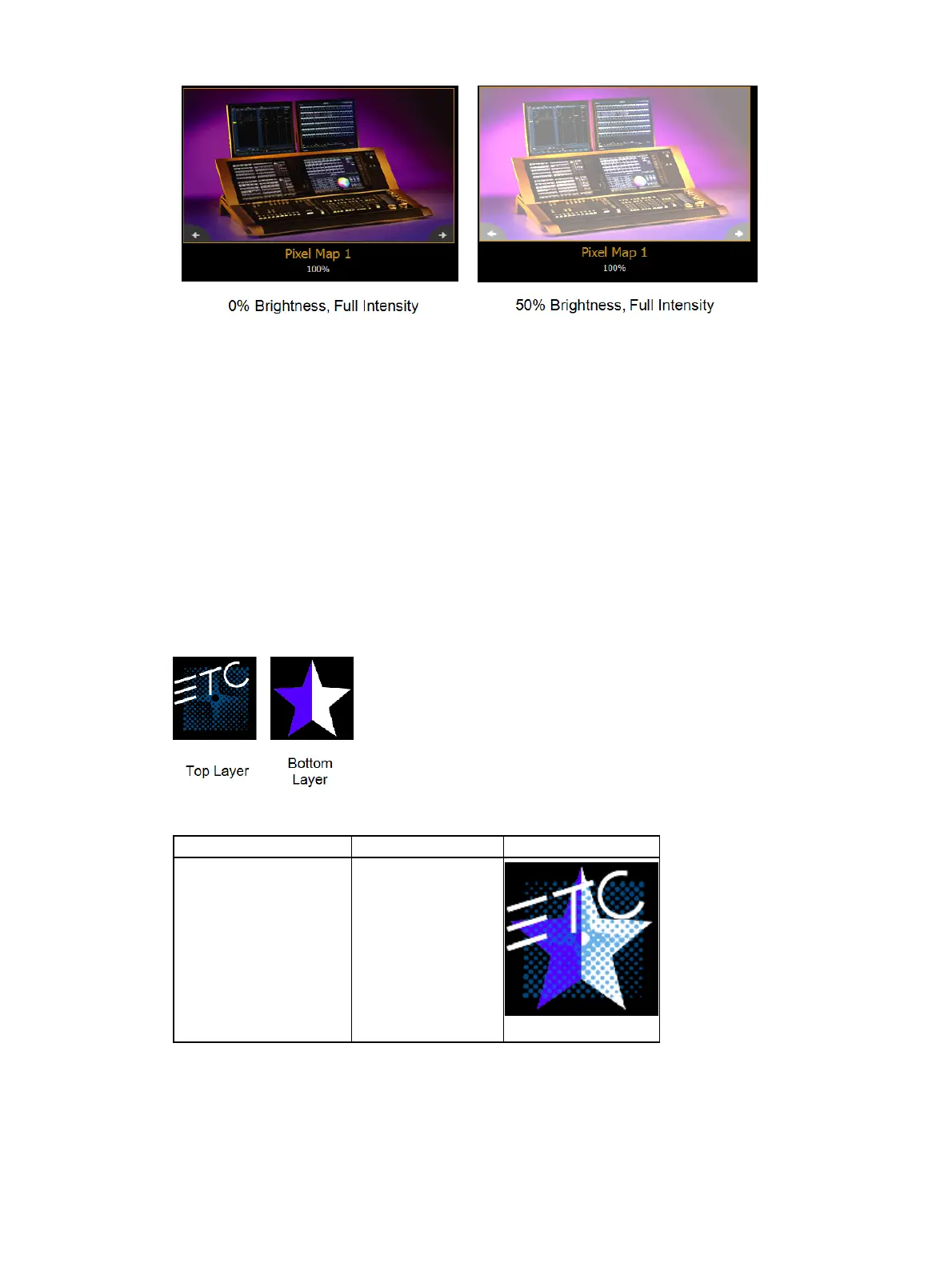
{Mix Modes} - sets how the layers will interact. The following table shows the various
mixer modes available. To illustrate the modes, the following layers were used:
Mode Description Result
{Over} (Default)
Top layer blended
with bottom layer



 To Next Page