388 Eos Family v2.9.0 Operations Manual
1. On the backup or client, navigate to the browser.
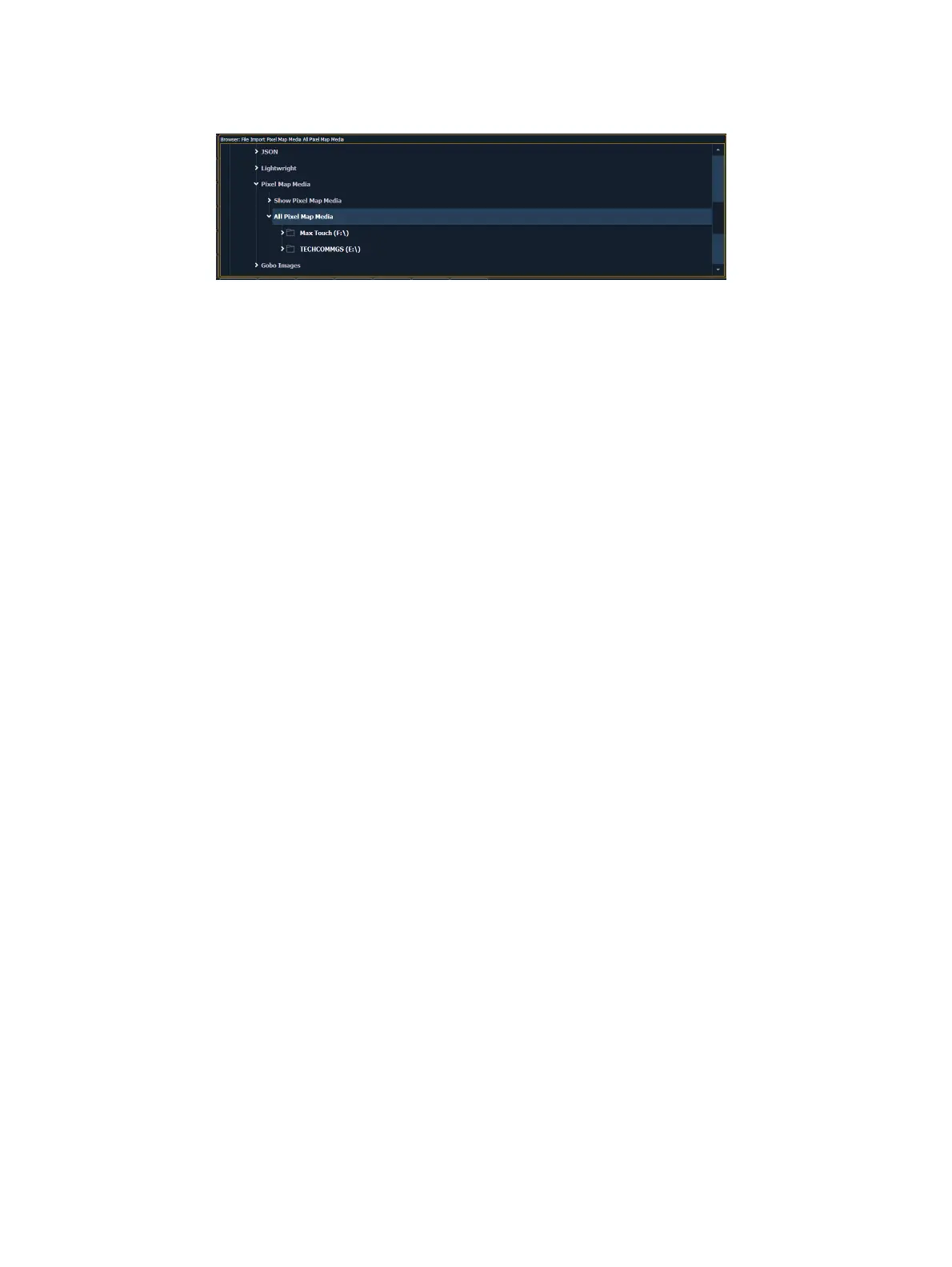
2. Expand File>Import>Import Pixel Map Media>Import Show Pixel Map Media.
3. Select the appropriate network drive.
4. The Import Show Media display will open. Press the {Start Import} button.
5. A progress bar will appear to indicate the status of the import process. When finished,
click {Done}. You will now be able to see the media playing in the Pixel Map Preview
display on the backup and/or clients.



 To Next Page