Eos Configuration Utility 407
Use Shift As Eos Shift
Allows the SHIFT key on an alphanumeric keyboard to be used as the console's [Shift] key. If not
selected, the Z key on an alphanumeric keyboard will function as the [Shift] key.
Open in Shell E.C.U
When this is checked, the desk will boot into the Configuration Utility every time instead of
booting directly into the main application.
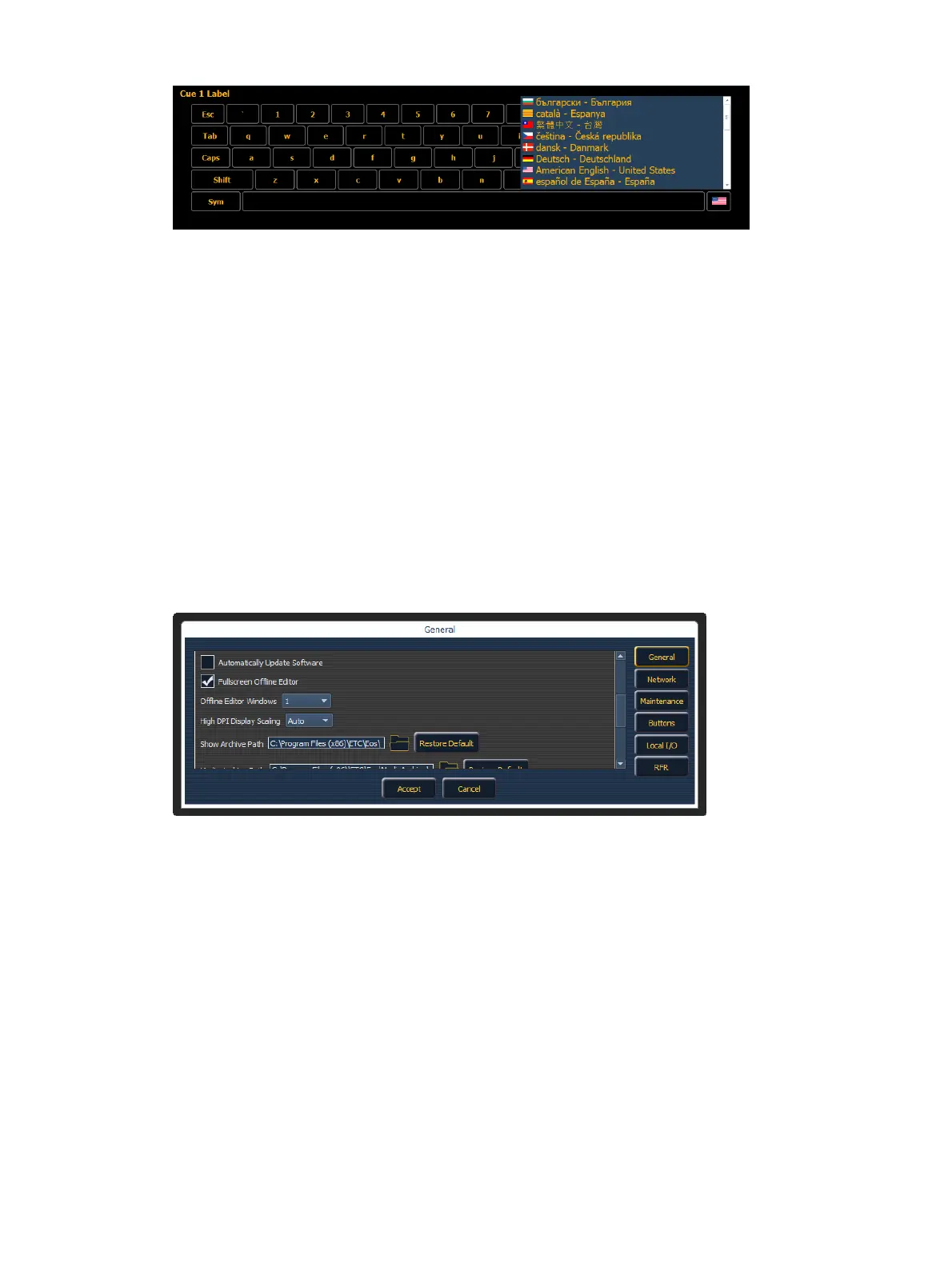
Automatically Update Software
When this is checked, the desk will receive software updates from the primary if used in a multi-
console system.
Fullscreen Offline Editor
For ETCnomad, there is an additional ECUsetting to allow Fullscreen Offline Editor mode.
Instead of separate windows, the displays will be fullscreen.
With this mode disabled, you can choose up to six windows to display. Fullscreen Offline Editor
mode is enabled by default.
High DPI Display Scaling
When using a High DPI4k display, you can set the display scaling to make small text more
legible.
The following options are available:
Auto - the software will be scaled up to appear larger on high DPI displays - depends on
monitor and Windows support for auto-detecting such displays. This is the default setting.
2x - if Auto fails to automatically scale up the software on high DPI displays, select this
option to force everything to be larger.
Disabled - keeps the software at its native sizes and scaling, which will appear to be very
small on High DPI displays



 To Next Page