Eos Configuration Utility 415
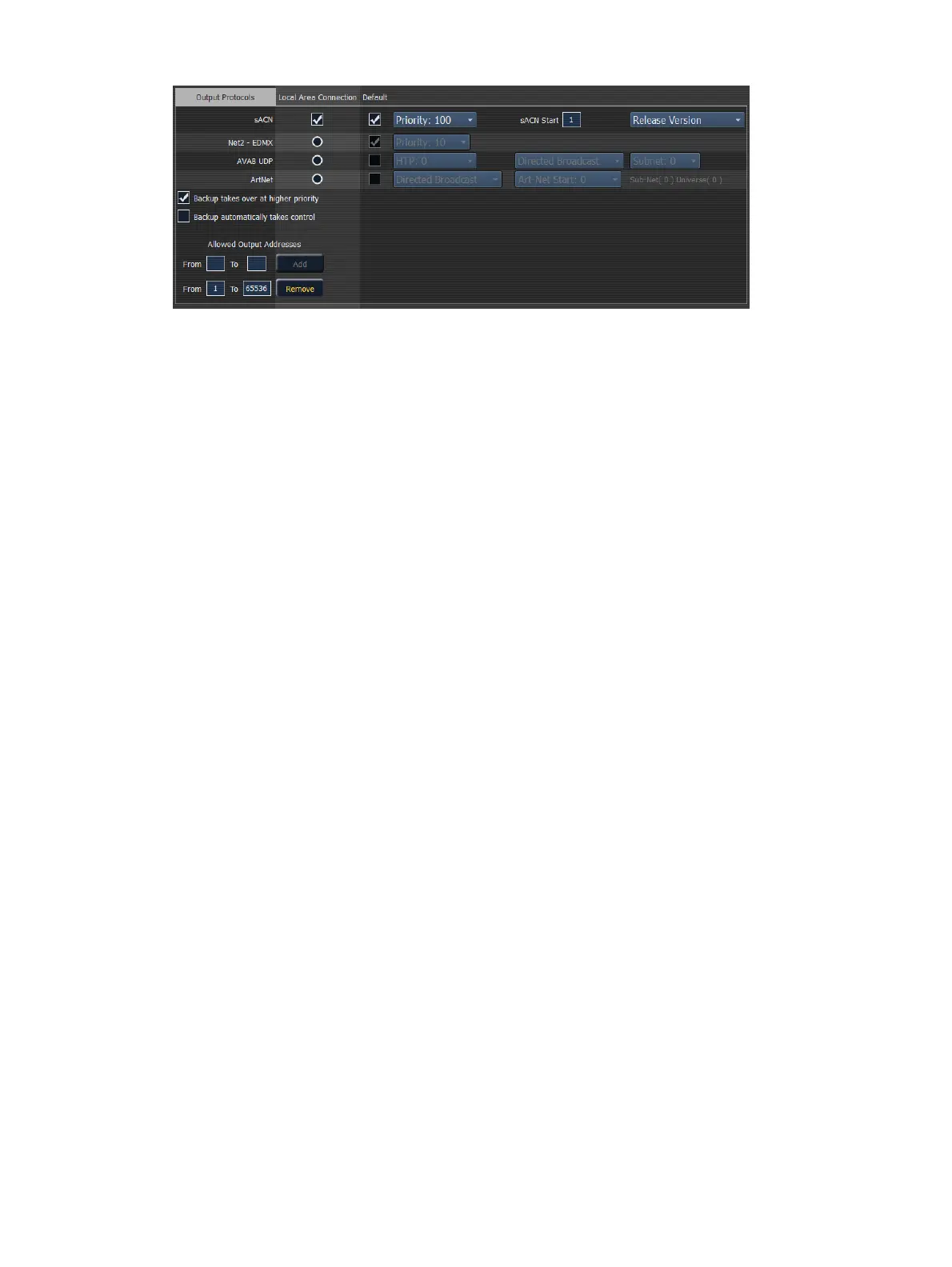
sACN
This sets the control priority and the starting address for sACN data from your console. The valid
range for this setting is 1 (lowest) to 200 (highest). This is the reverse of EDMX.
Element allows you to use any sACNuniverses from 1-63,999.The number of universes that can
be used at a time is limited to a block of 256 contiguous universes. The address range equals 1
to 32,767,488, which is 63,999 times 512.
Element and the Net3 Gateways support two versions of sACN, the draft version and the final
ratified version. The ratified version is outputted by default unless this is selected.
Net2-EDMX
This sets the control priority for EDMX data from this desk. The valid range for this setting is 20
(lowest) to 1 (highest). This is the reverse of sACN.
Avab UDP
This sets the subnet for Avab UDP data from this desk. The priority levels range from 0-200. The
default is 0, which is no priority level. 1 is the lowest priority level and 200 is the highest. When
set to no priority level (0), the data will merge according to HTP.
A backup desk will receive its Avab UDP priority level from the primary. The backup will then
output at one priority higher than the primary, unless the primary was set to the highest priority
of 200.
ArtNet
This sets the subnet for ArtNet data from this desk. The valid ArtNet Start range for this setting is
0-255.
Broadcast Type
Directed Broadcast - Broadcast packets are directed to a subnet based on the IP address
and subnet mask of the sender.
Limited Broadcast - The limited broadcast address is 255.255.255.255. It is limited
because routers will never forward datagrams with that destination address. This means
that datagrams with the limited broadcast address are confined to the particular network
segment on which they originate.
Backup Takes Over At Higher Priority
This enables the backup device in a multi-console system to take over at one priority higher than
the master if the master goes offline.



 To Next Page