420 Eos Family v2.9.0 Operations Manual
This is useful for sharing settings between consoles, including ETCnomad.
Backup System Settings
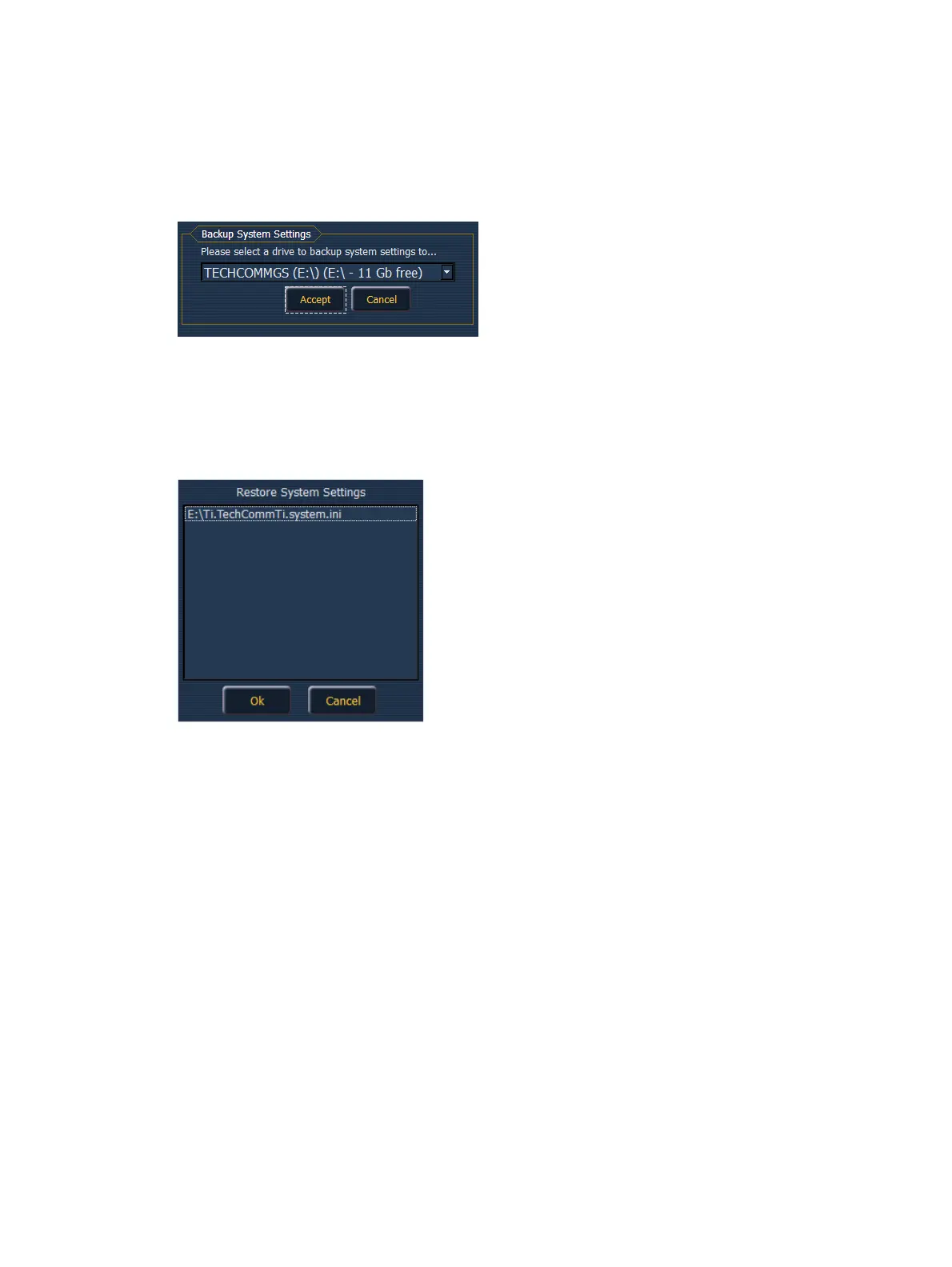
{Backup System Settings} will open a window that allows you to save .ini file to a selected drive.
To backup settings, select a drive from the drop down menu, and press {Accept} to save or
{Cancel} to exit without saving.
Restore System Settings
{Restore System Settings} will open a window that allows you to select a saved.ini file. Select
the desired file and press {Ok} to restore settings. Press {Cancel} to close the window without
restore settings.
Face Panel Test
{Face Panel Test} provides a way to verify the functional state of all of the keys and faders on
the Element. Press/ move every key and fader to verify that those events register on the
diagnostic test screen.
File Manager
{File Manager} provides a way to manage show files. You can create and delete new folders,
move, and copy files between the desk and USB drives.
The file manager display will show the ShowArchive folder on your desk as well as any external
USB drives that are detected. The display is split into two windows, so you can see two different
folders at the same time for copying or moving data between them.



 To Next Page