50 Eos Family v2.9.0 Operations Manual
Paging the Playback Status Display
[Page ▲ ] or [Page ▼ ] will page the display up or down.
Note: To page the Playback Status Display (PSD) if focus is on a Live/Blind tab, use
[Shift] & [Page ▲ ] or [Shift] & [Page ▼ ].
Note: This action will page the PSD that is showing the currently selected cue list. If
there is no PSD visible showing that cue list, nothing will be paged.
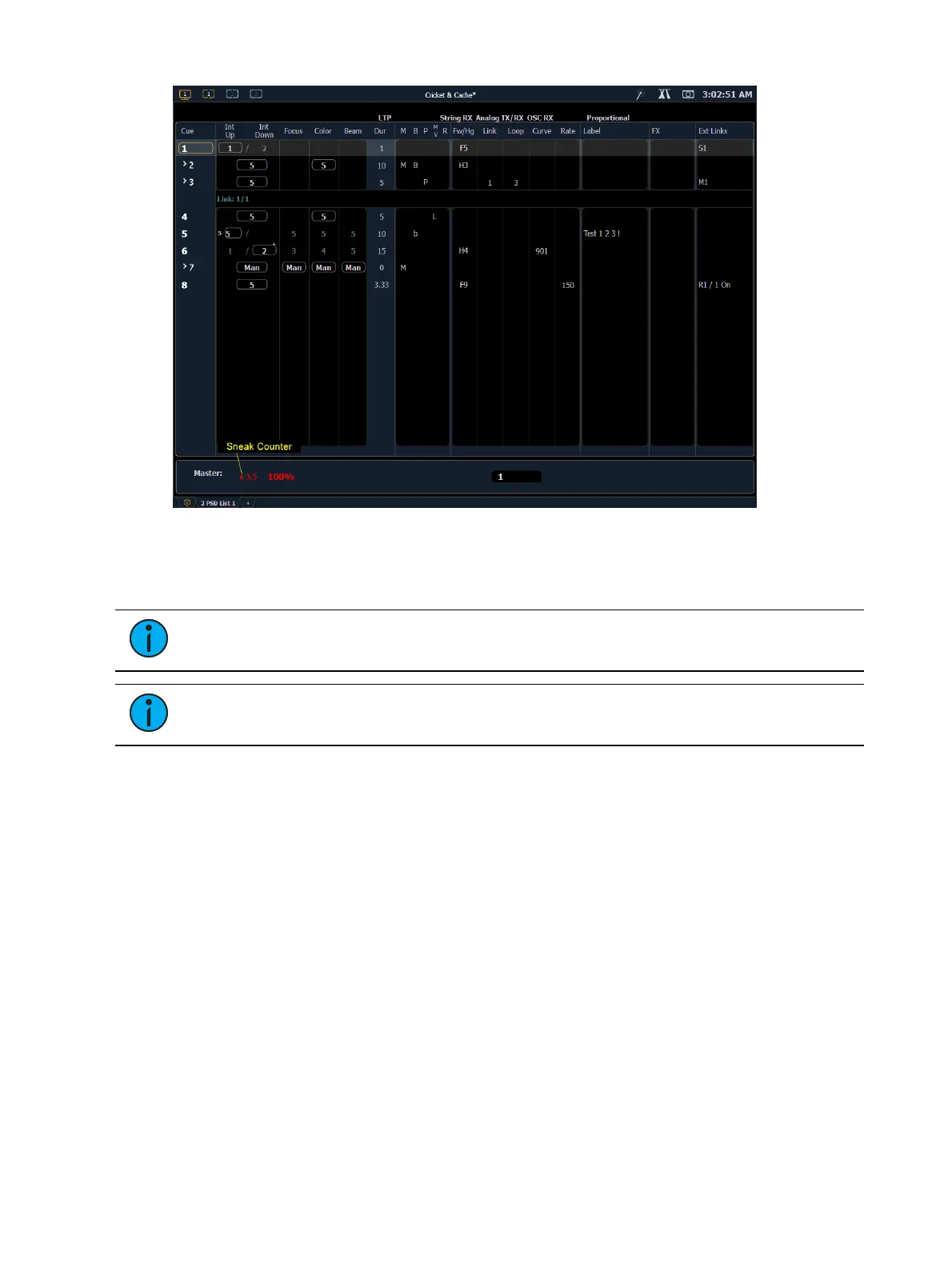
Indicators in the Playback Status Display
Element relies on many traditional ETC indicators which you may be familiar with, as well as
some new ones. This section identifies the graphical and colorful conventions used in Element to
indicate conditions to you.



 To Next Page