66 Eos Family v2.9.0 Operations Manual
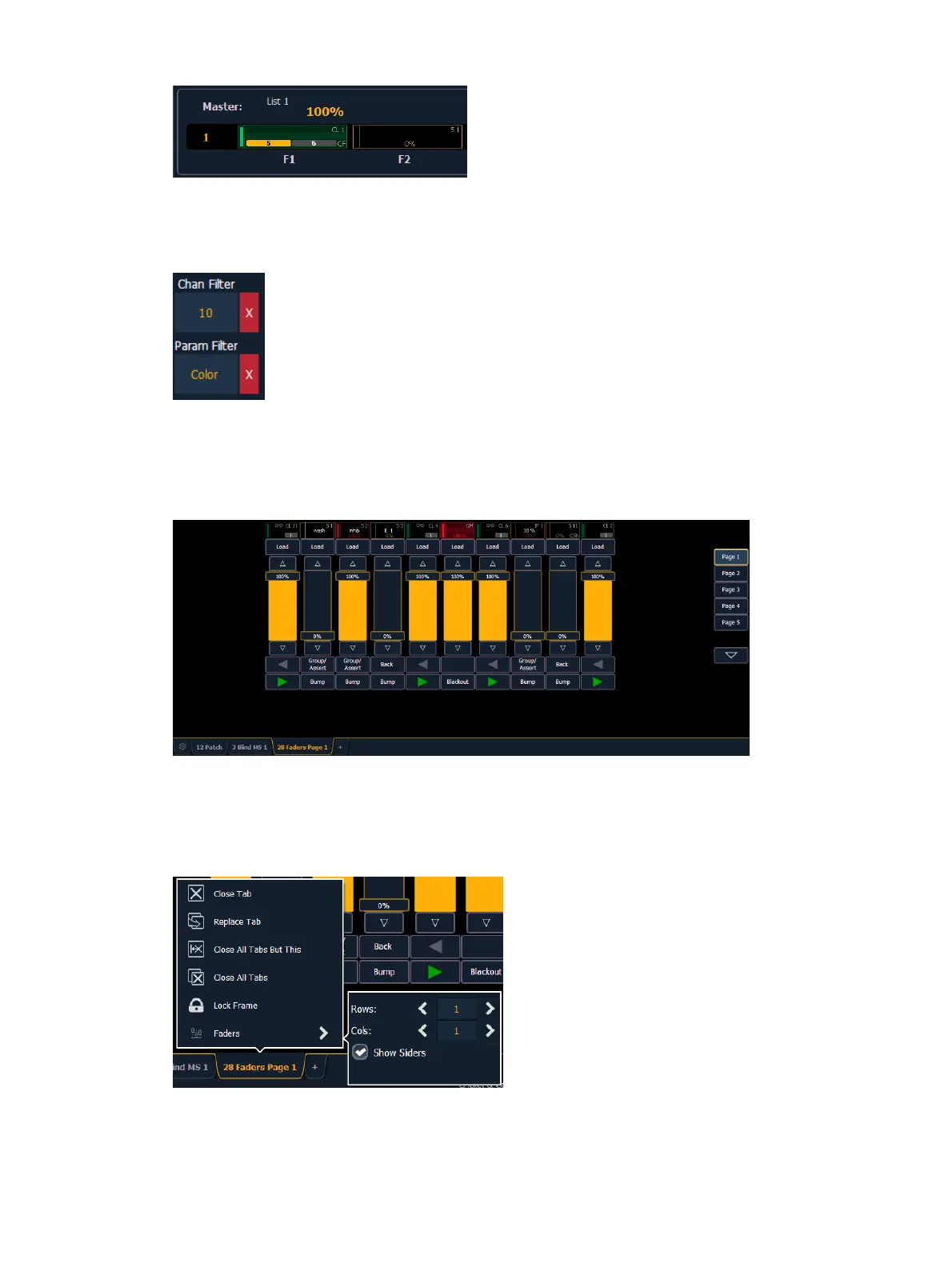
Clearing Channel and Parameter Filters
Press the red [X] to clear the channel or parameter filters listed.
Virtual Fader Module
A virtual fader module can be opened from the home screen by selecting the Faders button or by
pressing [Tab] [2][8].
The virtual fader module has a configuration menu, which is accessed by first selecting the
module tab and then double clicking on the tab to open the menu. With the virtual fader
module selected, you can also select the gear icon, which is located by the tabs, to open the
configuration menu.
The following options are available in this configuration menu:



 To Next Page