POWERSCANNER
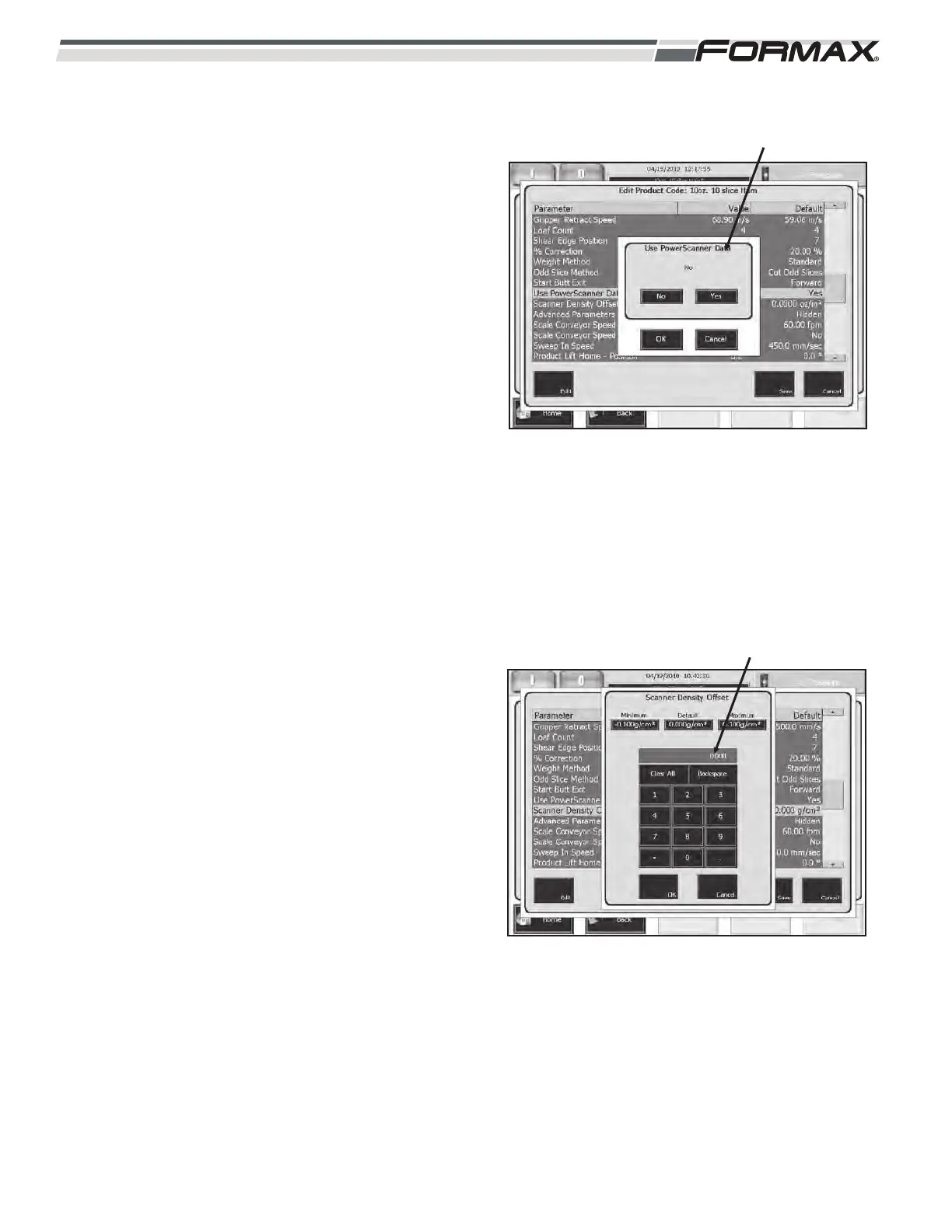
USE POWERSCANNER DATA: The “Use
PowerScanner Data” parameter allows you to turn “on”
or “off” the Scanner Data that is sent to the Slicer.
(Illustration 82)
To run the Slicer using the Scanner Data, set the
parameter to “Yes.”
To run the Slicer as a stand alone machine, set the
parameter to “No.”
PRE-STAGE GRIPPERS: Yes or No.
SCANNER DENSITY CORRECTION METHOD: The
PowerScanner calculates the “Density” of the product
based on the weight and volume of the product. The
PowerScanner predetermines the slice thickness for
each section of the product and sends this information
to the Slicer Computer for slicing instructions. The
“Scanner Density Offset” parameter allows you to
fine-tune the Density Calculation. (Illustration 83)
If the product weights are consistently weighing
low, decrease the “Scanner Density Offset” setting.
If the product weights are consistently weighing
high, increase the “Scanner Density Offset” setting.
7-36 031914
ILLUSTRATION 82
USE POWERSCANNER DATA
ILLUSTRATION 83
SCANNER DENSITY CORRECTION METHOD


 To Next Page