031914 7-9
PROGRAMMING PRODUCT CODE
PARAMETERS
The following section describes the functions of the
different parameters in the Product Code. Many of
these parameters will be set the same for each
Product Code. (Illustration 20)
IMPORTANT!
After creating or editing a “Product Code,” you
will still need to “select” the “Product Code” on
the “Home” screen for the parameter changes
to take effect.
COMMON
READ ONLY P.C. CODE: True or False. True only
allows you to view P.C.C.
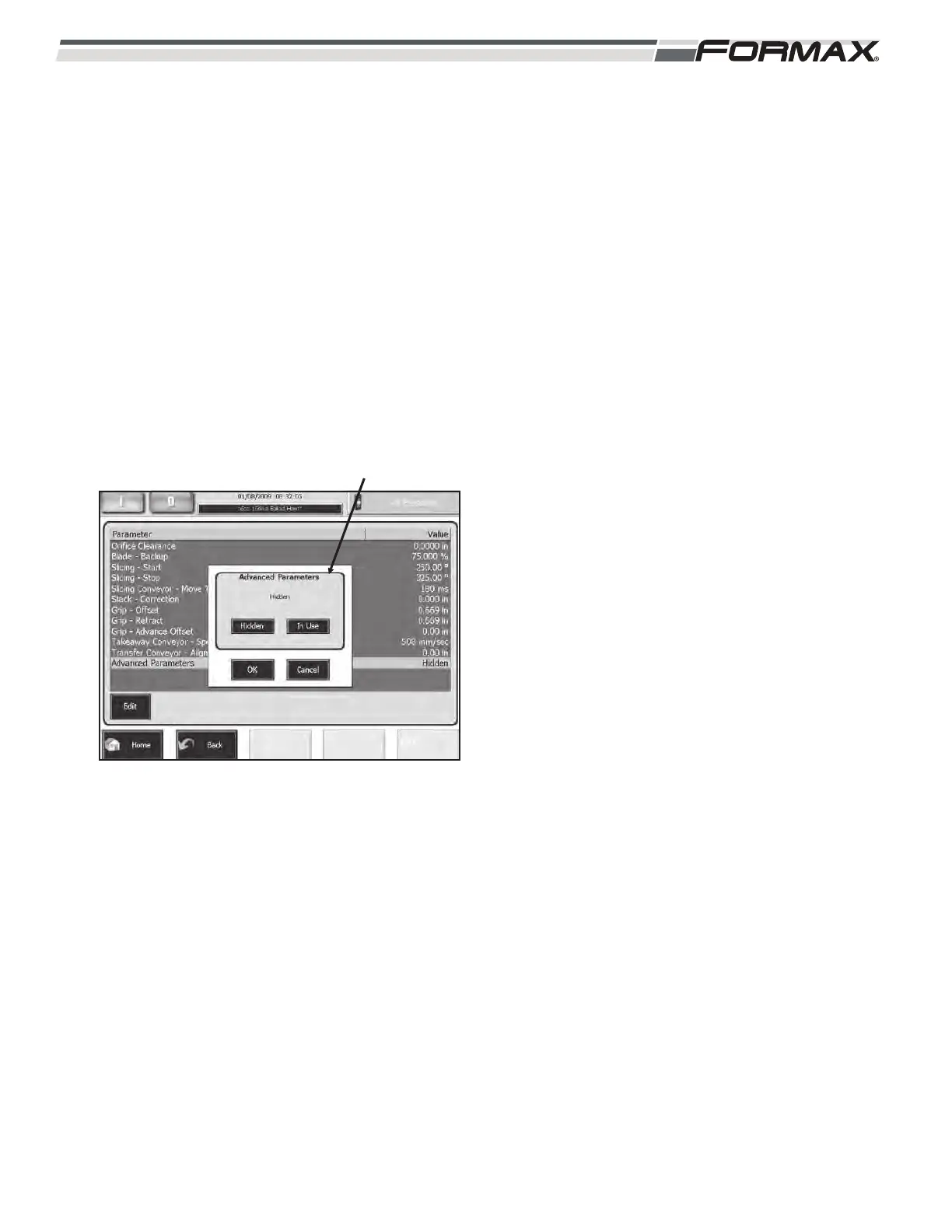
ADVANCED PARAMETERS: Enabling the
“Advanced Parameters” adjustment displays the
seldom-used adjustments that are not normally
required in normal production operation.
(Illustration 21) These adjustments are used to
fine-tune the Slicer during production.
ILLUSTRATION 21
ADVANCED PARAMETERS



 To Next Page