031914 M2-1
INTRODUCTION
The following section describes the different
“Service” screens and how to use them to
troubleshoot and maintain the PowerMax3000
®
.
Maintenance personnel with permission to
access these screens should read the entire
section carefully to understand all of the
capabilities of the PowerMax3000
®
Software.
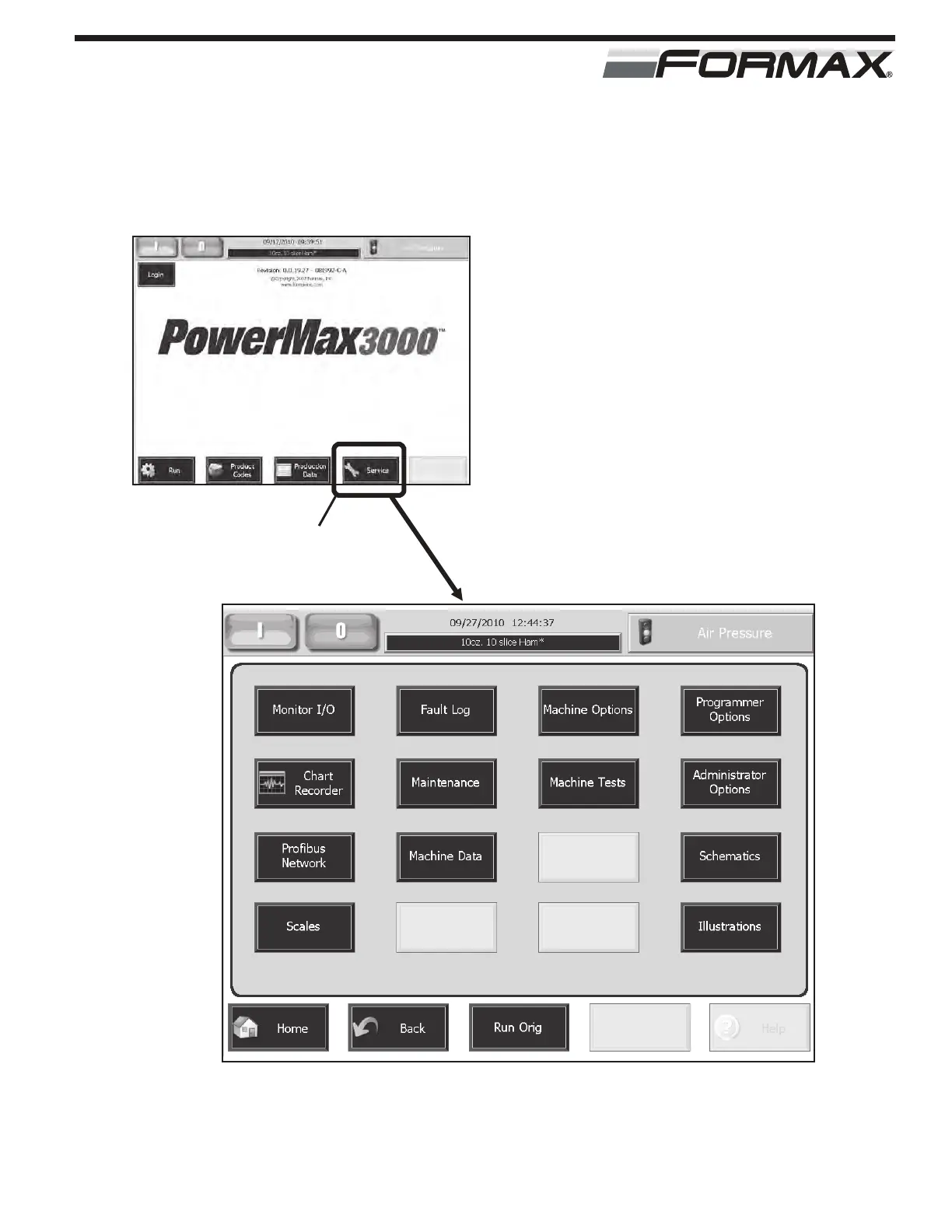
Touch the “Service” button on the “Home” page
to access these screens. (Illustration 1)
SERVICE SCREENS
“SERVICE” BUTTON
ILLUSTRATION 1



 To Next Page