031914 3-1
INTRODUCTION
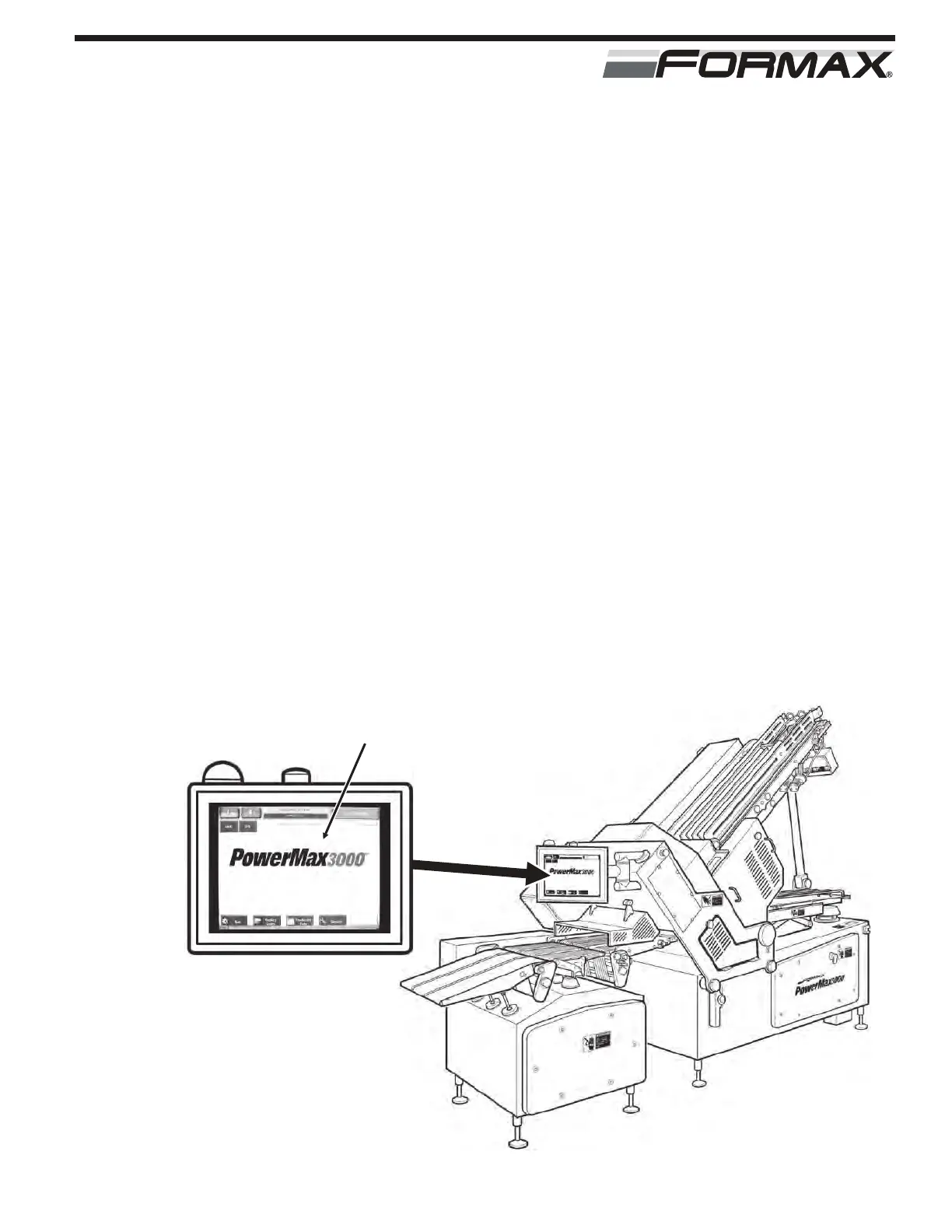
The TouchScreen Control System has many different screens to
support all the functions that the Slicer is capable of. This section is
provided as a guide to access these different screens. The “Home”
screen can be accessed from most screens by touching “Home.” To
reduce space, this will be noted rather than a screen picture.
PAGE 3-2 “HOME” SCREEN
Screens Accessible: “Run,” “Product Codes,” “Production Data” and
“Service.”
PAGE 3-3 “RUN” SCREEN
Screens Accessible: “Weight Data,” “Adjustments” and “Home”
(Main Screen).
PAGE 3-4 “PRODUCT CODES” SCREEN
Screens Accessible: “Product Codes” and “Home.”
PAGE 3-5 “PRODUCTION DATA” SCREEN
Screens Accessible: “Production Data” and “Home.”
PAGE 3-6 “SERVICE” SCREEN
Screens Accessible: “I/O Monitor,” “Fault Log,” “Machine Options,”
“Programmer Options,” “Chart Recorder,” “Maintenance Alarms,”
“Test Functions,” “Administrator Options,” “Profibus Network,” “Drive
Setup,” “Machine Data” and “Home.”
TOUCHSCREEN CONTROLS
ILLUSTRATION 1
TOUCHSCREEN PANEL



 To Next Page