Field Description
Privacy Select whether an encryption method is to be used for this
bridge link and if so, which one.
Possible values:
• TKIP (default value): Temporal Key Integrity Protocol.
• AES: Advanced Encryption Standard.
Both encryption methods are rated as secure, with AES offering
better performance.
Preshared Key Enter the password for this bridge link. You can also obtain the
preshared key automatically.
Fields in the Bridge LinksRemote Partner menu
Field Description
Remote MAC address Enter the MAC address of the bridge link partner.
11.1.5.2 Bridge links scan
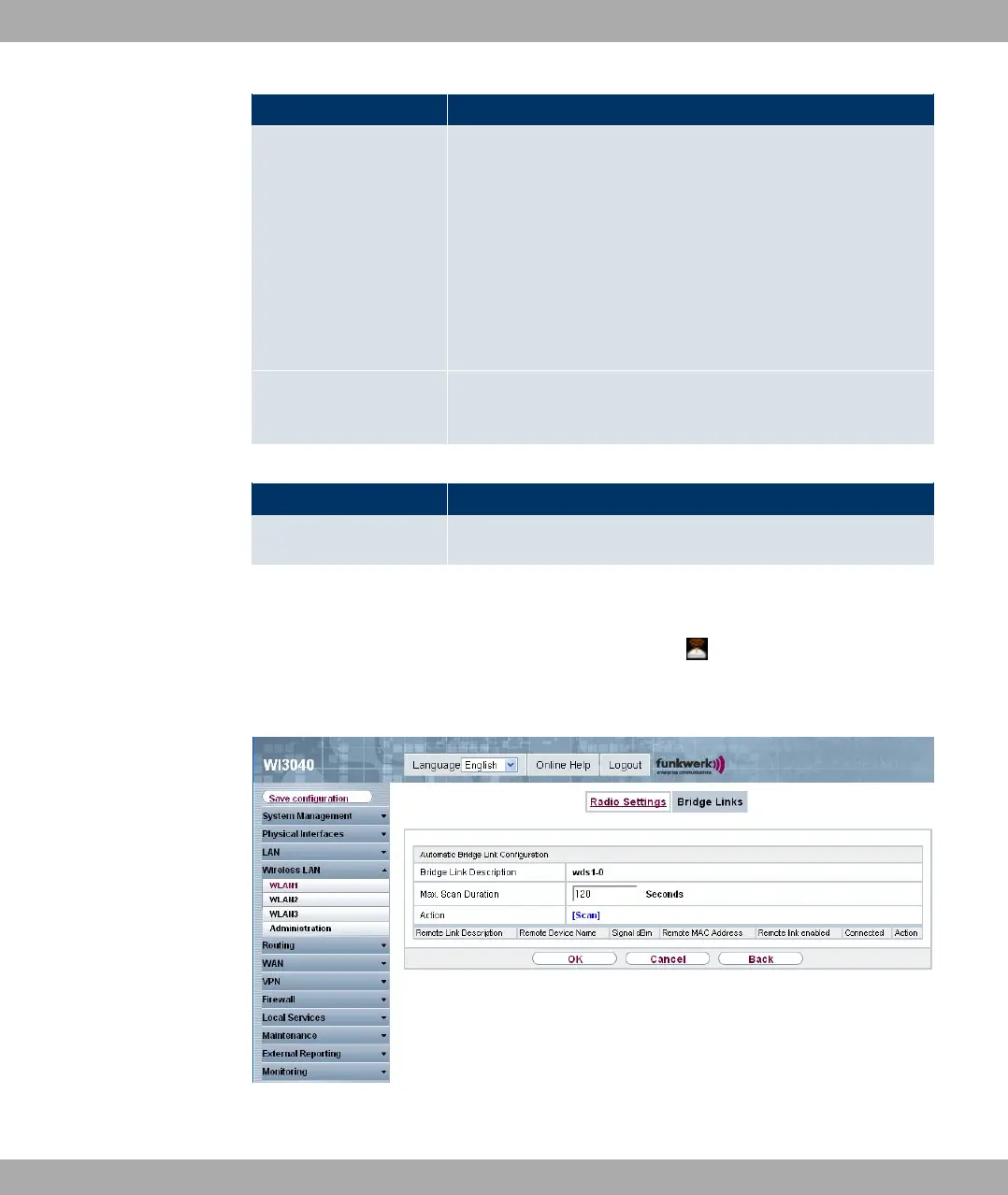
After the desired Bridge Links have been configured, the icon is shown in the list.
You can use this icon to open the Automatic Bridge Link Configuration menu.
Fig. 77: Wireless LAN -> WLANx -> Bridge Links -> Automatic Bridge Link Configura-
tion
11 Wireless LAN Funkwerk Enterprise Communications GmbH
174 bintec W1002/W1002n/W2002/WIx040/WIx065



 To Next Page