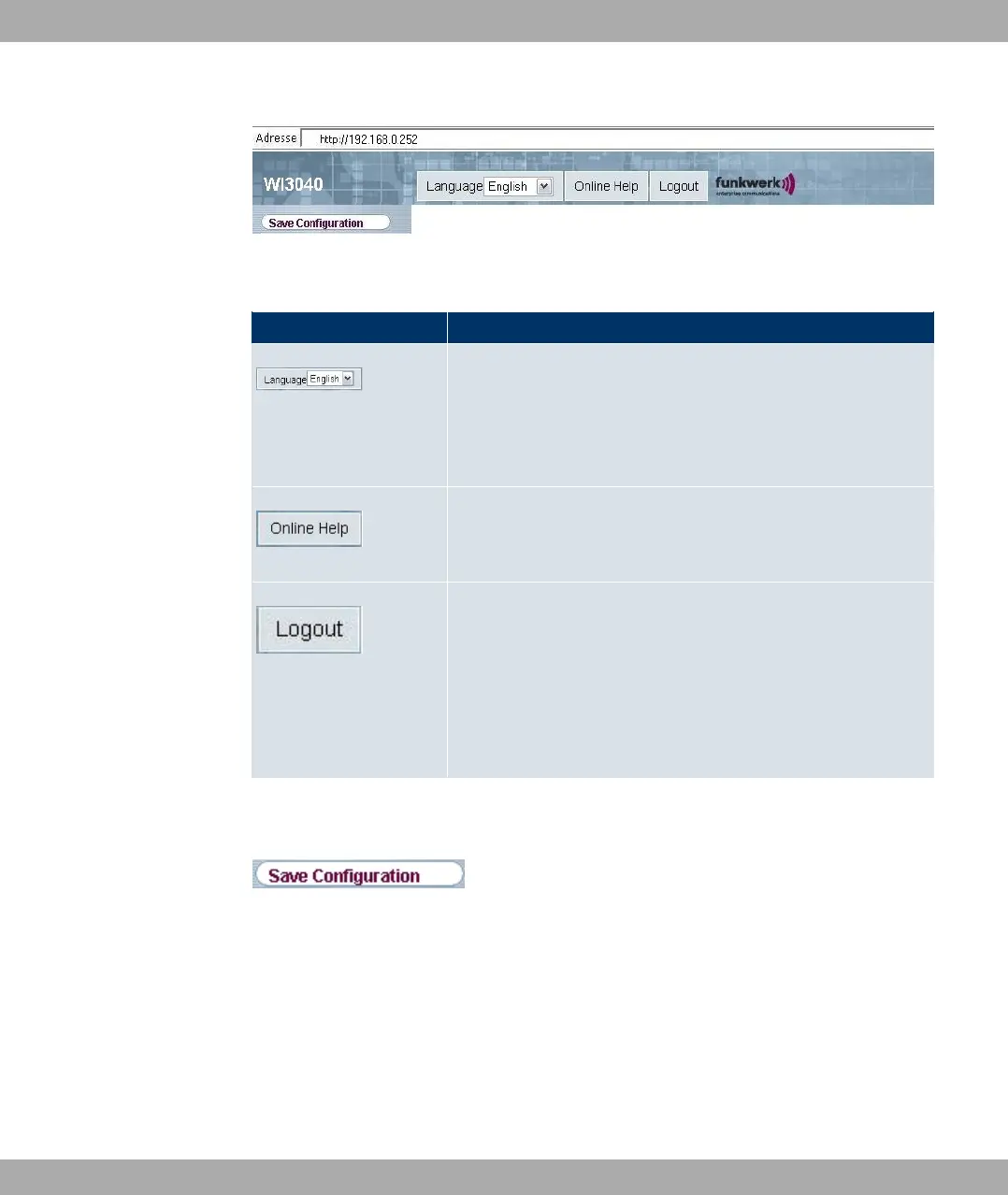
Fig. 29: Funkwerk Configuration Interface header
Funkwerk Configuration Interface header
Menu Function
Language selection: From the dropdown menu, select the lan-
guage in which the Funkwerk Configuration Interface is to be
displayed. Here, you can select the language in which you want
to carry out the configuration. German and English are avail-
able.
Online Help: Click this button if you want help with the menu
now active. The description of the sub-menu where you are now
is displayed.
Logout: If you want to end the configuration, click this button to
log out of your device. A window is opened offering you the fol-
lowing options:
• Continue with the configuration,
• Save the configuration and close the window,
• Exit the configuration without saving.
Navigation bar
Fig. 30: Save Configuration button
Funkwerk Enterprise Communications GmbH
7 Access and configuration
bintec W1002/W1002n/W2002/WIx040/WIx065 63



 To Next Page