42
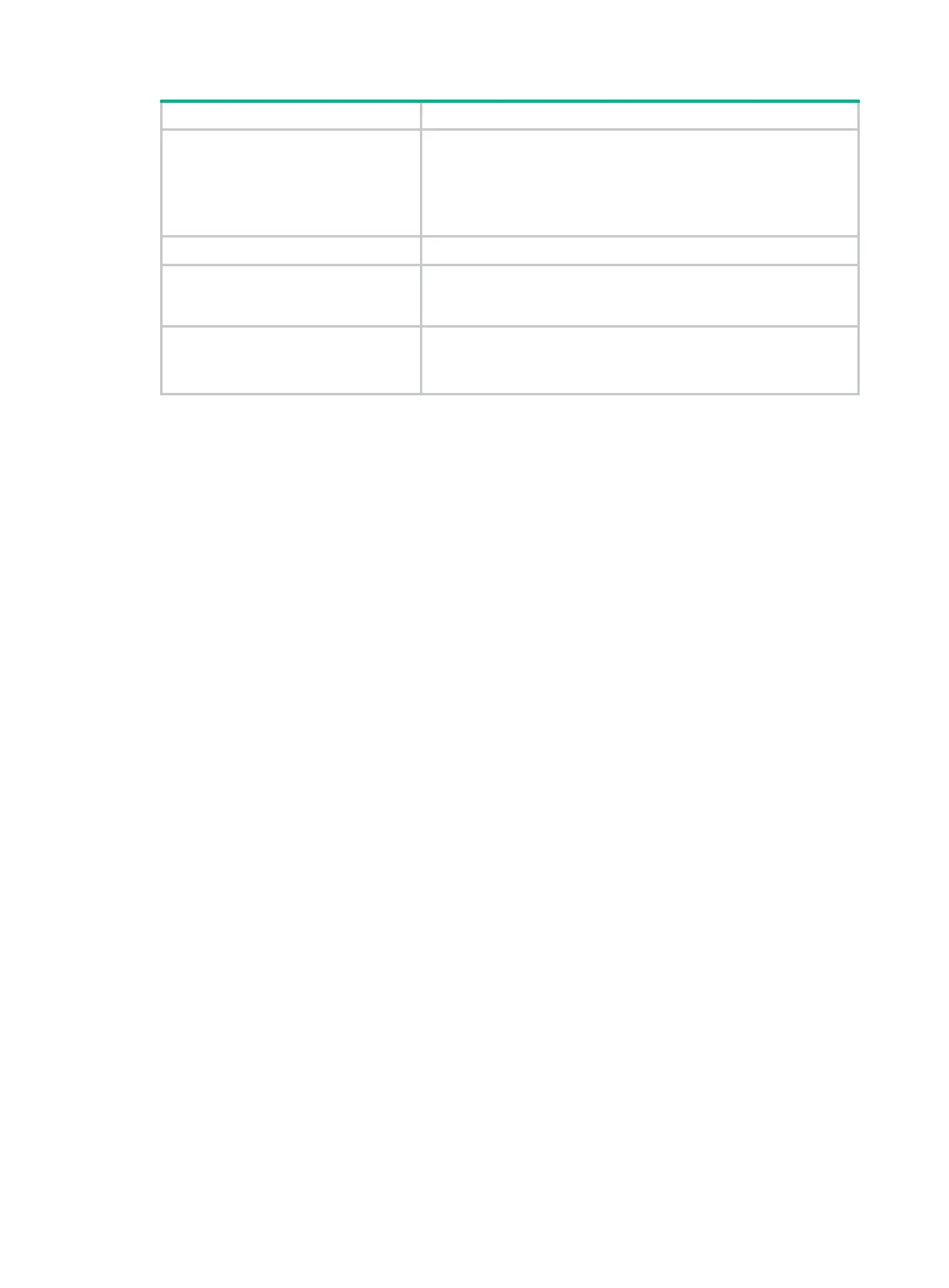
Protocol
Line protocol state:
• UP—The line protocol is up.
• DOWN—The line protocol is down.
• UP(s)—The line protocol is up, but the physical link is an
on-demand link or is not present.
Primary IP Primary IP address of the interface.
Description
Interface description configured by using the
description
command. This field does not apply to VA interfaces because VA
interfaces do not support description configuration.
Cause
Cause for the physical state of the interface to be Down.
Not connected
indicates no physical link exists (possibly because
the network cable is disconnected or faulty).
Related commands
reset counters interface virtual-access
display interface virtual-template
Use display interface virtual-template to display information about VT interfaces.
Syntax
display interface [ virtual-template [ interface-number ] ] [ brief [ description | down ] ]
Views
Any view
Predefined user roles
network-admin
network-operator
Parameters
interface-number: Specifies an existing VT interface by its number.
brief: Displays brief interface information. If you do not specify this keyword, the command displays
detailed interface information.
description: Displays complete interface description. If you do not specify this keyword, the
command displays only the first 27 characters of the interface description if the description contains
more than 27 characters.
down: Displays information about interfaces in physically down state and the causes. If you do not
specify this keyword, the command displays information about all interfaces.
Usage guidelines
If you do not specify the virtual-template keyword, the command displays information about all
interfaces on the device.
If you specify the virtual-template keyword without the interface-number argument, the command
displays information about all existing VT interfaces.
Examples
# Display detailed information about Virtual-Template 1.
<Sysname> display interface virtual-template 1
Virtual-Template1



 To Next Page