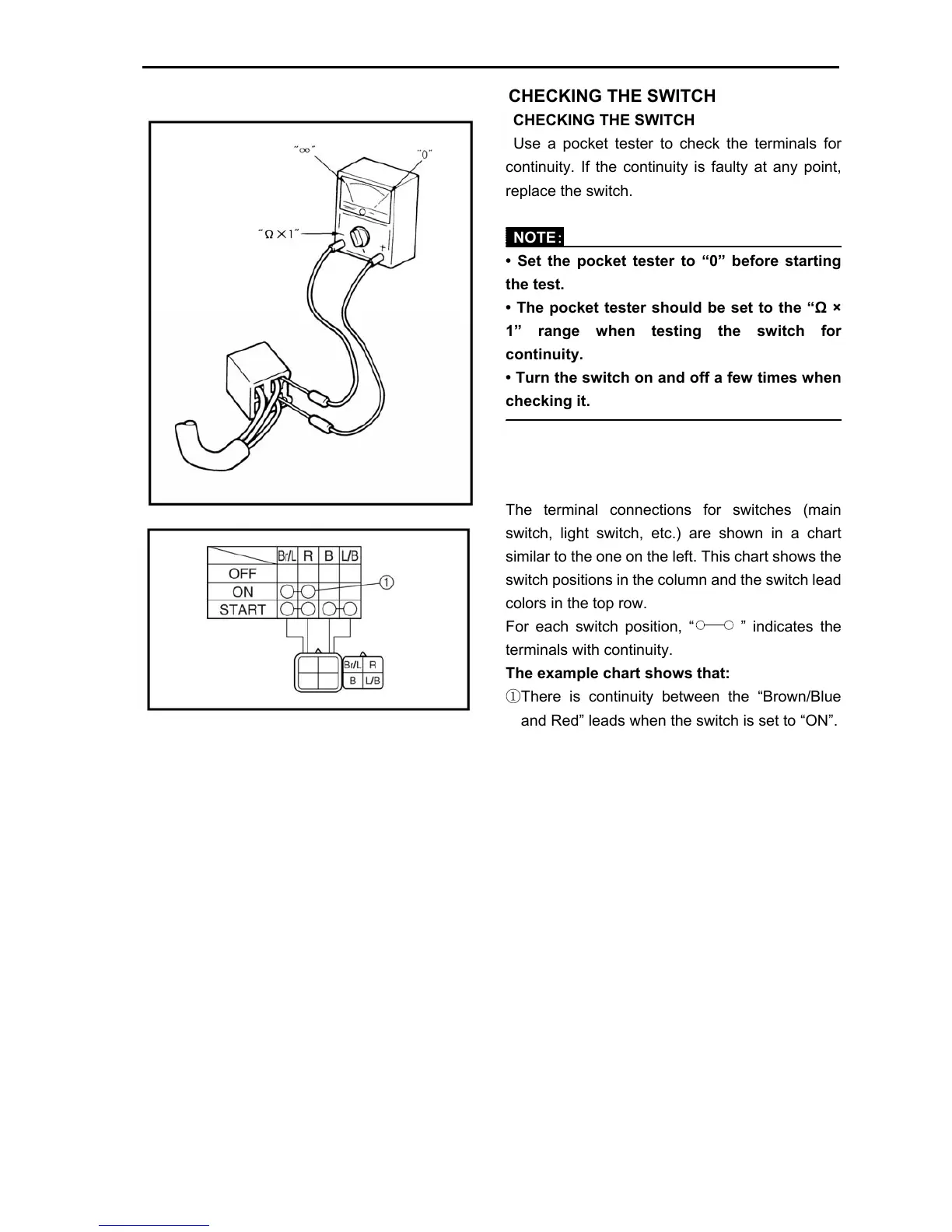
continuity. If the continuity is faulty at any point,
replace the switch.
NOTE:
• Set the pocket tester to “0” before starting
the test.
• The pocket tester should be set to the “Ω ×
1” range when testing the switch fo
continuity.
• Turn the switch on and off a few times when
checking it.
The terminal connections for switches (main
switch, light switch, etc.) are shown in a chart
similar to the one on the left. This chart shows the
switch positions in the column and the switch lead
colors in the top row.
For each switch position, “ ” indicates the
terminals with continuity.
The example chart shows that:
①There is continuity between the “Brown/Blue
and Red” leads when the switch is set to “ON”.



 To Next Page