2014-03-24
10
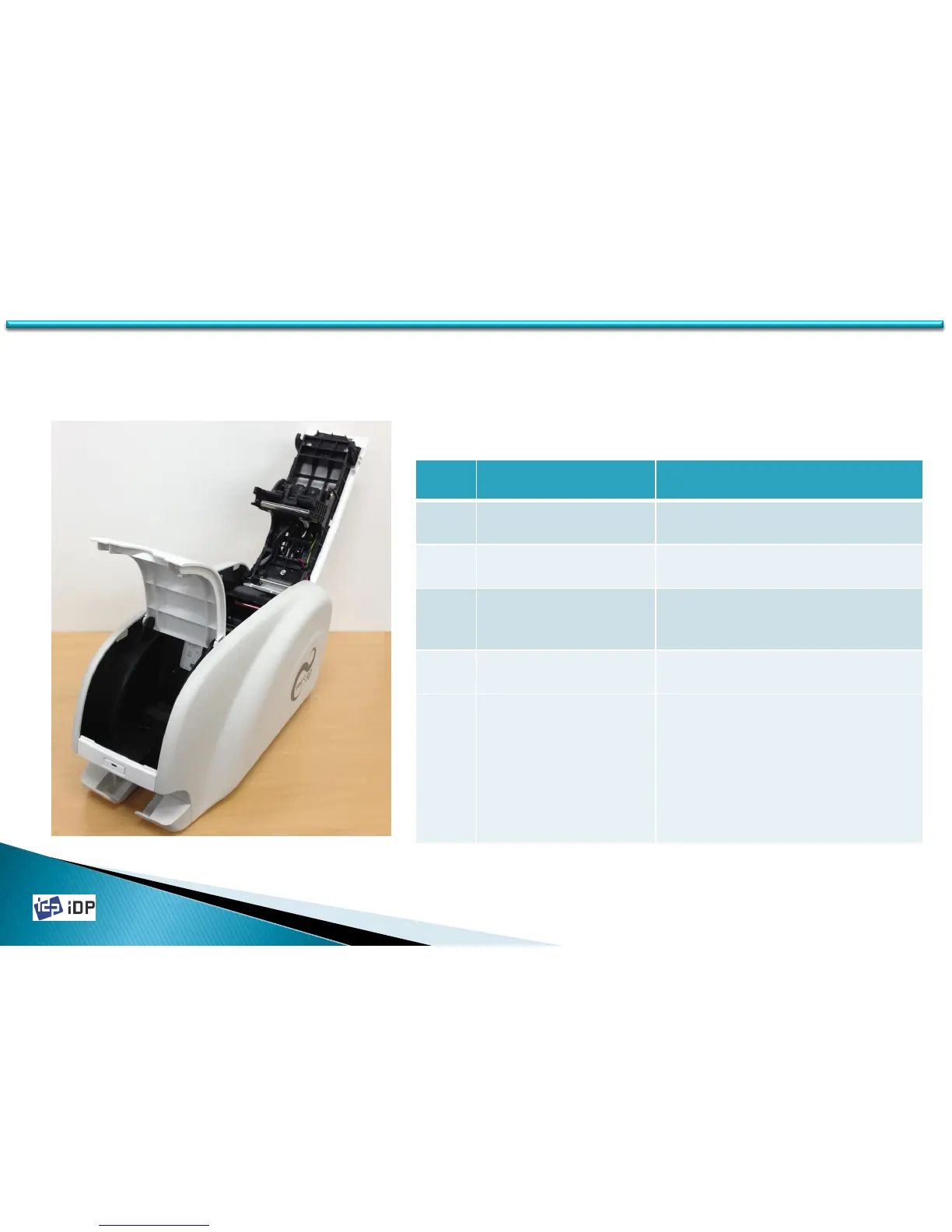
1.1.2 Printer Inside Features
Smart Printer adopts a semi-permanent cartridge to install a Ribbon. The following shows the internal components
and functional features found on your Smart Printer.
No. Name Function
①
STACKER
Stack printed cards and can be
removed.
②
HOPPER
Load new cards for printing and
encoding.
③
CARD THICKNESS
CONTROL BRACKET
Loosen screws and adjust bracket
according to card thickness.
④
RIBBON CARTRIDGE Install ribbon and cleaning roller
⑤
THERMAL PRINT HEAD
This enables the Cards to be
printed.
Caution! Do not contact the
surface of the printer head with
fingers or a sharp metal object to
avoid degrading print quality or
damaging printer head
permanently.
⑤
①
Fig.1-3 Printer Inside Features
②
③
④
1.1 Printer Basic Information



 To Next Page