2014-03-24
79
4.2.2.4 Allocation
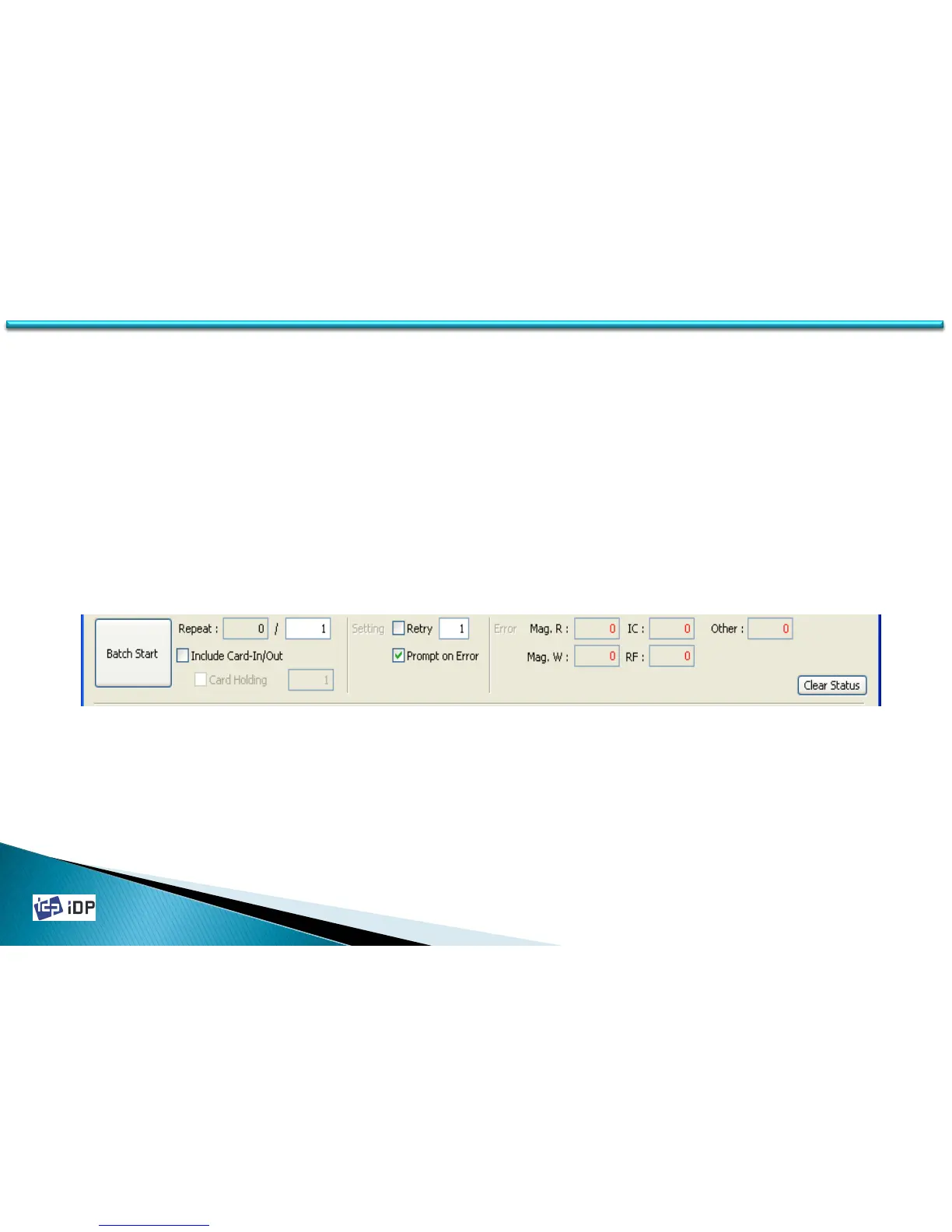
Allocation is used to test the encoding and decoding continually. Set the repeat no. and if press “Batch Start” it
repeat the test. In this case if “Include Card In/Out” section is marked, the card in/out operation is also proceed.
However if it is not checked, use one card continually..
In Strategy, if the retry is not checked, the encoding is placed only one time and it is checked, it is repeat as set
when there is an error. If Prompt on Error is checked, the pop up message will be displayed when there is an error.
And if it is not checked, the test is proceeding after an error is counting.
Error is the error number for each encoding.
4.2 Test



 To Next Page