2014-03-24
80
4.2.2.5 Status
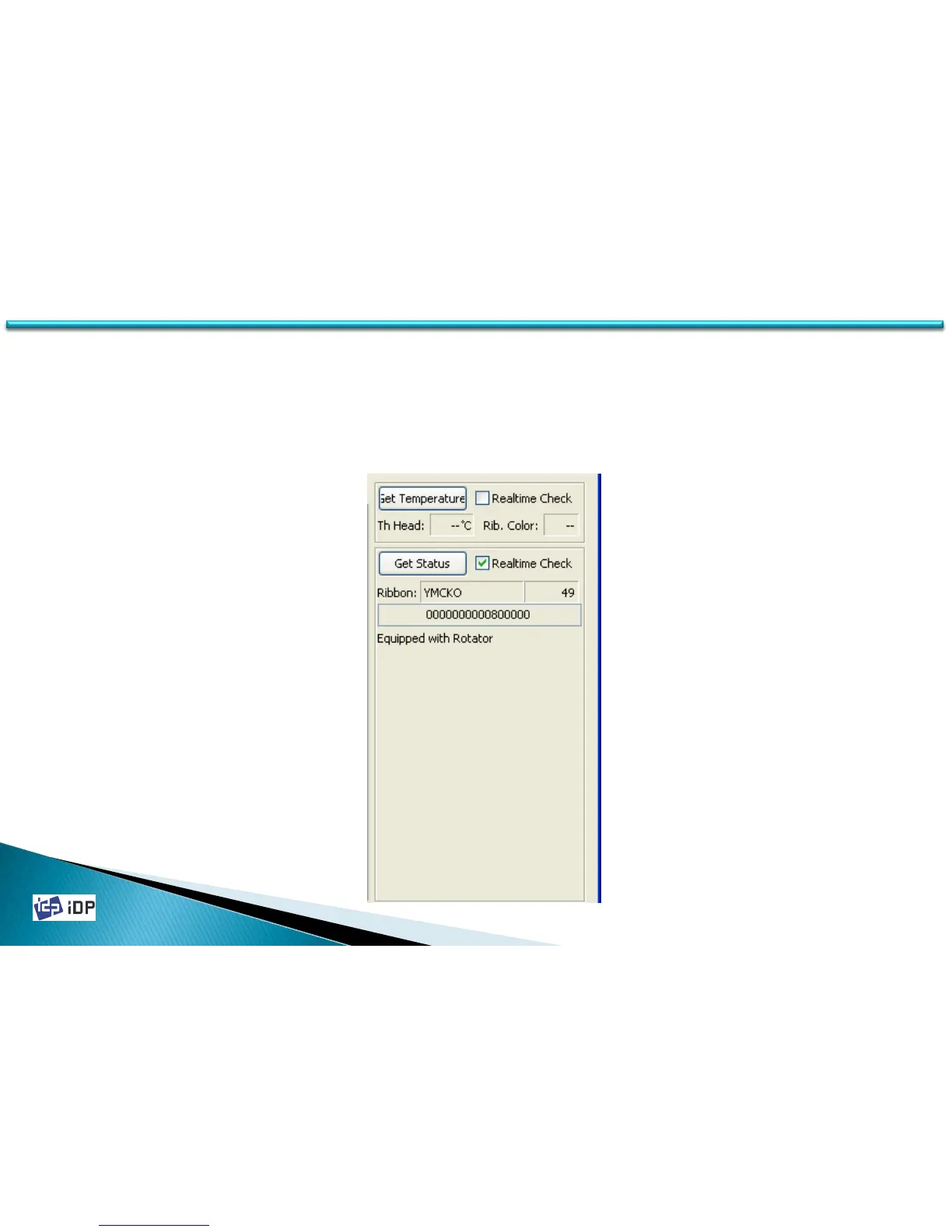
State is to check the printer state. If press “Get Temperature”, it display the thermal head’s temperature. In this
case if check “realtime check”, the temperature is checked on time.
“Get Status” is to check the printer’s state. It show the ribbon balance, printer condition and error state. If check
“realtime”, on time checking.
4.2 Test



 To Next Page