2014-03-24
76
4.2.2 Basic Operation
4.2.2.1 Selection
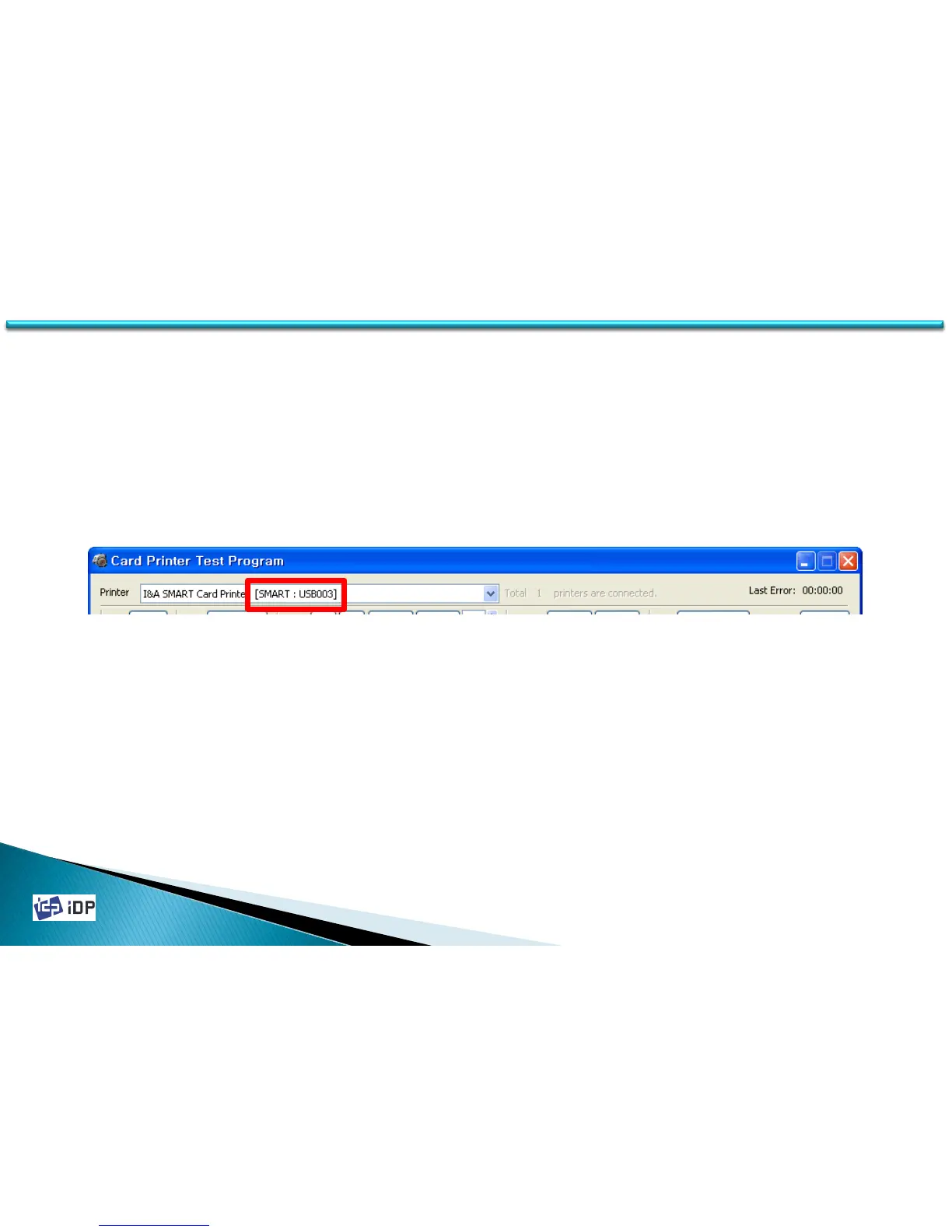
The section next to “Printer” is for the printer selection. If you execute CardPrinterTest program, you can find out
the below thing and show the available printer list, The displayed thing is “Printer ID”. (explained at 4.1 chapter) In
below image, it show there is one printer is connected and its printer ID is “SMART”. Usually one printer is
connected so do not much concern for this matter.
(When connect more than two printers to one PC, use after select “USB Serial” in CardPrinterSetup program.
If the printer selection section is not activated, it means there is no printer connected so please check the printer is ON.)
4.2 Test



 To Next Page