2014-03-24
77
4.2.2.2 Control
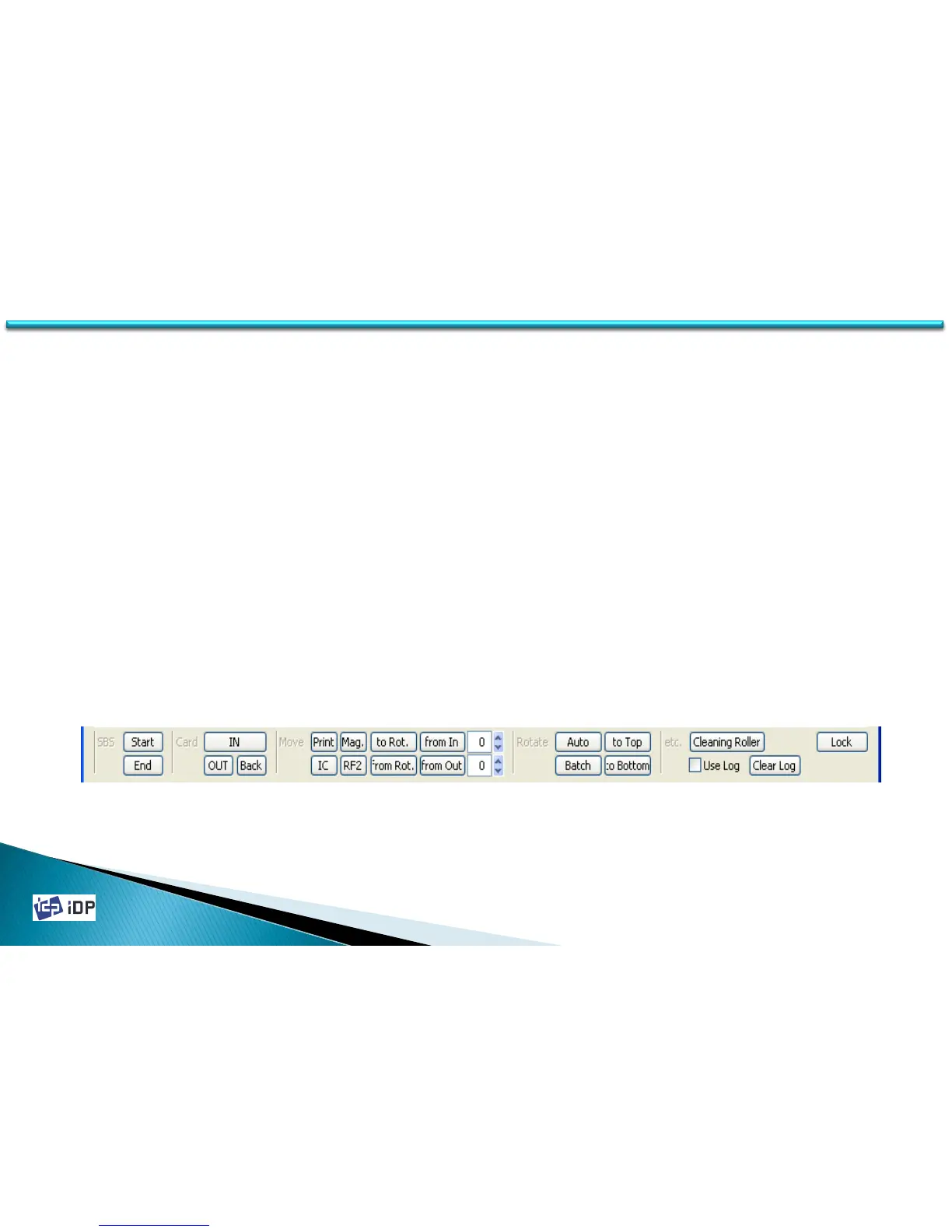
Control is consist of SBS, Card, Move, Rotate, Etc. and it is used to control the printer’s each step.
• SBS is the operation of SBS (Step-By-Step) mode. The user can control SMART printer using the command. The
difference of NORMAL mode and SBS mode is that the printer do printing after get the printing
command(DoPrint). If press “Start” in SBS, SMART printer operate as SBS mode and in this time if there is printer
spool, it will be removed. To close SBS mode, press “Stop”.
• Card is the command for Card In / Out. “IN” is for moving the card to the printer inside and “OUT” is the
command to card out to the stacker. “Back” is to out the card to back side.
• Move is the command to move the card. “Print” is to move the print location, “Mag.” is magnetic location, “IC” is
Smartcard location, “RF” is Contactless Smartcard location, “To Rotate” is move to the inside of rotator, “From
Rotate” is move the card from rotator inside to the printer inside.
• Rotate is for the card flipping. When the card is the printer inside if do “Auto” command, the card is move to
rotator and flip and move to the printing location. “Batch” is repeat as set. “To bottom” is the card flip to back
side. “To Top” is the card flip to front side. For Etc., “Auto Ribbon Set” is automatically set the ribbon. And
using “Use Log”, you can decide to record to the log file or not.
4.2 Test



 To Next Page