2014-03-24
11
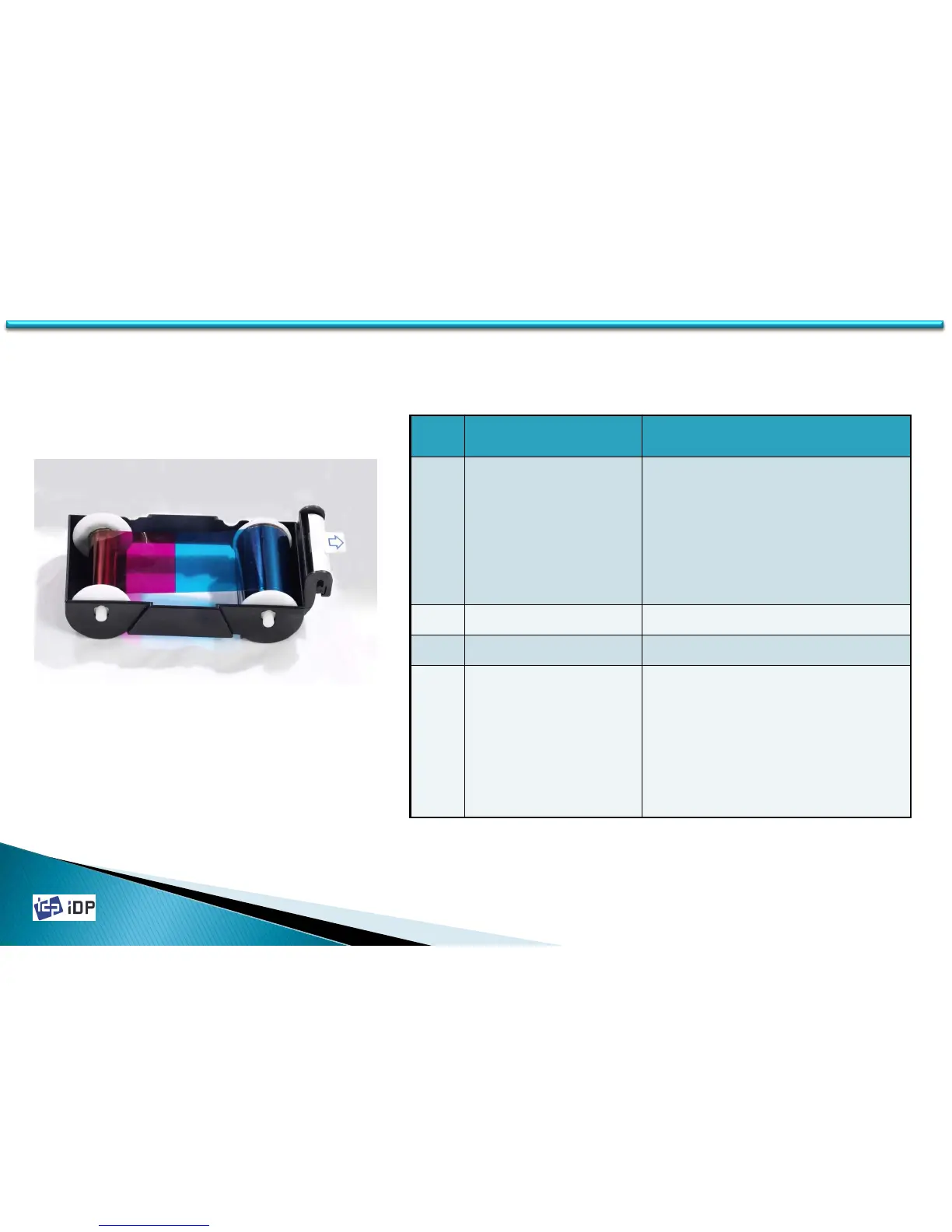
1.1.3 Ribbon Cartridge Feature
①
②
③
④
1.1 Printer Basic Information
No. Name Function
①
Ribbon Cartridge
Install a Ribbon and a disposable
cleaning roller provided with the
Ribbon. (Important! This semi-
permanent ribbon cartridge is a
component of the printer. Printer
does not operate if it is broken or
damaged. In this case, please
contact printer reseller.)
②
Ribbon Take-Up Core Collect the ribbon used in printing
③
Ribbon Supply Core Provide the ribbon for printing
④
Disposable
Cleaning Roller
It removes dust in the surface of
card to improve print quality before
the card is printed. It should be
changed together with the Ribbon.
(Caution! This disposable cleaning
roller is provided with the Ribbon. If
this is not changed, print quality
mighty be degraded. )
Fig.1-4 Ribbon Cartridge



 To Next Page